Get WhatsApp Blue Tick Verified with 10% off

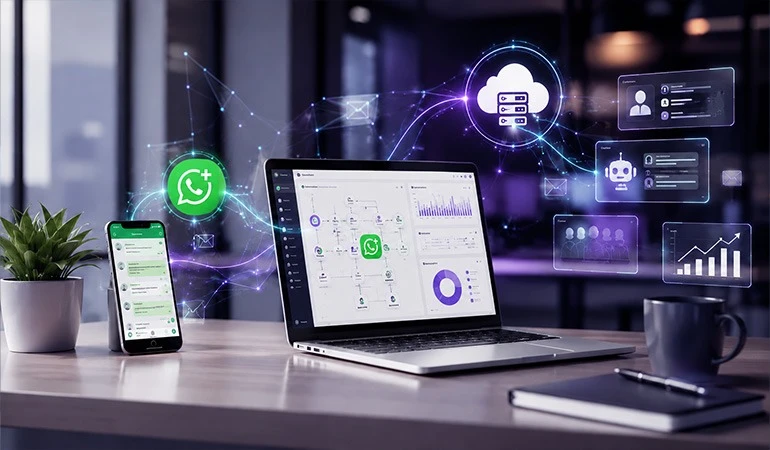
In today's advanced age, client interaction has changed. Whereas e-mail and SMS were once dominant, messaging propensities have now evolved. Keeping this change in mind, the WhatsApp Business API (hereinafter referred to as the "API") platform has opened up modern communication opportunities for businesses. In this article, we'll investigate what this API is, its key benefits, and how you can utilize it in your company.
What is an API?
WhatsApp's standard app and the "Business App" custom-made for businesses can be operated by one or two clients. But as your business develops, you may require multiple chats, message automation, multi-agent groups, and more. This is where the API-based demonstration is helpful.
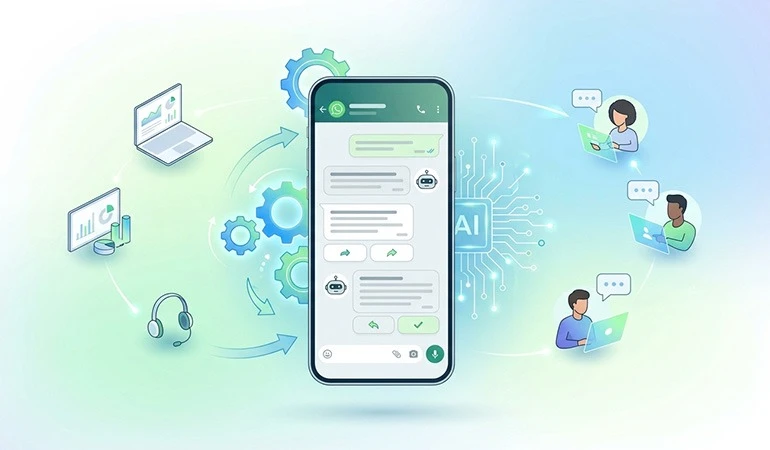
Through the API, you can:
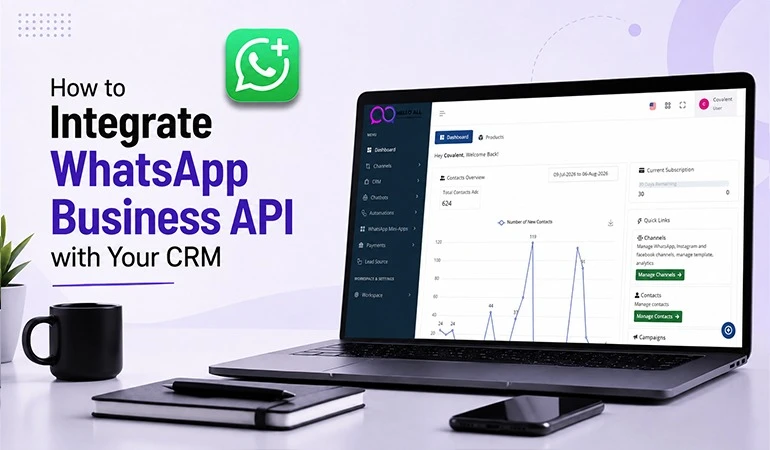
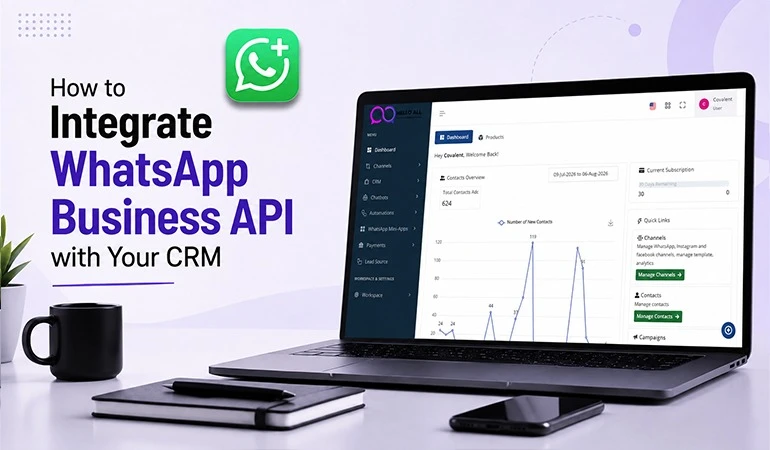
- Integrate WhatsApp with your internal CRM or sales system.
- Allow multiple operators to send and receive messages from a single number or account.
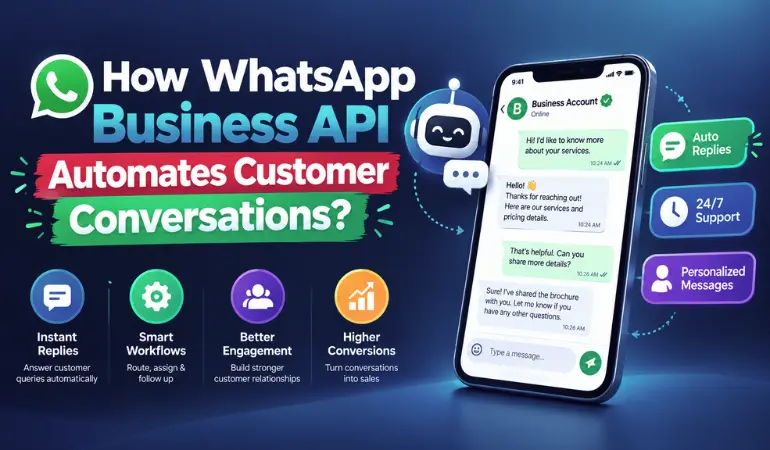
- Set up automated messages, chatbots, and more.
In short, it's a business-oriented communication platform where you can expand your communication beyond simple chat to strategic communication.
The Problem: Why Are Standard Channels No Longer Sufficient?
- Email open and response rates are very low today.
- SMS is also not without its risks—many people mistake them for spam.
- Customers want fast, intuitive, and personal communication—not just a general message.
For all these reasons, businesses are looking for a platform where customers are already active. WhatsApp is such a platform.
Key Benefits of APIs (Engagement Boosters)
1. When Customers Are Already on the Platform
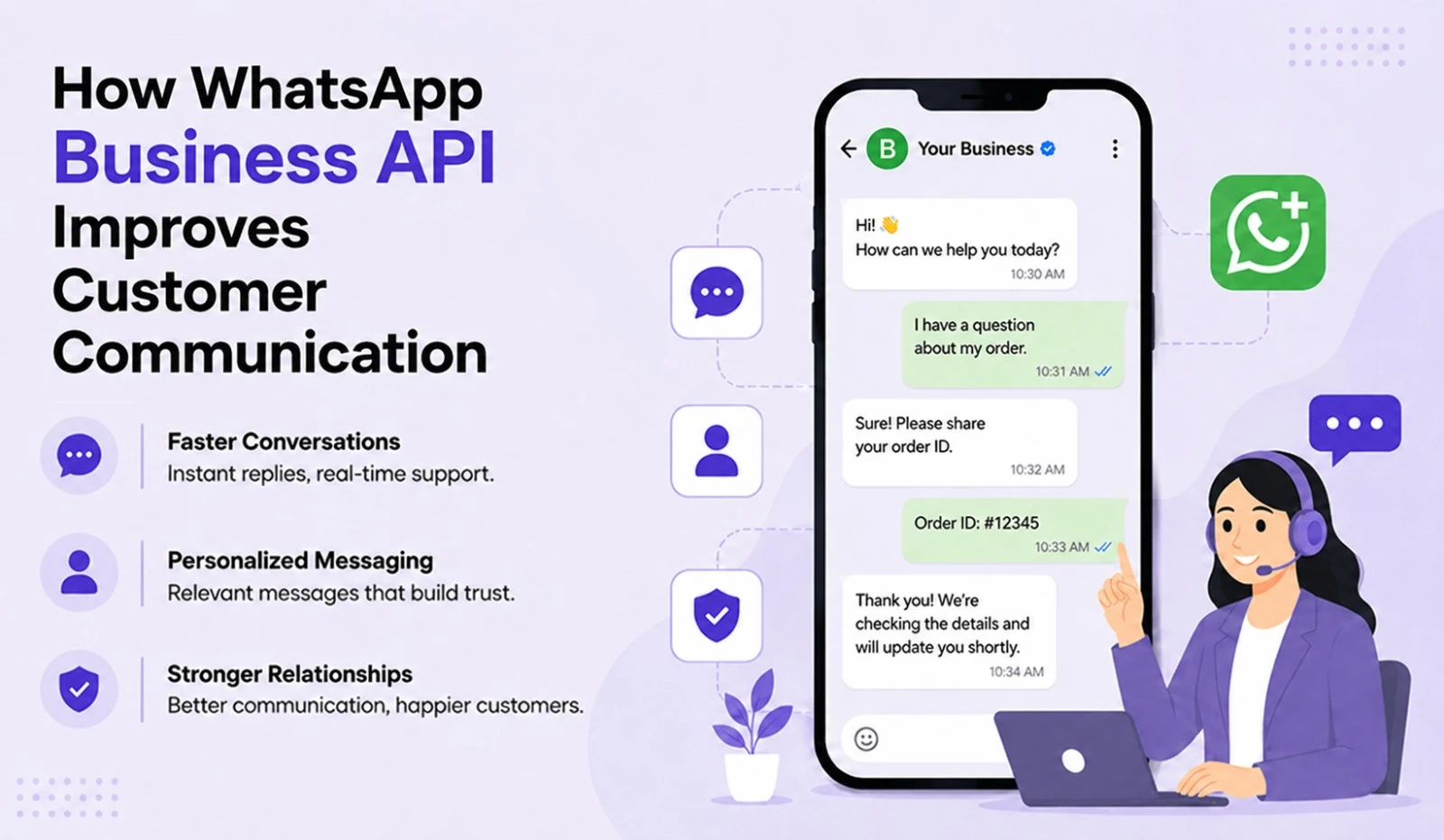
WhatsApp has billions of users. They open the app every day. Hence, when you communicate there, you're communicating "where the client already is." When clients get messages in the same app where they're active, the probability of them being opened and read increases significantly.
2. Per-Customer Communication and Instant Response
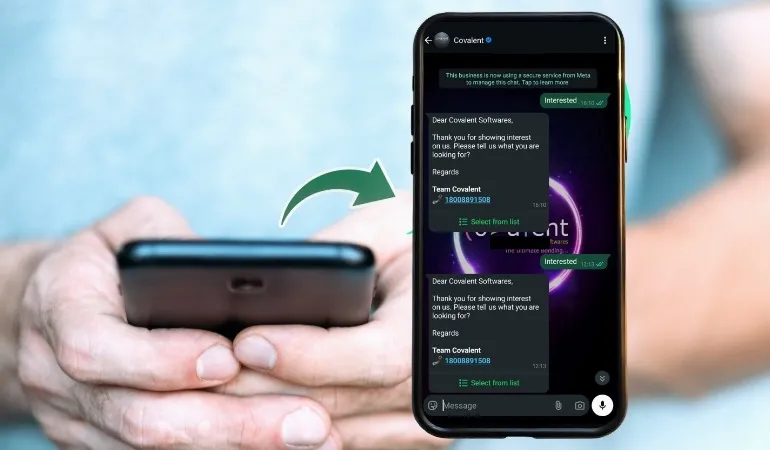
APIs help you prevent customer communication from becoming fragmented. Auto-replies, chatbots, and instant agent responses give customers the confidence that "I ask, I get an answer." When customers receive prompt service, they stay engaged, and your brand engagement is strengthened.
3. Personalization and Timely Messages
API integrations allow you to leverage customer data—their past behavior, likes, dislikes, and more. For example, messages like “Hi {name}, your order has been dispatched” feel personal. This way, you don’t send the same message to everybody but rather tailored ones for each client.
4. Multi-Agent & Team Collaboration
When businesses begin dealing with a huge number of messages, one individual simply won’t suffice. With an API, you can connect multiple operators to a single account and divide chats into different groups. This ensures no customer query is left unanswered, improving engagement.
5. Reporting and Data Experience
Using an API can provide insights into message sends, opens, reads, replies, and more. After analyzing these insights, you can identify what’s working and optimize communication strategies accordingly.
6. Trust and Brand Credibility
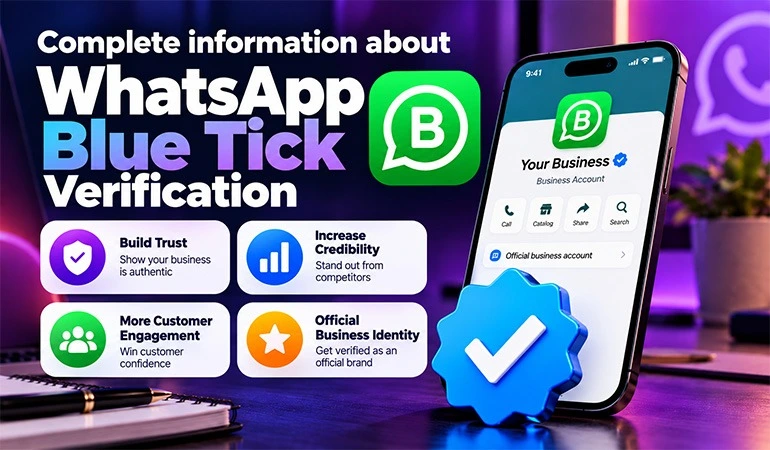
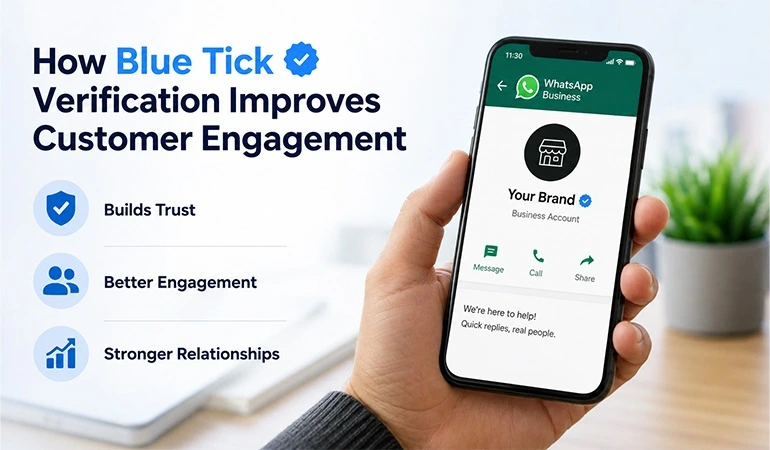
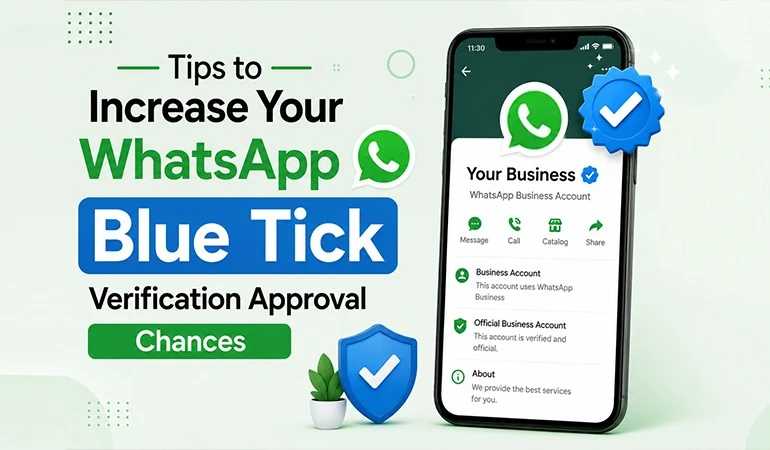
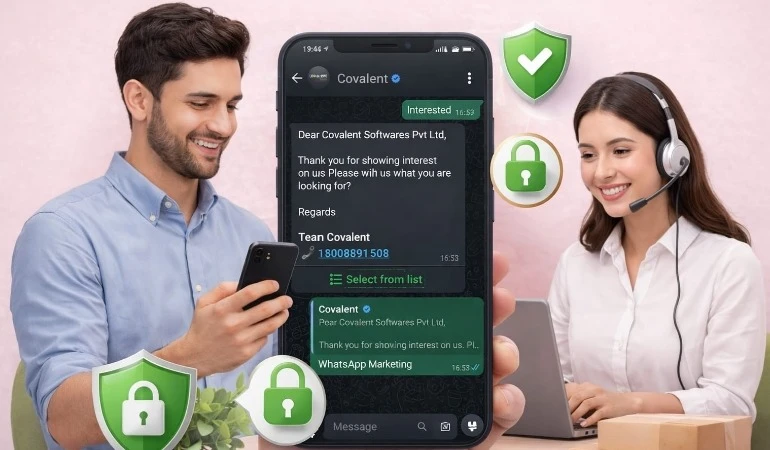
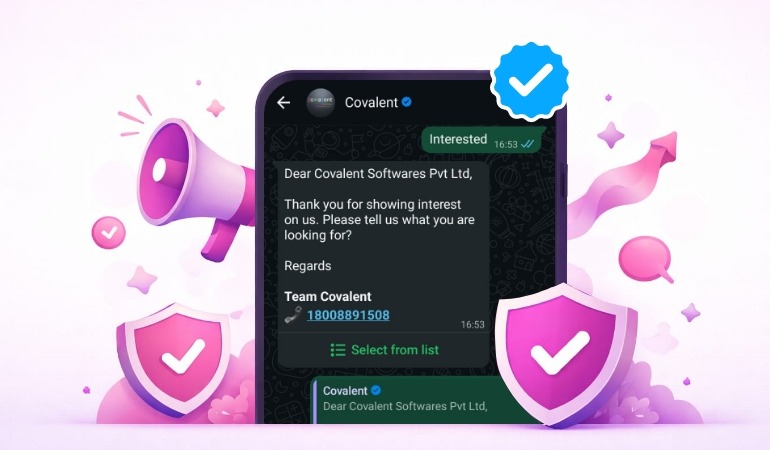
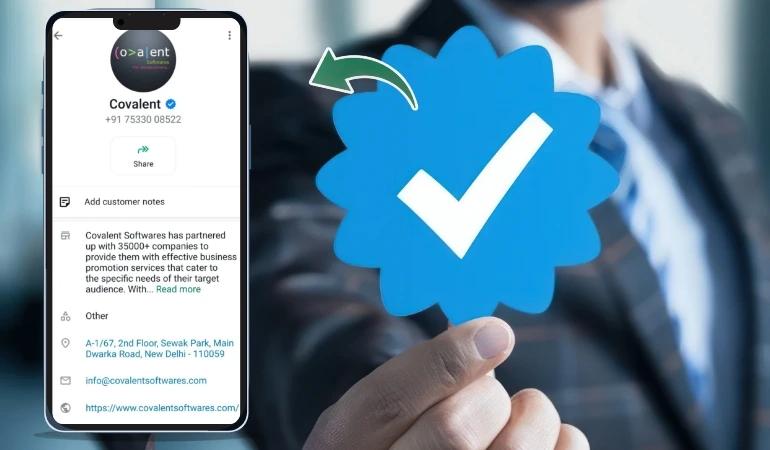
Business profiles with APIs display your brand name, logo, and verified status. This helps customers recognize they’re communicating with a legitimate business, building trust and credibility.
How to Use APIs in Business
1. Clarify Your Needs
- What purpose do you want to communicate with customers for — service support, sales, updates?
- At what level do you need auto-responders? How many agents will you have?
2. Choose an API Provider or Get Set Up Directly
- There are third-party platforms that help with API integration.
- If you have an in-house technical team, you can integrate directly.
3. Integrate Customer Data and Channels
- Integrate your CRM, website forms, and e-commerce platforms with WhatsApp.
- Create message templates such as order confirmations, shipment updates, etc.
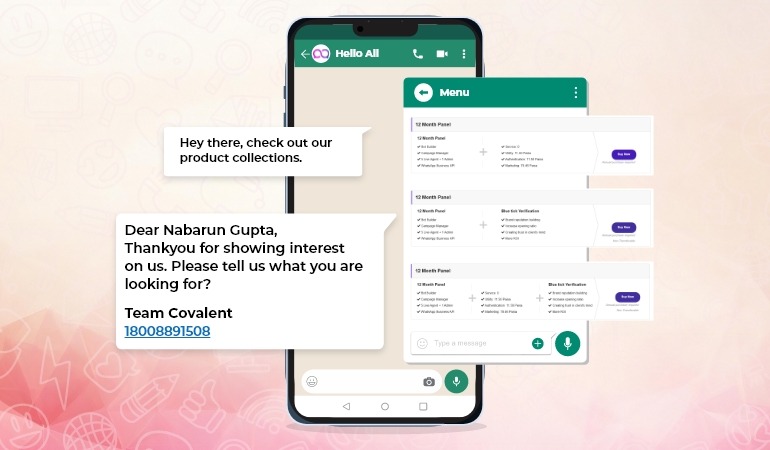
4. Create Welcome Messages and Automations
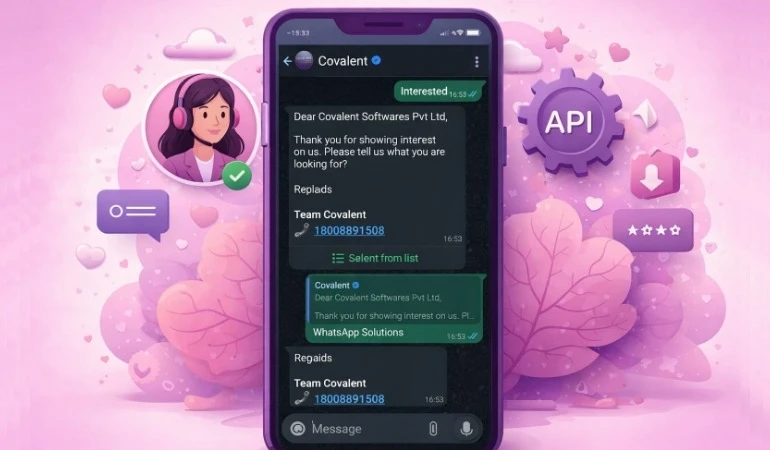
- For example: “Hello {name}, you're with {company}—we welcome you.”
- Set up chatbots for FAQs and routine support queries.
5. Launch, Monitor, Improve
- Track open rates, reply rates, and customer satisfaction.
- Collect feedback on communication tone and relevance.
- Adjust strategies based on performance data.
What to Consider
- You must obtain permission before messaging customers—avoid spam.
- Check API-supported rules for message templates.
- Ensure communications feel natural, not overly automated.
- Offer customers the option to opt-out of messages to build trust.
- Ensure data security in all integrations and communications.
Conclusion
If you want your customers to be active in communication, your messages to arrive timely, and you want to build a trusting relationship with them—the WhatsApp Business API is a powerful tool. It's not just a "messaging platform," but a "conversation stage" where you can elevate client connections to the next level. When implemented properly, it can help improve brand engagement, customer satisfaction, and overall business growth.