Get WhatsApp Blue Tick Verified with 10% off

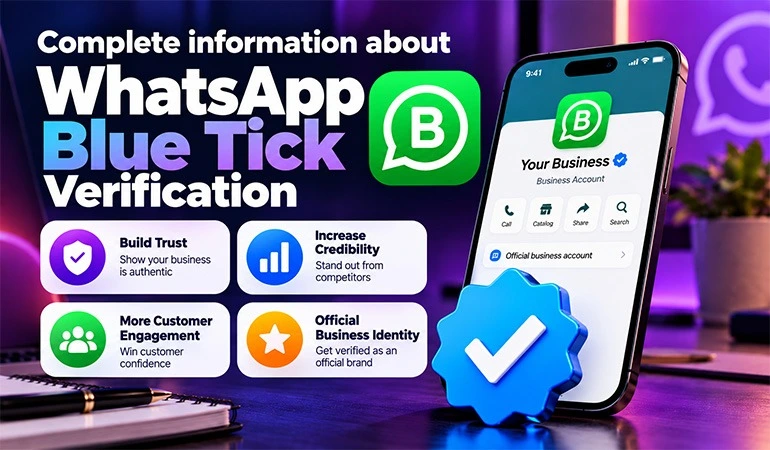
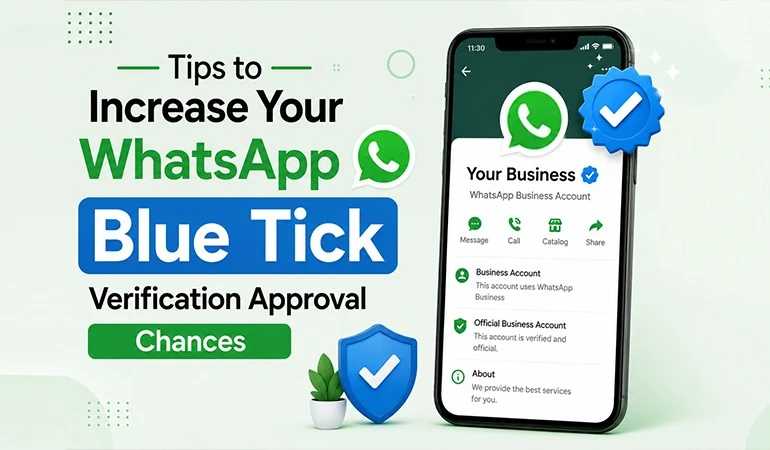
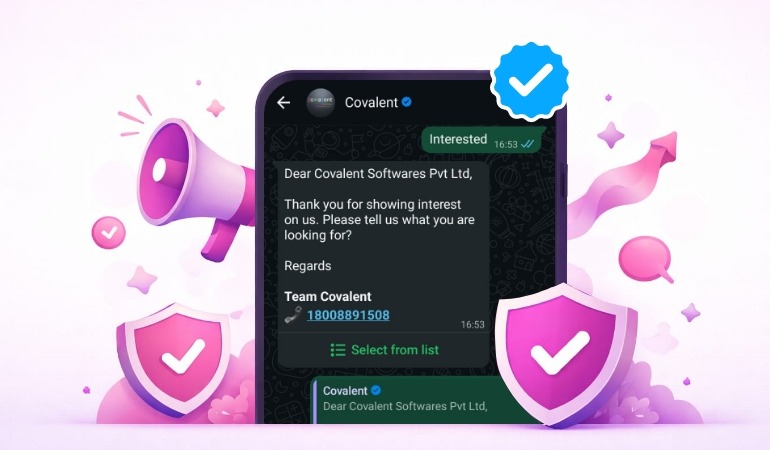
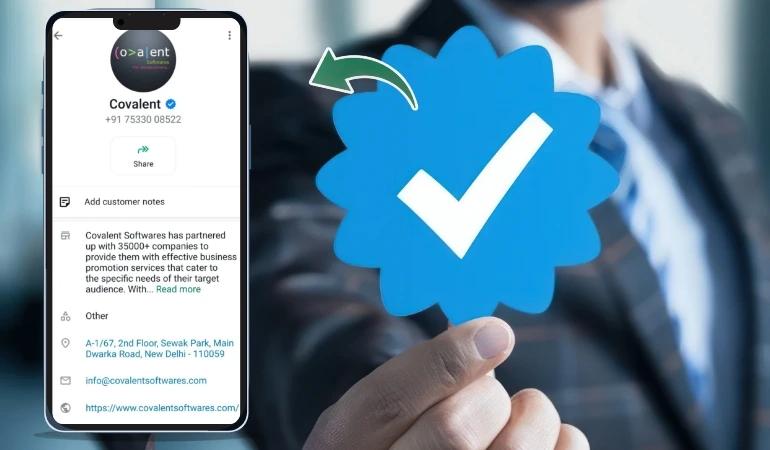
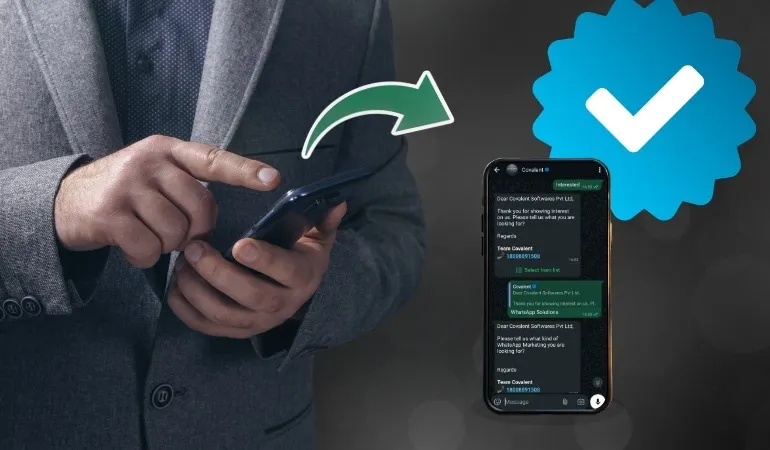
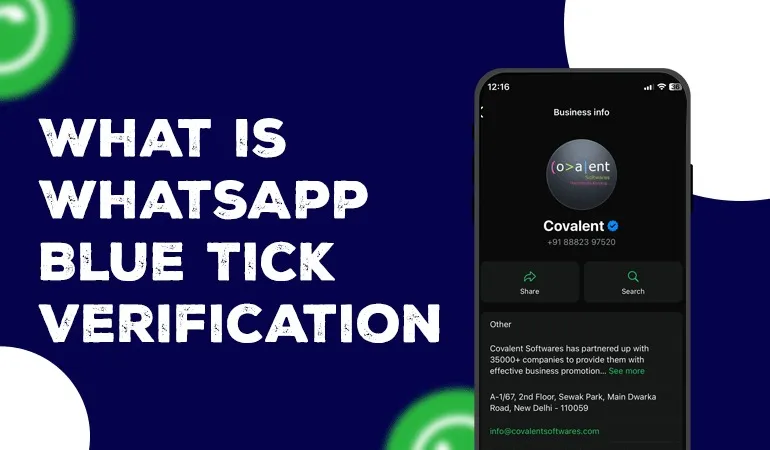
WhatsApp Blue Tick Verification is an official mark that shows up next to the name of a WhatsApp Business account. This tick is allowed by WhatsApp and means that the account belongs to a genuine business, brand or public figure.
It has gotten to be a significant tool for building belief for brand, business and public experts. In this context, WhatsApp Blue Tick Verification has become a symbol of genuineness, showing that the account is genuine and officially verified. Many individuals need to get it, but applying without the right information frequently leads to rejection.
In this blog, we will clearly get what WhatsApp Blue Tick is, who is eligible for it and how to apply for it correctly.
It is only accessible to accounts on the WhatsApp Business Platform.
Why is WhatsApp Blue Tick Important?
The Blue Tick is not just for appear; it has a few viable benefits:
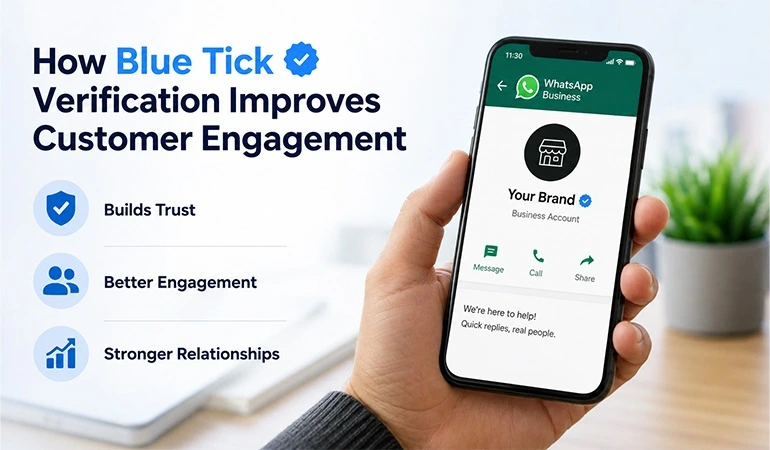
• Increases client believe.
• Protects against fake accounts.
• Strengthens brand credibility.
• Improves message open and reply rates.
• Builds up a proficient identity.
What is Eligible criteria for WhatsApp Blue Tick Verification?
WhatsApp considers certain specific criteria:
1. Must be on the WhatsApp Business Platform
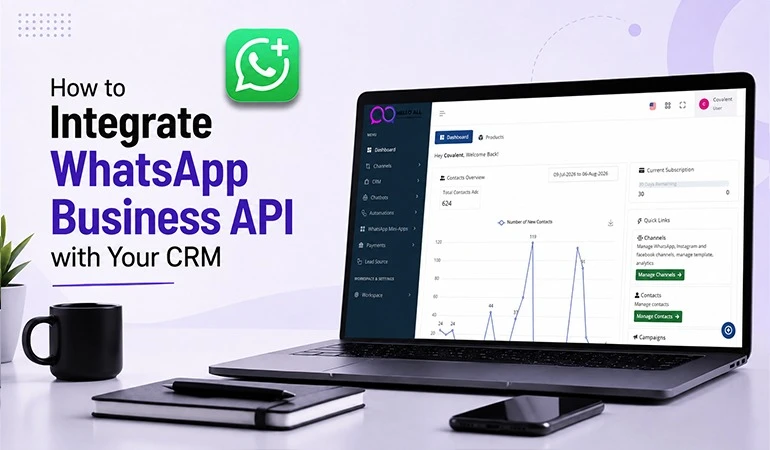
The Blue Tick is not available through the WhatsApp Business App alone. Your account must be on the WhatsApp Business Platform or API.
2. The business or brand must be legitimate
Your business must be legally registered. This can include:
• Company
• Startup
• Agency
• Online business
• Public figure or creator brand
3. Facebook Business Manager must be verified
Your Facebook Business Manager account must be pre-verified. Applications will not be accepted without this.
4. Online presence of the brand
WhatsApp checks how well-known your brand is online. For this,
• Official website
• News articles
• Social media profiles
• Brand search on Google
Having all of these is beneficial.
5. Adherence to WhatsApp's policies
Your account ought to not be included in any kind of spamming, improper content or policy violations.
Who is not eligible for WhatsApp Blue Tick?
• Personal WhatsApp accounts.
• Unregistered businesses
• New or unknown brands
• Accounts with policy violations
Businesses providing false or incomplete information
How to apply for WhatsApp Blue Tick Verification correctly?
Now, the most imperative portion: the correct application process.
Step 1: Set up the WhatsApp Business Platform: For this, you require an official WhatsApp Business Solution Provider.
Step 2: Verification in Facebook Business Manager:
Here you need to submit:
• Business documents
• Website
• Address and contact details
Step 3: WhatsApp Display Name Approval: Your WhatsApp name must be approved first. This name should match the brand name.
Step 4: Send a request for the Blue Tick: Once all the above steps are complete, a request for Blue Tick verification is sent through your Solution Provider.
Step 5: WhatsApp Review Process:
WhatsApp verifies your:
• Brand identity
• Online presence
• Business authenticity
Why is the WhatsApp Blue Tick application rejected?
Often people don't understand why their application was rejected. Some common reasons are:
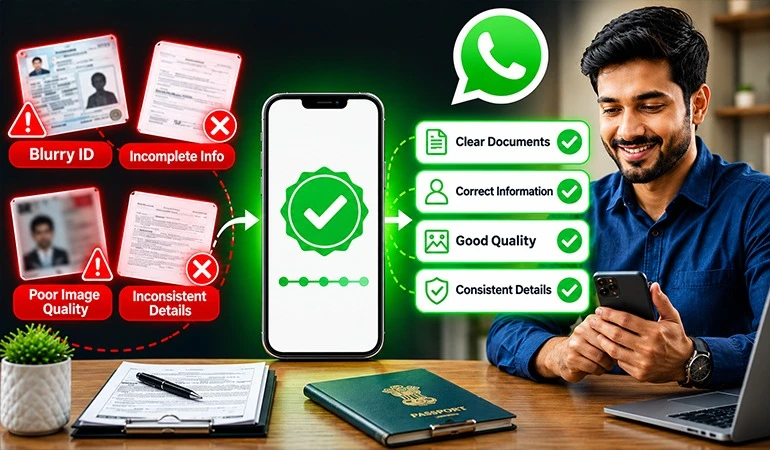
• Weak online presence.
• Incomplete website or brand information.
• Facebook Business Manager not verified.
• New or less well-known business.
• Violation of WhatsApp policies.
Rejection is not cruel; you cannot apply once more.
Is WhatsApp Blue Tick free?
WhatsApp itself does not charge any fee for the Blue Tick. However,
• WhatsApp Business Platform
• Solution Provider
• API setup
• May have some charges.
FAQs
No. The Blue Tick is only available for accounts on the WhatsApp Business Platform.
No. The WhatsApp Business Platform or API is required.
Yes. WhatsApp can remove it if there is a violation of their policies.
Yes. If the business is authentic and has a great online nearness, size doesn't matter.
There is no settled time. Make the necessary improvements. After doing so, you can apply again.