Get WhatsApp Blue Tick Verified with 10% off
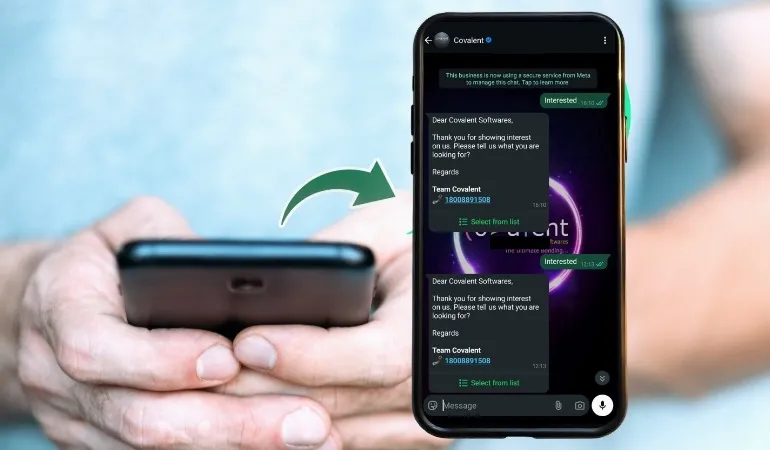
It has become a powerful business tool where millions of companies are connecting with their customers. If you're a business owner, you have heard that some business verticals have a blue tick on their WhatsApp accounts.
This blue tick isn't just a mark, but a mark of trust. It shows that your account is official and verified. Many people want to know how to get a WhatsApp blue tick. Can anyone apply? What is the process?
In this blog, we will explore in detail how to verify WhatsApp blue ticks, what documents are required, and what benefits accrue after verification.
What is a WhatsApp blue tick badge?
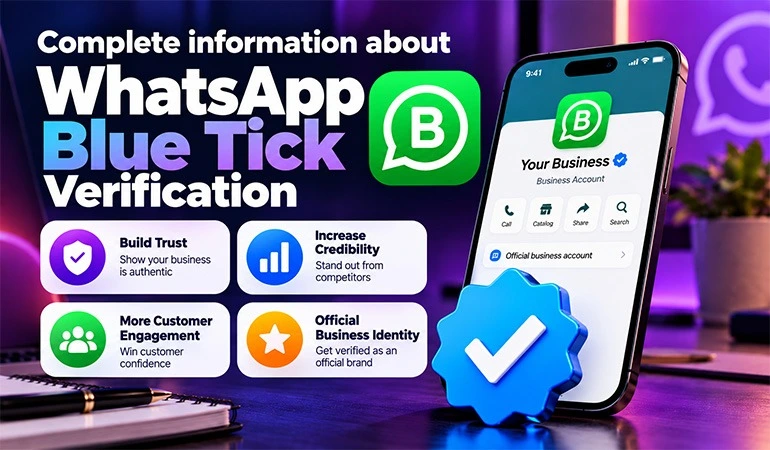
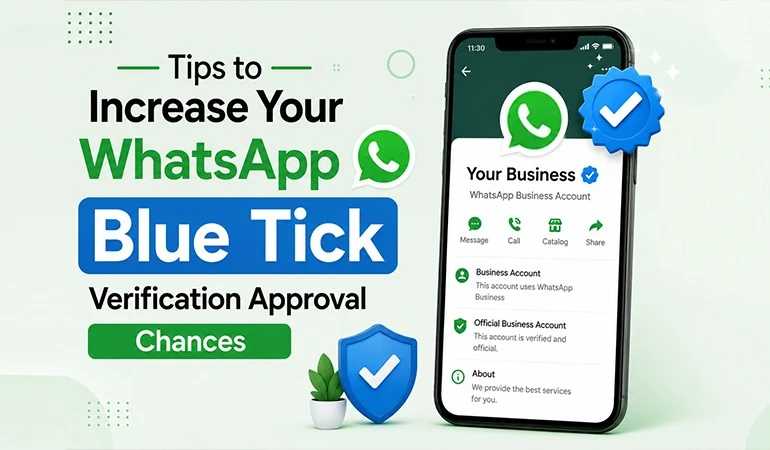
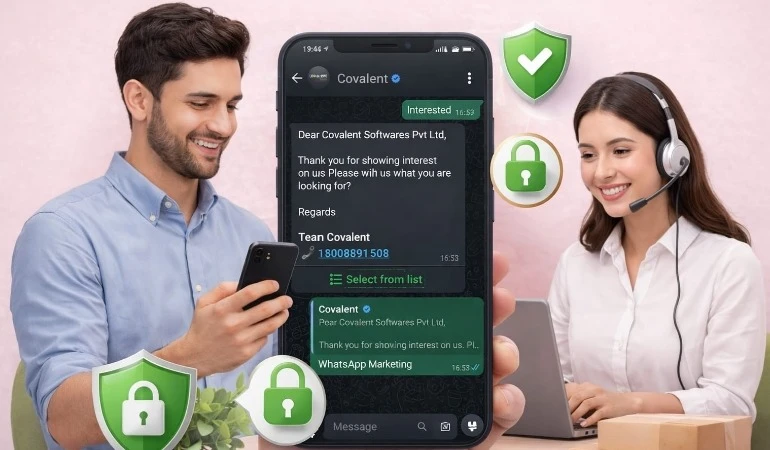
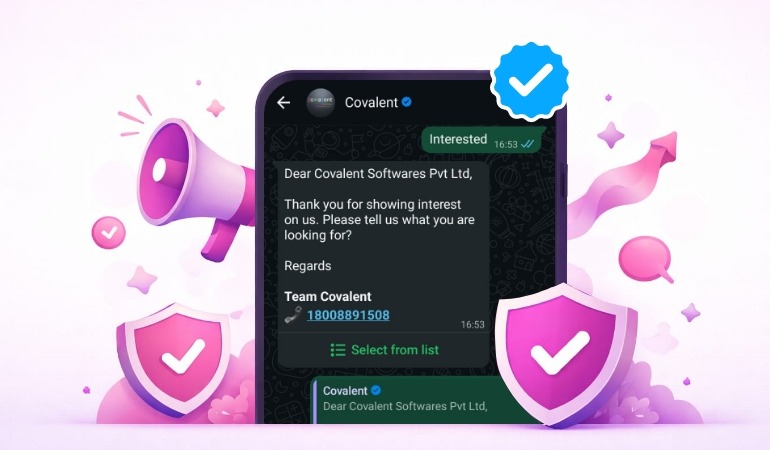
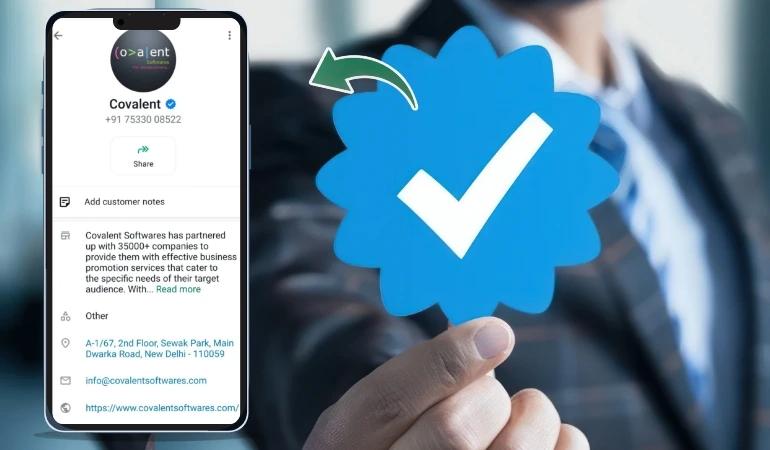
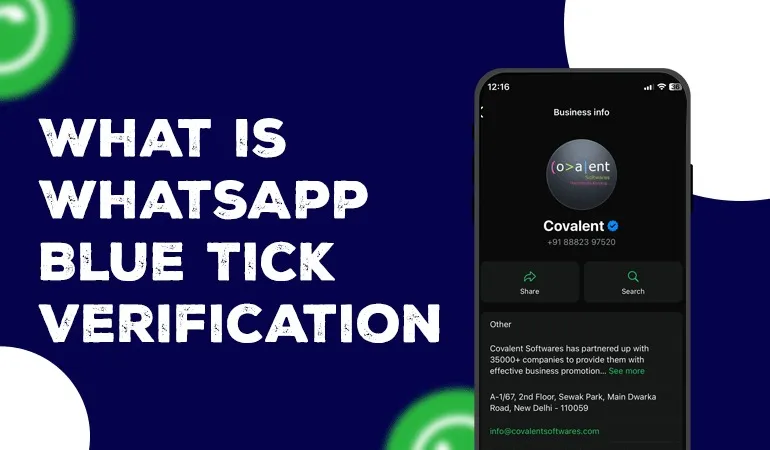
The WhatsApp Blue Tick is essentially a verification badge that WhatsApp gives to authentic businesses. Just like the blue tick on Facebook, Instagram and X, this badge on WhatsApp also indicates that the account belongs to a genuine company.
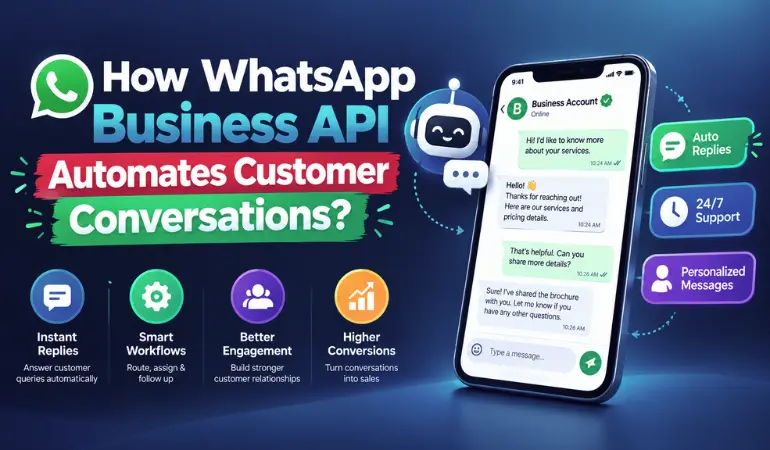
This feature is available for brands and companies using the WhatsApp Business API service. It is not available to general users. This means that if your business is small but authentic, you can apply for it.
Why is blue tick verification needed?
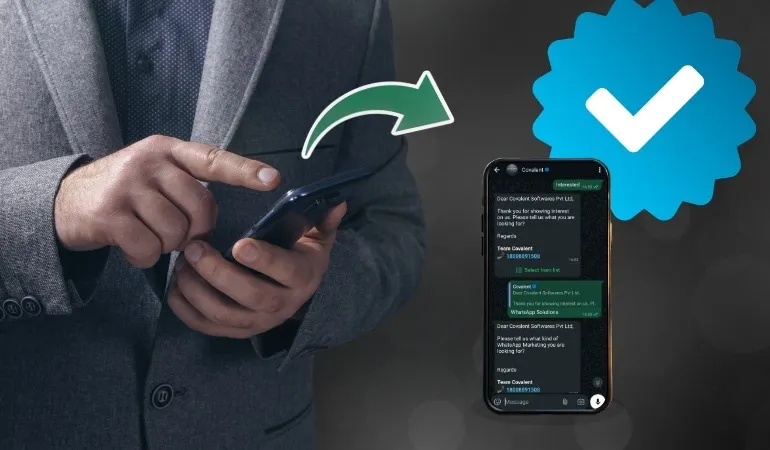
Did you ever receive a WhatsApp message from an unknown number and worried, "Is this real or fake?" This is the question your client has when they see it for the first time.
• A blue tick eliminates this doubt and gives your business a trustworthy image.
• Customers are confident they're in the right place.
• Protects against fake accounts.
• Increases business brand value.
• Grow engagement and conversion rates.
Which individuals or businesses can apply for a Blue Tick?
Not everyone can get a Blue Tick. This feature is primarily for businesses or organizations that:
• Are a valid registered company
• Regularly interact with customers
• Want to establish their identity as a branding feature
Whether you run a small local business or a large company, if your identity is clear and documented, you can apply for a Blue Tick.
Benefits of a Blue Tick
Trustworthy Identity: A blue tick validates the identity of your business to prove to be a genuine company.
Brand Legitimacy: When your name appears with a blue tick, it gives your brand a professional touch.
Customer Trust: Customers connect more easily with brands with a blue tick on WhatsApp and make purchases with confidence.
Security: It distinguishes your brand from spam and fake accounts.
Why You Need a Blue Tick on WhatsApp?
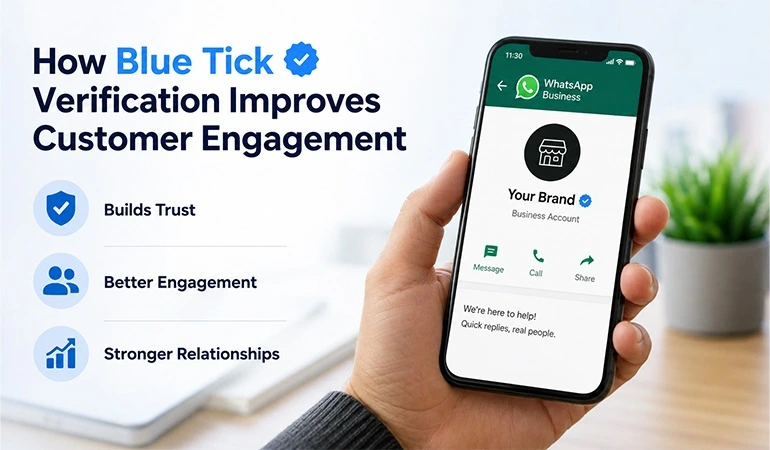
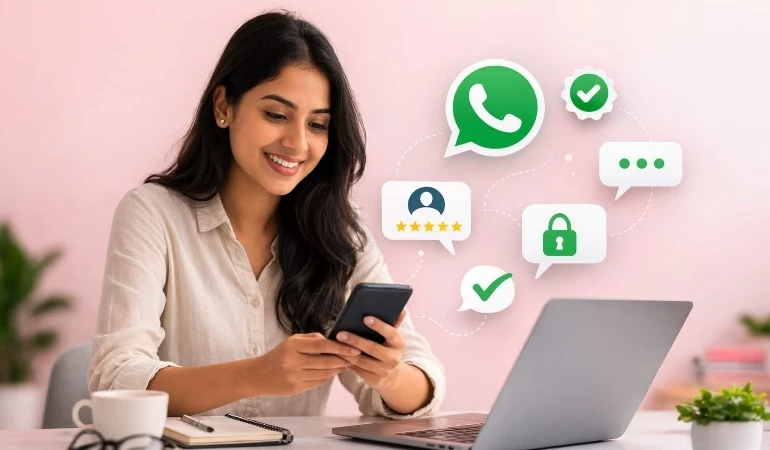
Create Trust: A verified badge creates trust that customers know they’re connecting with a genuine account and helping prevent scams.
Enhances Brand trust: Blue Tick Verification creates authority, enhancing your brand’s image.
Grow Customer Engagement: Users are more likely to interact with verified accounts because they feel secure.
Prevents Impersonation: A blue tick discourages others from creating fake accounts in your business’s name.
Some suggestions to Increase your Chances
Verification is not guaranteed, following these best practices can improve your chances:
Create a Professional Profile: Complete your profile with a logo, correct business description, website link and contact information. Incomplete profiles decrease approval chances.
Use WhatsApp Business API Actively: Engage with customers regularly. Dormant accounts are less likely to be verified.
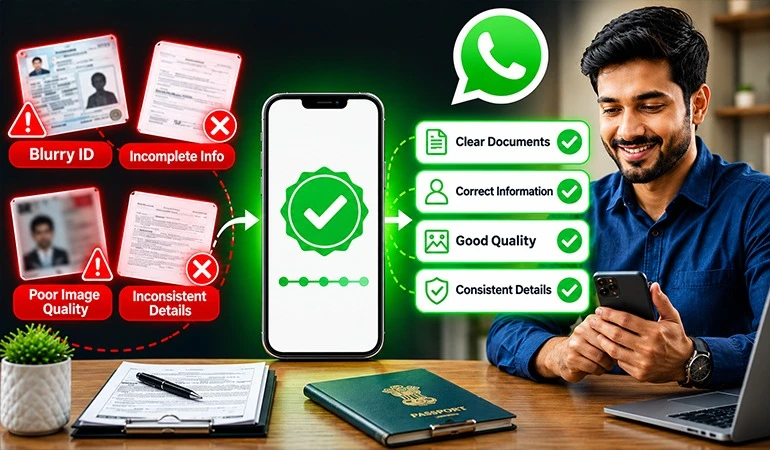
Provide Clear Business Documents: Submit current, official documents that match your WhatsApp and Facebook account details.
Avoid Frequent Changes: Changing your business name, logo, or phone number frequently can delay or block verification. Keep your details stable before applying.
Common Mistakes that you should Avoid
• Using the WhatsApp Business App instead of API.
• Submitting incomplete or inconsistent information.
• Skipping Facebook Business Manager verification.
• Using personal or unrelated documents.
• Frequently changing profile details.
FAQs
Only registered businesses using WhatsApp Business API can apply for Blue Tick verification. Personal WhatsApp accounts or the regular WhatsApp Business App are not eligible for official verification.
Yes, small registered businesses using WhatsApp Business API with proper documentation and brand presence can apply for Blue Tick verification.
You need valid business registration documents and verified Facebook Business Manager details that match your WhatsApp Business profile information.
It builds customer trust, improves brand credibility, prevents impersonation, and increases engagement, leading to better conversions and long-term business growth.
Avoid submitting incomplete documents, mismatched business details, using WhatsApp Business App instead of API, or frequently changing your profile information during the review process.