Get WhatsApp Blue Tick Verified with 10% off
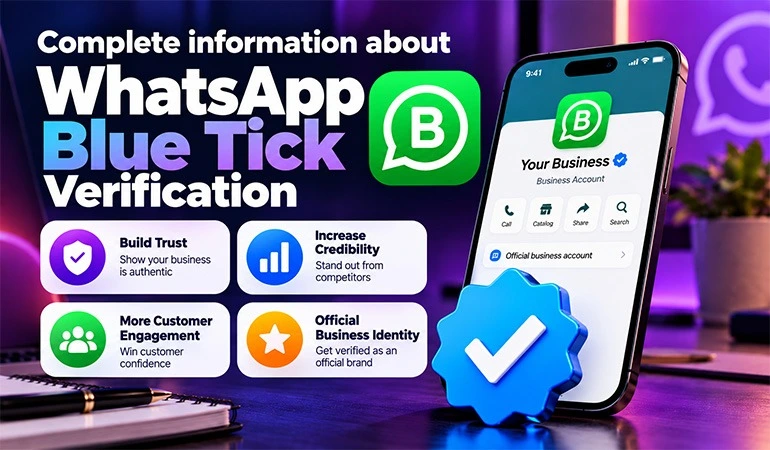
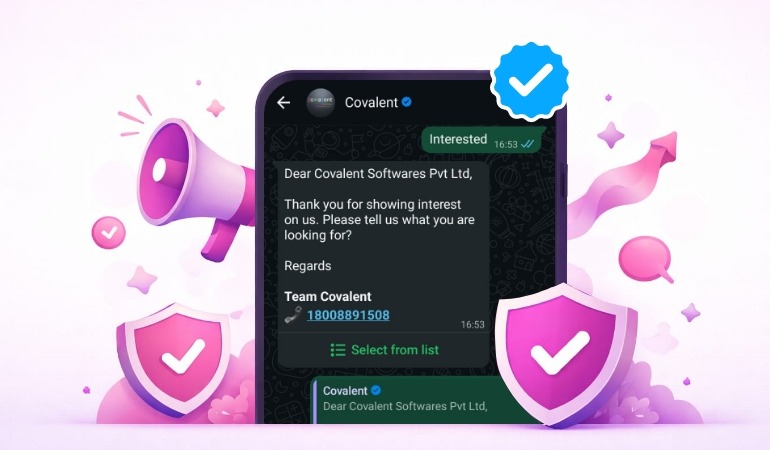
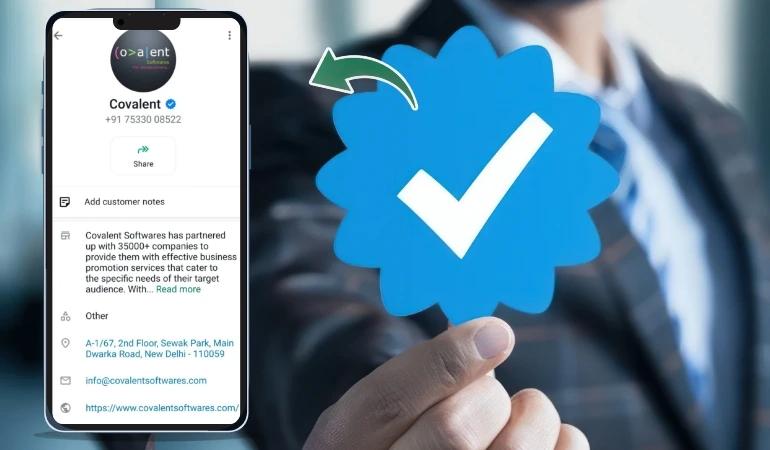
In today's digital world, WhatsApp is no longer just a chatting app. It has now become an important part of business, customer service, promotion & branding. Whenever we talk to a brand or company on WhatsApp, if we see a blue tick (??) with the name of that brand, then we immediately consider it a trustworthy brand.
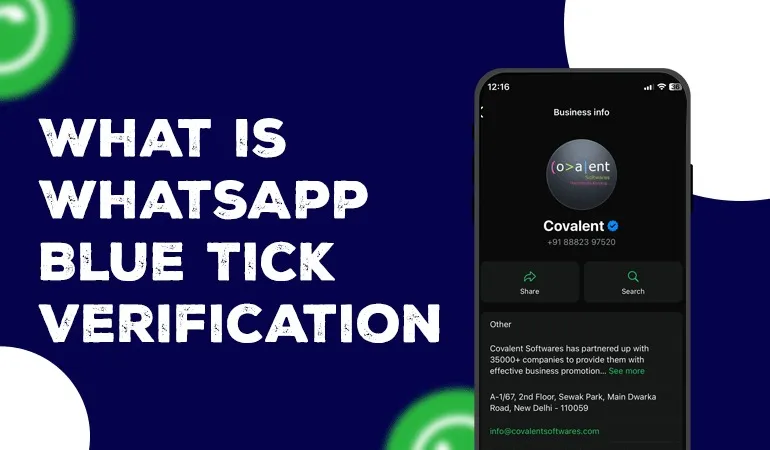
This tick is what we call WhatsApp Blue Tick Verification or in correct words Verified Business Badge.
What is WhatsApp Blue Tick Verification?
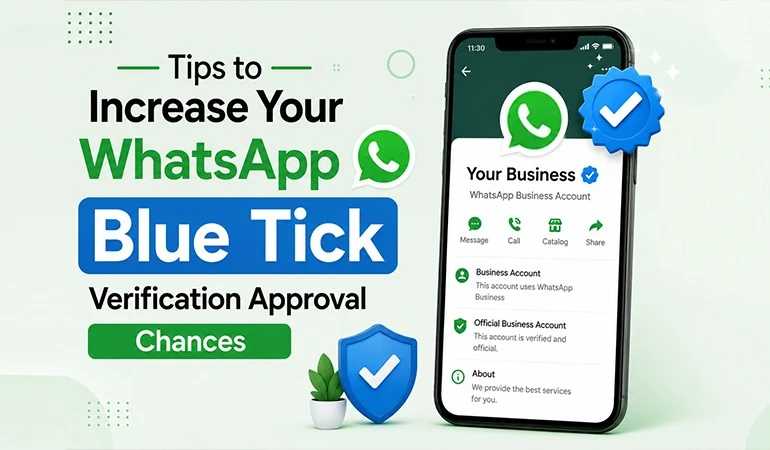
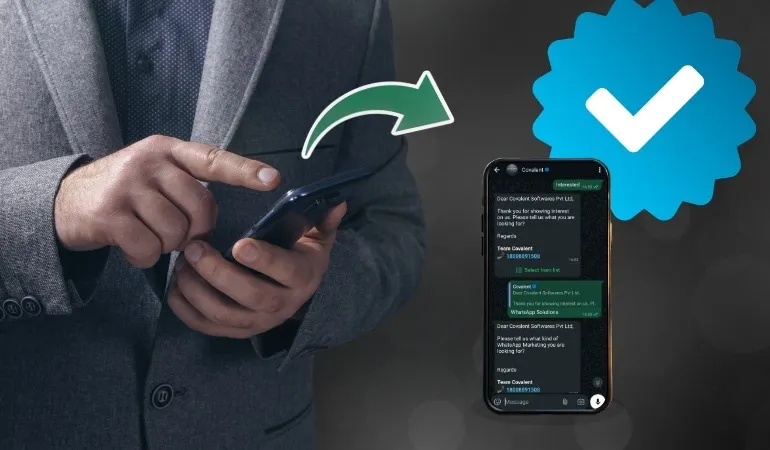
When a business gets verified by Meta (Facebook) on WhatsApp Business Platform, a blue tick appears in front of its profile name.
This tick indicates that this profile belongs to a real, reputable and verified brand.
This is commonly called "Blue Tick" or "Verified Badge".
Who is this verification for?
This feature is only available to businesses that:
• Use the WhatsApp Business API
• Complete the verification process with Facebook (Meta)
• Are considered an established, well-known and trusted brand
Note:
This feature is not for WhatsApp Business app users (those who download the app from the Play Store). It is only for WhatsApp Business API users.
What is the difference between Blue Tick and WhatsApp Account?
| Type | Description |
|---|---|
| WhatsApp Business Account (WABA) | Available to all API users |
| Official Business Account (OBA) | Available only in this, Blue Tick is available |
| Business with WhatsApp app | Just a business profile, no tick |
Benefits of WhatsApp Blue Tick Verification
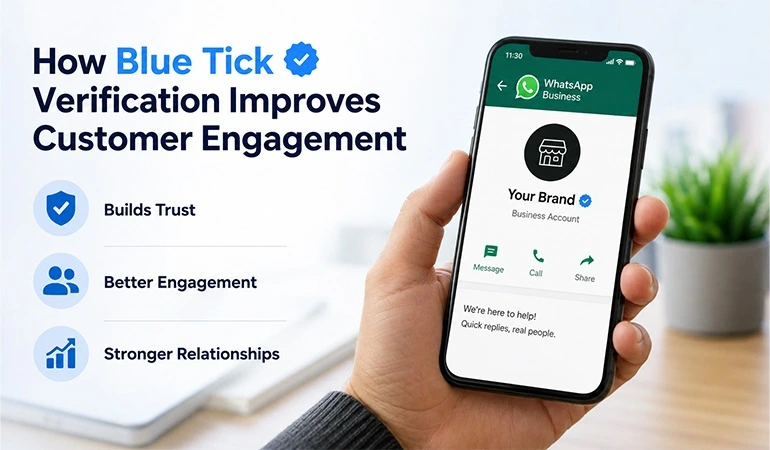
Increases brand trust: When customers see the blue tick on your profile, they are confident that you are a real brand.
Protection from fake accounts: Blue Tick differentiates you from fake and spam accounts. Your identity is clear.
More response: Customers read your messages without hesitation and also reply quickly.
Increase in brand value and reputation: Your name and identity emerge as a standard brand.
Increases customer trust and conversion: If trust increases, sales will also increase. This has been proven.
Who can apply?
To get a Blue Tick, your business must meet the following criteria:
Requirements:
1. Use WhatsApp Business API.
2. Have a verified business account on Facebook Business Manager.
3. Be classified as Meta Verified or Trustworthy Brand.
4. You must have:
• Website
• Active social media presence
• GST number or company registration
WhatsApp Blue Tick Verification Process
Step-by-Step Process:
Setup WhatsApp API: Contact Meta’s partner like Covalent Softwares and get the API enabled.
Create an account in Facebook Business Manager: Login to https://business.facebook.com and create your company profile.
Get Business Verified:
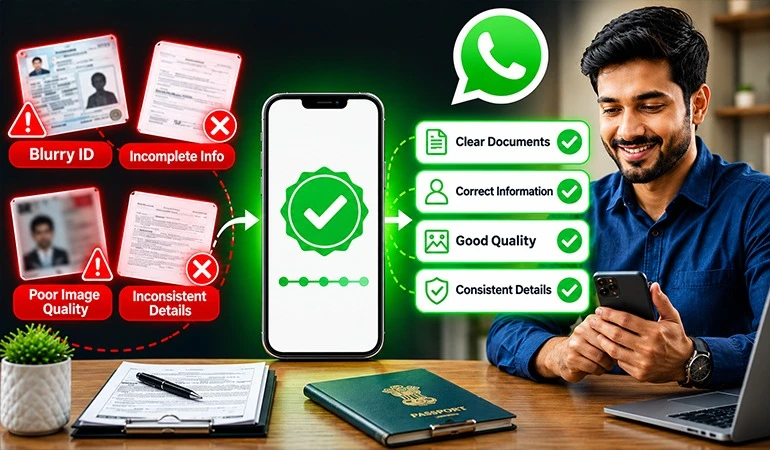
• Upload GST, PAN, Website, Email and Address documents.
• Verification is done by Meta within 1–5 days
Submit Display Name and Use Case:
• Send the name for which you want a Blue Tick to Meta.
• Also, mention the reason for verification (use case, business type, images etc.).
Review by Meta
Meta checks your website, social media, brand reputation and documents
Blue Badge Approval
If everything goes well, your brand gets a Verified Badge (Blue Tick) within a few days.
Which brands get priority?
Meta gives priority to brands that:
• Are from industries like News, Media, Finance, Healthcare, Government.
• Are famous brands (like Flipkart, Paytm, LIC).
• Send a large number of messages.
• Have a good presence on website and social media.
How can Covalent Softwares help you?
Covalent Softwares Private Limited is a WhatsApp Business API Provider company which provides you complete support to get Blue Tick.
Our Services:
✅ WhatsApp API Activation.
✅ Facebook Business Manager Setup.
✅ Business Verification Process.
✅ Display Name Apply.
✅ Help with Blue Tick (Verified Badge) Approval.
✅ Template and Messaging Guideline Support.
How long does it take to get a Blue Tick?
If your documents and profile are complete, the process usually takes:
• Business Verification: 3–7 working days.
• Display Name and Badge approval: 5–10 working days.
• Total time: around 10–15 days.
What changes after getting Blue Tick?
| Feature | Normal Account | Verified Account (Blue Tick) |
|---|---|---|
| Display Name | Not visible | Visible |
| Blue Badge | Not available | Avaiable |
| Trust Factor | Low | Very High |
| Customer Response | Slow | Fast |
| Conversion Rate | Normal | High |
Points to note
1. ✅ Only accounts using API can apply.
2. ❌ Accounts using WhatsApp app will not get Blue Tick.
3. ✅ Brand name, website, social media and documents must be correct and professional.
4. ❌ Misleading information or fake names are not accepted.
5. ✅ Display Name must match your website or brand
Conclusion
WhatsApp has become the most powerful customer engagement platform today. If you want your customers to recognize you as a verified, professional and trustworthy brand – then WhatsApp Blue Tick Verification is a must for you.
Blue Tick is not just a mark – it is the identity of your brand.
FAQs
It shows that Meta has verified the business as authentic, reputable, and officially recognized on the WhatsApp Business Platform.
No, only businesses using the WhatsApp Business API are eligible for Blue Tick verification.
GST, PAN, company registration details, official website, business email, and verified Facebook Business Manager account are required.
Business verification takes 3–7 days, and badge approval may take 5–10 days, totaling around 10–15 days.
Display name visibility, brand trust, faster customer responses, and higher conversion rates significantly improve.