Get WhatsApp Blue Tick Verified with 10% off

Today, customers expect fast, easy & instant responses. If a customer has to wait too long for a reply, the likelihood of them choosing an alternative increases. Consequently, managing every customer in a timely manner becomes a challenge for businesses.
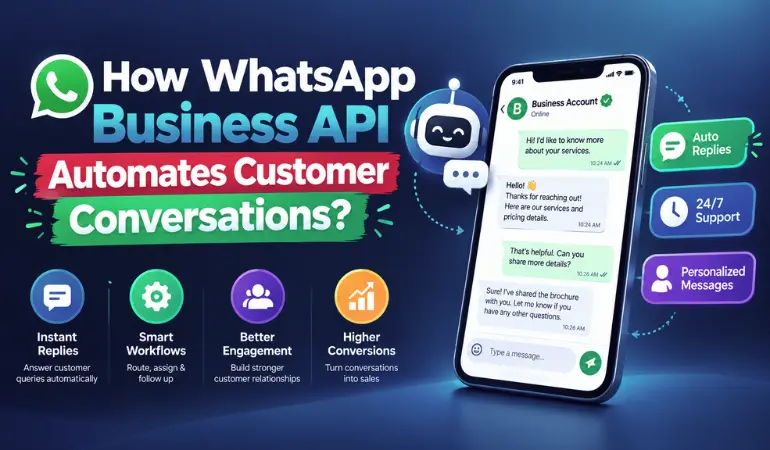
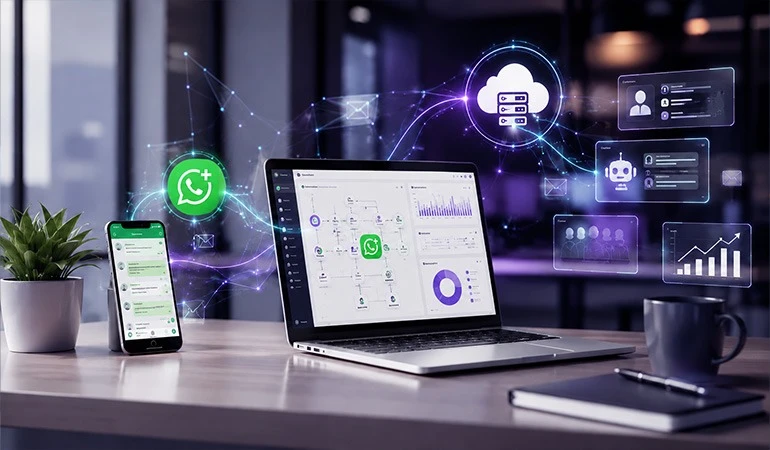
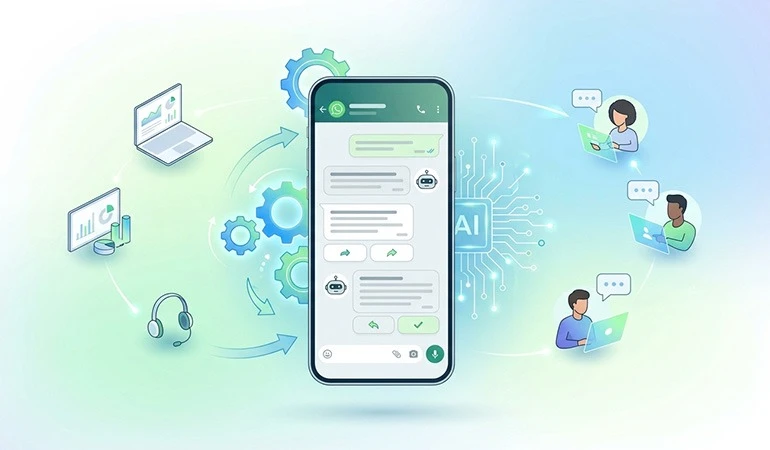
This is where the WhatsApp Business API emerges as a powerful solution. It is not merely a messaging channel but a platform designed to automate, streamline & accelerate customer communication.
In this blog, we will explore how the WhatsApp Business API works, its benefits, use cases & insights from real-world case studies.
What is WhatsApp Business API?
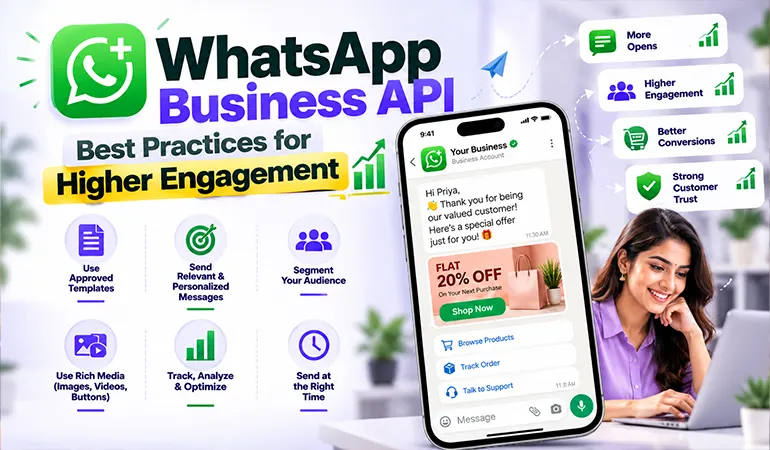
WhatsApp Business API is a business communication solution that enables companies to interact with customers at scale in an automated & professional manner.
It differs from the standard WhatsApp app by offering features such as:
• Automated Replies
• Chatbot Integration
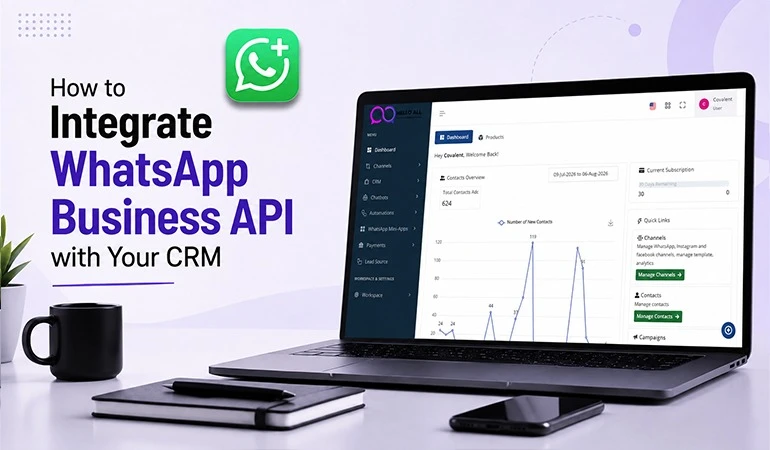
• CRM Integration
• Bulk Customer Communication
• Order Updates
• Customer Support Automation
• Multi-Agent Access
It is particularly useful for businesses with a large customer base.
What is Customer Communication Automation?
Customer Communication Automation refers to the process of automatically handling customer inquiries, updates & notifications without requiring manual intervention for every interaction.
Examples:
• Customer makes an inquiry → Auto-reply sent
• Order placed → Update message sent
• Payment successful → Confirmation message sent
• Support ticket created → Tracking information sent
This enhances the customer experience.
How does WhatsApp Business API automate customer communication?
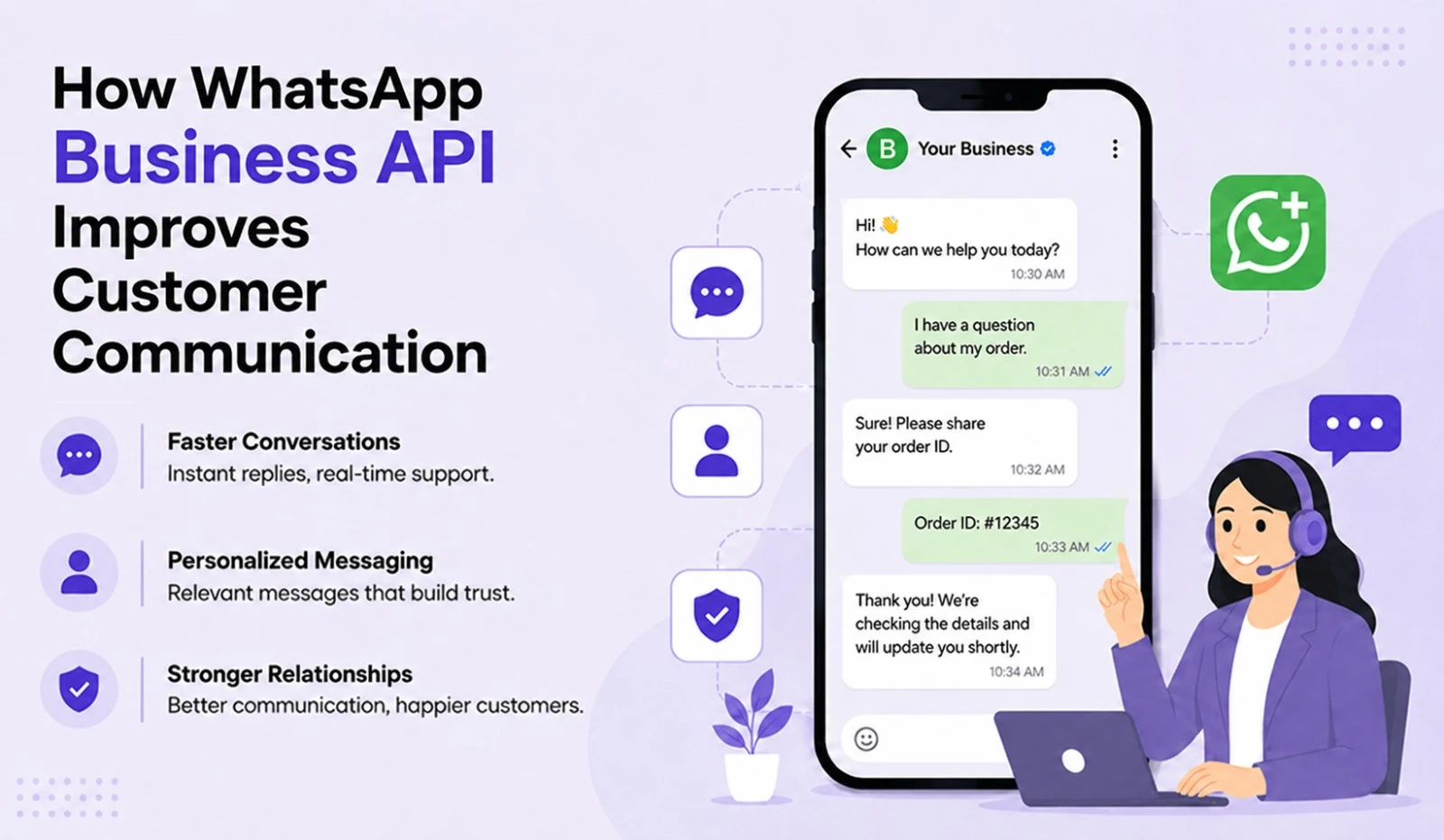
1. Instant Automated Responses
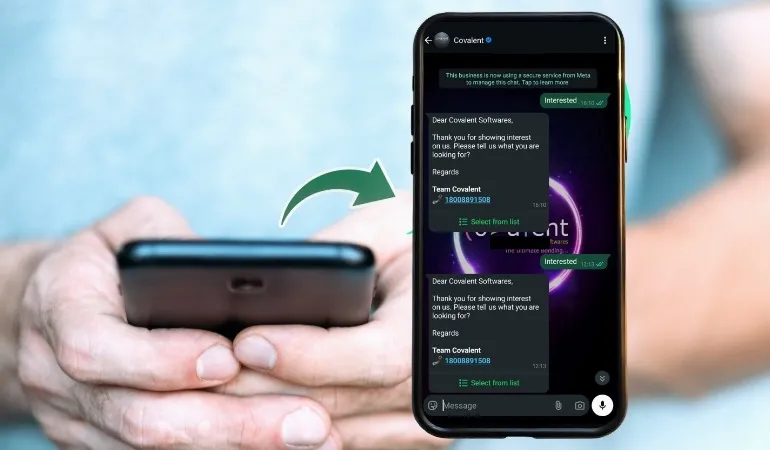
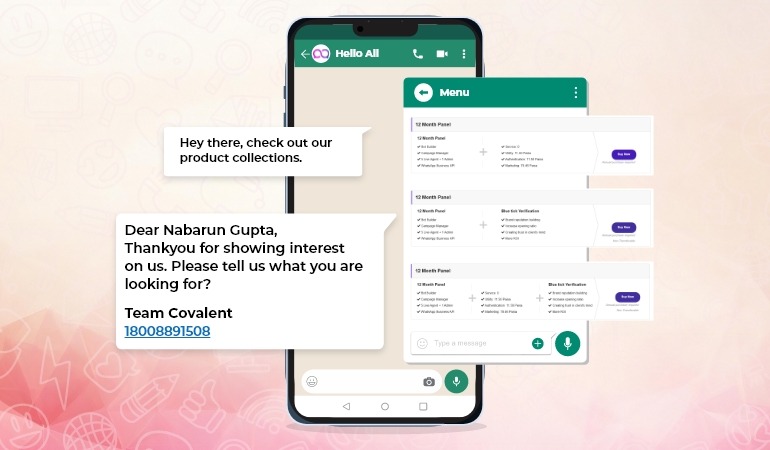
The system can respond immediately as soon as a customer sends a message.
Example:
“Hello, we have received your request. Our team will contact you shortly.”
Benefits:
• Reduced wait times
• Improved customer satisfaction
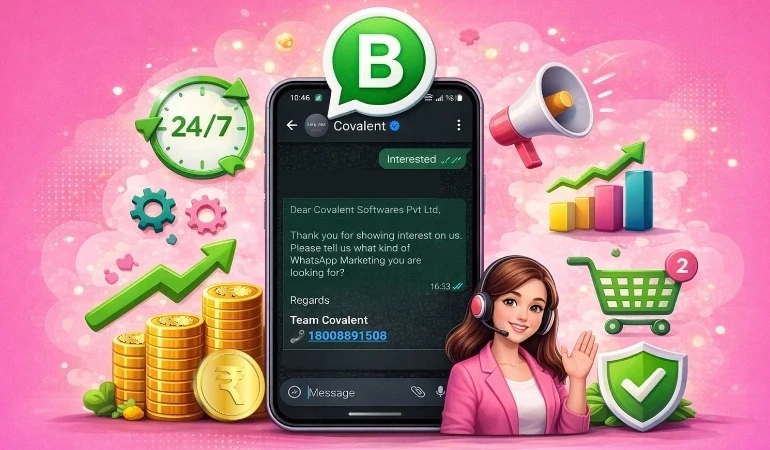
• 24/7 availability
2. Chatbot Integration
Chatbots can automatically handle frequently asked questions. Such as:
• Product information
• Price inquiries
• Order status
• Bookings
This saves the team's time.
3. Automated Notifications
Many businesses struggle to send timely information to customers.
Using the WhatsApp API, you can send:
• Order confirmations
• Delivery updates
• Appointment reminders
• Payment reminders
• Subscription alerts
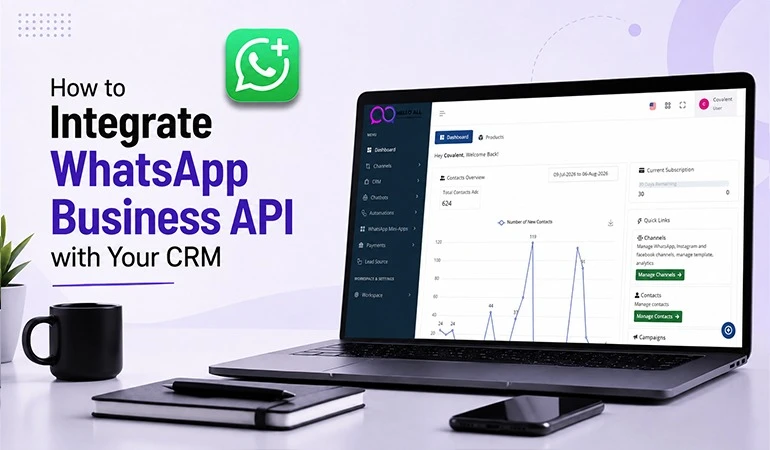
4. CRM Integration
When the WhatsApp API is integrated with a CRM system, customer data & conversations are managed in one place.
Benefits include:
• Personalized messages
• Better follow-ups
• Tracking customer history
5. Multi-Agent Customer Support
Multiple team members can handle customers using a single number.
This leads to:
• Faster responses
• Better team collaboration
• Reduced response time
Key Benefits of WhatsApp Business API
Enhanced Customer Experience
Customers receive immediate assistance.
Time & Cost Savings
Manual tasks are reduced.
Higher Conversion Rate
Timely responses can boost sales.
Improved Customer Retention
Customers stay engaged for the long term.
24/7 Business Availability
Automation works continuously.
2 Practical Use Cases
Use Case 1: E-commerce Business
An online store uses the WhatsApp API to:
• Send order confirmations
• Provide delivery updates
• Handle return requests
Result:
Reduced pressure on customer support.
Use Case 2: Educational Institute
A coaching center or education platform:
• Handles admission inquiries
• Sends fee reminders
• Provides class updates
Result:
Increased student engagement.
2 Case Studies
Case Study 1: Retail Brand Communication Automation
A retail company was receiving thousands of customer queries daily.
Problem:
• Delayed responses
• Excessive workload on the team
Solution:
Implemented WhatsApp Business API & chat automation.
Results:
• Reduced response time
• Improved customer satisfaction
• Increased support team efficiency
Case Study 2: Healthcare Appointment Management
A healthcare service provider was unable to send timely updates to patients.
Solution:
Using WhatsApp API, the following were automated:
• Appointment confirmations
• Reminder messages
• Follow-up notifications
Results:
• Reduced missed appointments
• Improved patient experience
What to consider before implementing the WhatsApp Business API?
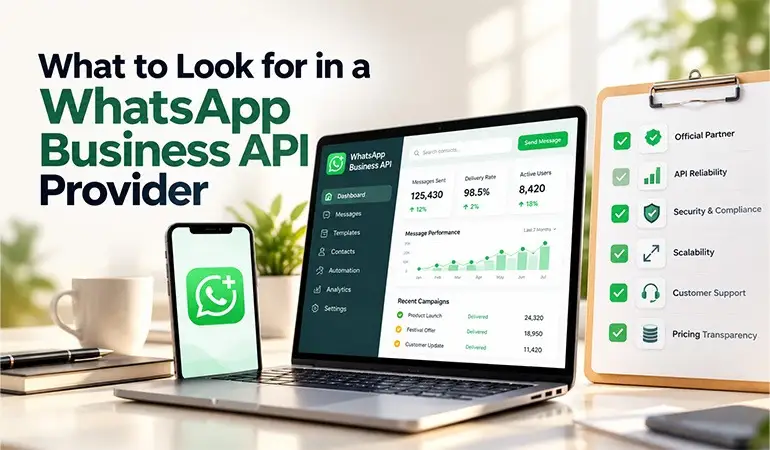
• Choose the right API provider
• Obtain customer consent
• Keep messages useful
• Focus on CRM integration
• Track reporting & analytics
FAQs
Are the WhatsApp Business API & WhatsApp Business App different?
+Yes. The API is designed for large businesses, whereas the Business App is more suitable for small businesses.
Can the WhatsApp Business API send automated messages?
+Yes, features like auto-replies, notifications & chat automation are possible.
Can the API be integrated with a CRM?
+Yes, integration is available with most CRM platforms.
Can small businesses use it too?
+Yes, small businesses can also benefit from it if their customer base & communication needs are growing.
Does the WhatsApp Business API improve customer support?
+Yes, it helps provide faster responses, better tracking & consistent support.