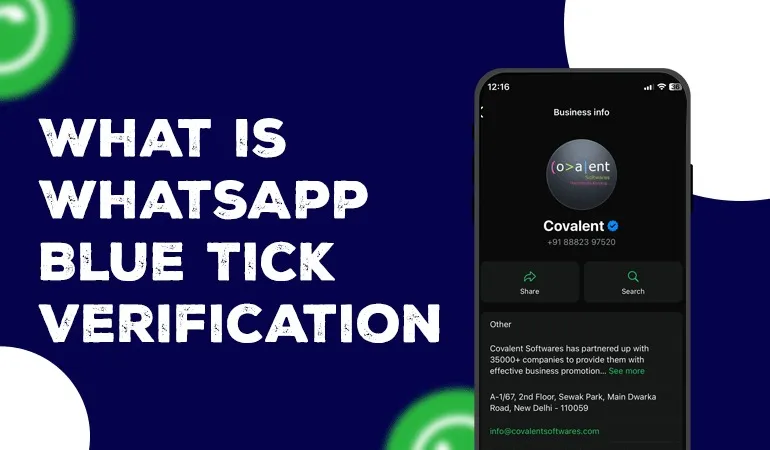
Get WhatsApp Blue Tick Verified with 10% off

Nowadays, customers check a brand's credibility before contacting it. If a Blue Tick appears next to your WhatsApp Business account name, customer trust increases automatically. That is why everyone, from small businesses to large brands, is striving to obtain an Official WhatsApp Business Account.
However, many people believe that the Blue Tick can be purchased or is reserved only for large companies. In reality, this is not the case. If your business meets WhatsApp's requirements, you too can apply for an Official WhatsApp Business Account.
In this blog, we will explore what an Official WhatsApp Business Account is, how to get the Blue Tick, the eligibility criteria, the application process, and the mistakes to avoid.
What is an Official WhatsApp Business Account (Blue Tick)?
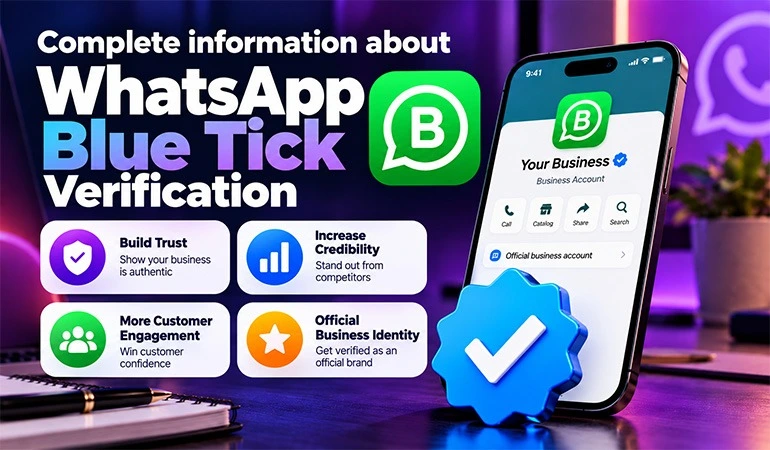
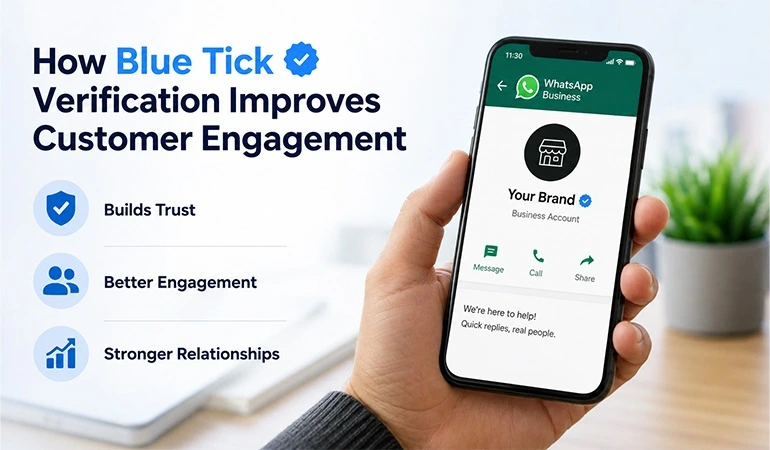
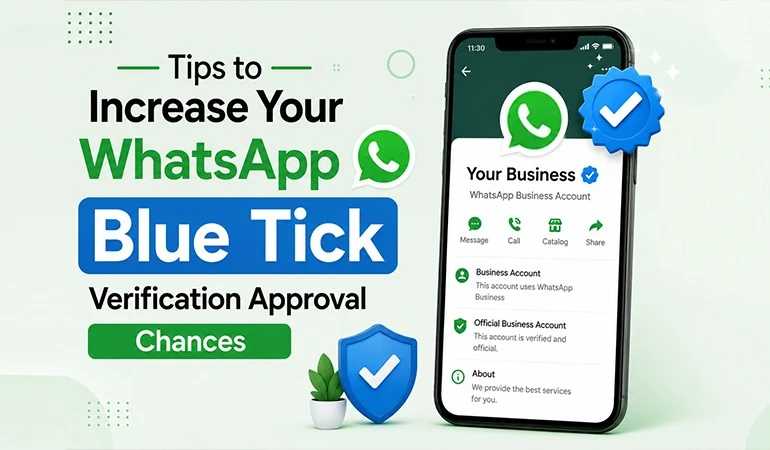
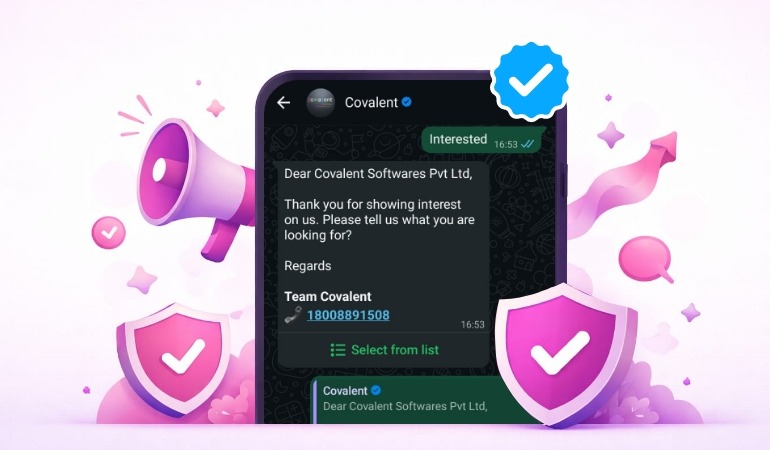
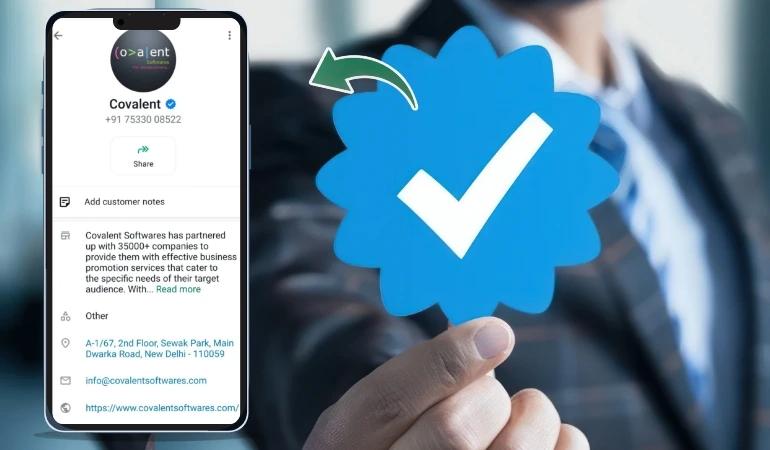
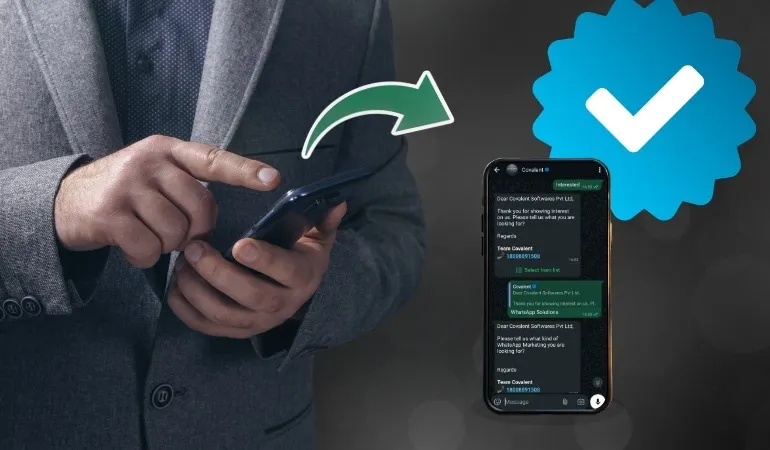
An Official WhatsApp Business Account (OBA) is a business account that has been verified by WhatsApp. A Blue Tick appears next to the account name, allowing customers to easily recognize that they are interacting with a genuine and trustworthy company.
This Blue Tick is not awarded based on a subscription or payment. WhatsApp itself makes the decision based on the business's credibility, brand recognition, and other standards.
Key Benefits of Getting a Blue Tick
The Blue Tick is not just a symbol; it strengthens your business's credibility.
1. Increases Customer Trust
When customers see the Blue Tick, they feel confident that they are communicating with the authentic company.
2. Strengthens Brand Identity
A verified account establishes a distinct identity for your brand.
3. Protection Against Fake Accounts
The presence of a Blue Tick helps customers easily avoid fake accounts.
4. Better Customer Response
Customers respond more quickly to verified brands.
5. Builds a Professional Image
The Blue Tick makes your business appear more professional and trustworthy.
Prerequisites for an Official WhatsApp Business Account
Certain criteria must be met to obtain the Blue Tick.
Business Verification
Your Meta Business Account must be fully verified.
WhatsApp Business Platform
It is difficult to get the Blue Tick using the standard WhatsApp Business App; in most cases, using the WhatsApp Business API is necessary.
Verified Business Documents
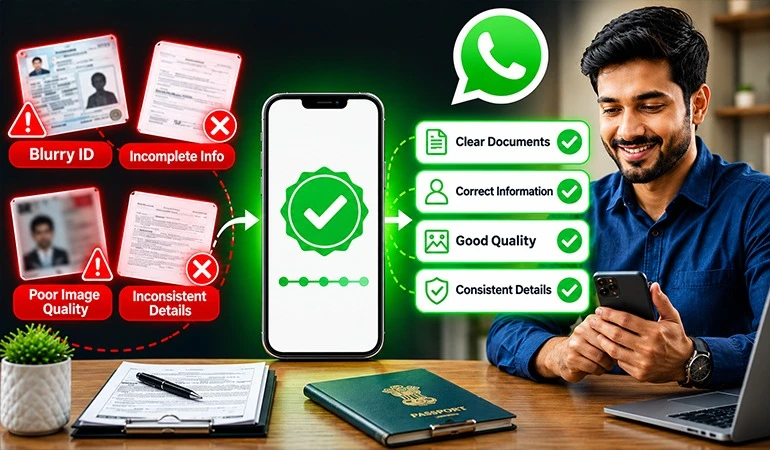
All necessary business-related documents must be available.
Active Business Website
Your company must have an official website that provides clear information about the business.
Brand Presence
Your brand should have a recognizable online presence.
Examples include:
• Mentions on news websites
• Reputable blogs
• Industry-related websites
• Media coverage
Step-by-Step Process to Get the Blue Tick
Step 1: Create a Meta Business Account
First, set up your Meta Business Account.
Step 2: Complete Business Verification
Verify your business by submitting the required company documents.
Step 3: Obtain WhatsApp Business API
Activate the API with the help of an authorized WhatsApp Business Solution Provider.
Step 4: Prepare Your Business Profile
Ensure the following information in your profile is accurate:
• Business Name
• Logo
• Website
• Business Description
• Address
Step 5: Maintain Messaging Quality
WhatsApp pays special attention to the following factors:
• Do not send spam
• Keep customer complaints low
• Maintain a good response rate
• Keep the block rate low
Step 6: Apply for the Blue Tick
If your account meets all the requirements, you can apply for an Official Business Account.
What to Keep in Mind When Applying for the Blue Tick?
Following these best practices can improve your chances of approval.
• Use the correct business name
• Ensure the website looks professional
• Keep business documents up to date
• Do not run spam campaigns
• Send messages only to customers who have opted in
• Maintain active customer support
• Strengthen the brand's online presence
Why might a Blue Tick Application be Rejected?
Often, businesses fail to secure approval even after submitting all the required documents.
Key reasons include:
• Incomplete business verification
• Incomplete website
• Weak online brand presence
• Spam activities
• Violation of WhatsApp policies
• Low messaging quality
• Fake or misleading information
How Long Does it Take to Get Blue Tick Approval?
There is no fixed timeframe for approval.
Generally, the process can be completed within the following periods:
• A few days
• 2–4 weeks
• In some cases, it may take longer
It depends entirely on WhatsApp's review process.
What Should You Do After Getting the Blue Tick?
Maintaining a good reputation is essential even after receiving approval.
• Send only necessary messages
• Do not spam
• Respond to customer queries in a timely manner
• Adhere to the privacy policy
• Keep business information updated
• Consistently maintain high message quality
Use Case 1 – E-commerce Store
An online clothing store sends order updates to thousands of customers daily. After receiving the Blue Tick, customers became confident that the messages were coming directly from the company. This reduced complaints regarding fake accounts and decreased the number of inquiries related to order tracking.
Use Case 2 – Healthcare Clinic
A multi-specialty clinic sends appointment confirmations, test reports, and reminders via WhatsApp. Having a verified account ensures patients trust the messages without hesitation, leading to fewer missed appointments.
2 Case Studies
Case Study 1 – Online Electronics Brand
Challenge
Several fake WhatsApp accounts were contacting customers while posing as a mid-sized electronics company. This was eroding customer trust.
Solution
The company completed Meta Business Verification, adopted the WhatsApp Business API, and applied for an Official WhatsApp Business Account after meeting all necessary criteria.
Results
• Customer trust increased
• Complaints regarding fake accounts decreased
• Inquiries related to verification at customer support dropped
• The brand's professional image was strengthened
Case Study 2 – Education Institute
Challenge
An educational institute used to send information to students via WhatsApp during the admission process, but many students remained unsure about the authenticity of the messages.
Solution
The institute completed Business Verification, updated its profile, and obtained the Blue Tick.
Results
• Student trust increased
• Response rates for admission-related messages improved
• The volume of helpline calls decreased
• Official communication became more effective
Common Myths About the Blue Tick
Myth 1
The Blue Tick can be purchased.
Reality: That is not the case. Final approval is granted based on WhatsApp's standards.
Myth 2
Only large companies get the Blue Tick.
Reality: Small and medium-sized businesses can also apply if they meet the necessary requirements.
Myth 3
Simply installing the Business App will get you the Blue Tick.
Reality: Obtaining the Blue Tick requires completing Business Verification and meeting other necessary criteria.
FAQs
Do all WhatsApp Business accounts get the Blue Tick?
+No. The Blue Tick is awarded only to businesses that successfully meet WhatsApp's eligibility and verification criteria.
Is the WhatsApp Business API required for the Blue Tick?
+In most cases, yes. Using the WhatsApp Business API is generally considered necessary to obtain an Official WhatsApp Business Account.
How long does it take to get the Blue Tick?
+It depends on the application review process. Typically, it can take anywhere from a few days to a few weeks.
Can I reapply if the application is rejected?
+Yes. You can reapply after addressing the reasons for the initial rejection.
Can the account lose the Blue Tick status?
+Yes. If a business violates WhatsApp's policies or engages in spam activities, its verified status can be revoked.