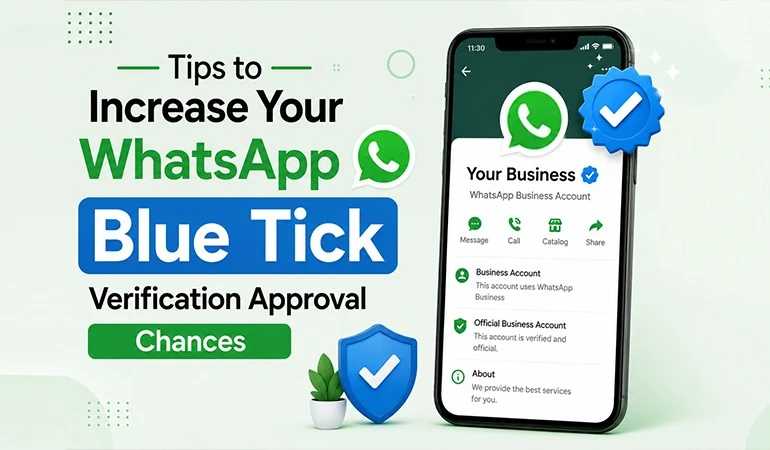
Get WhatsApp Blue Tick Verified with 10% off
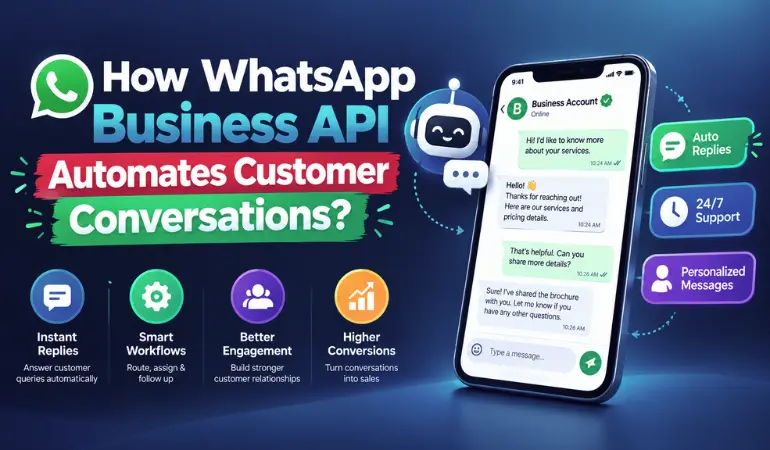
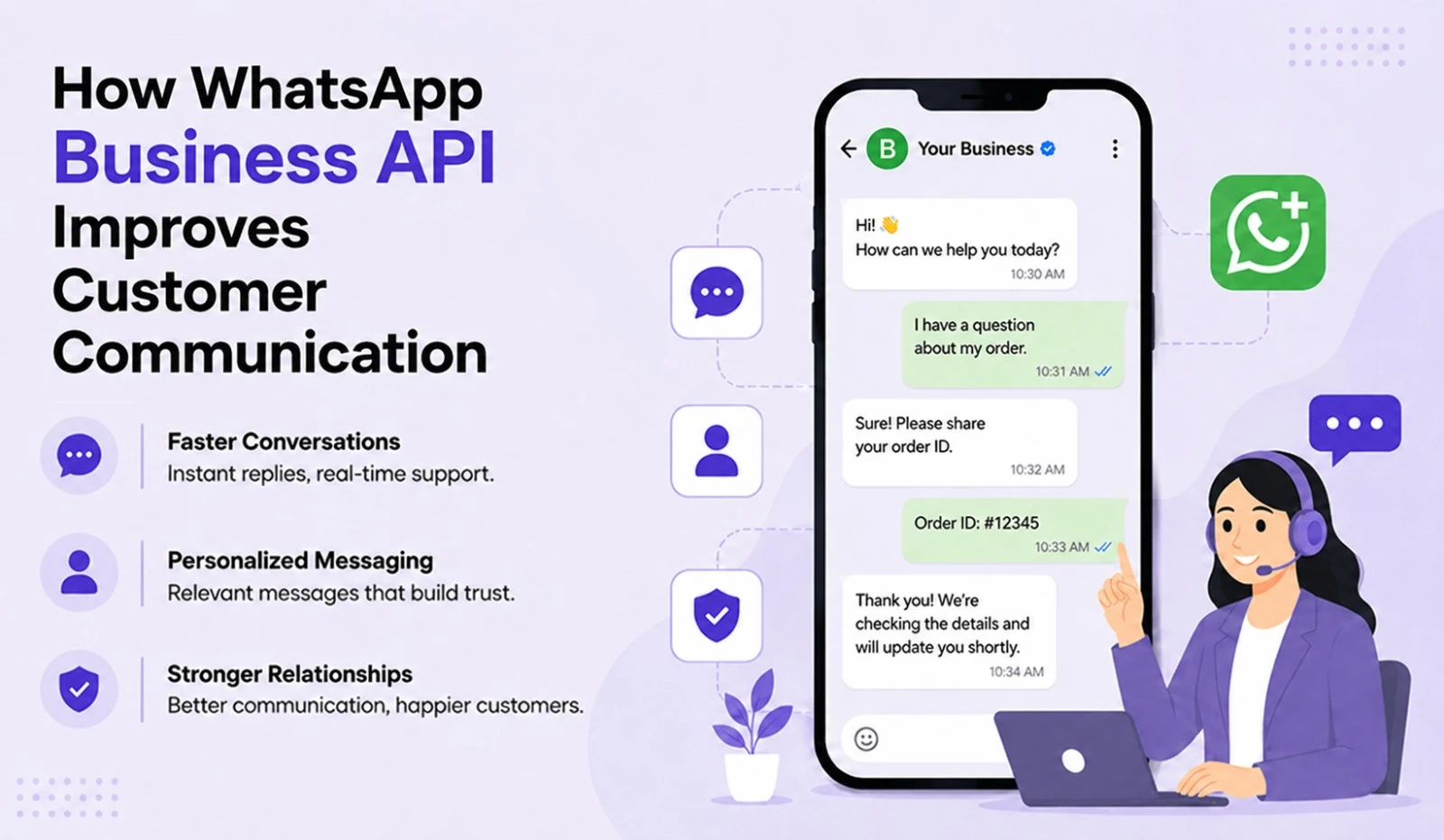
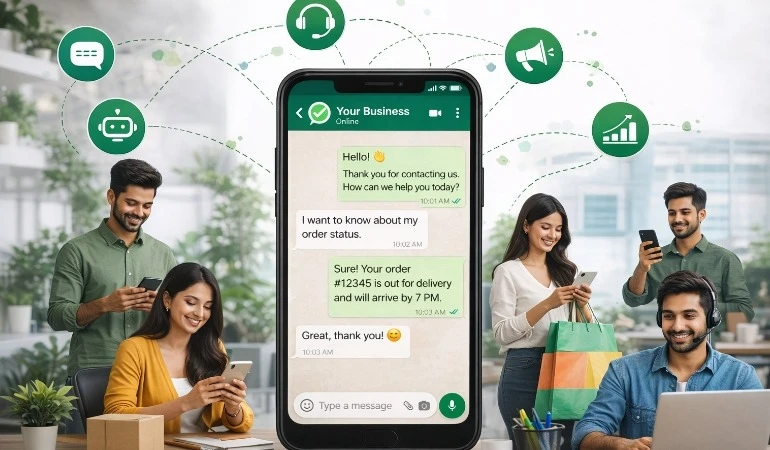
Nowadays, WhatsApp is not merely a medium for chatting; it has become the most trusted platform for business communication. Millions of companies use the WhatsApp Business Platform to reach customers, send order updates, share OTPs & provide customer support.
However, many businesses make mistakes during WhatsApp Verification that lead to their applications being rejected or cause unnecessary delays in the verification process.
Why is WhatsApp Verification Important?
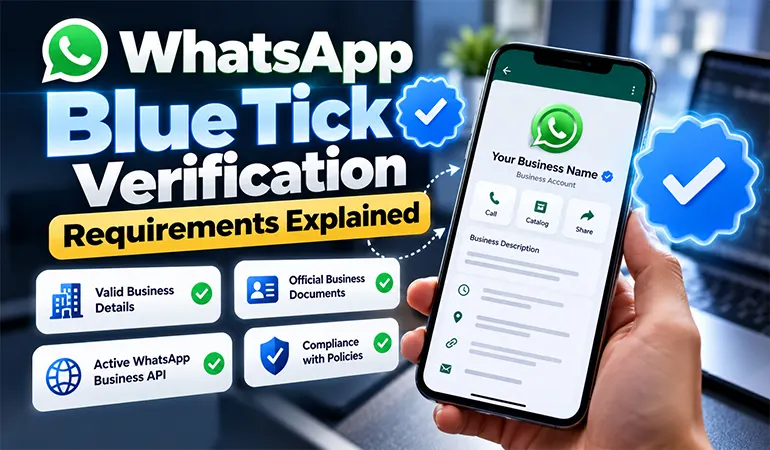
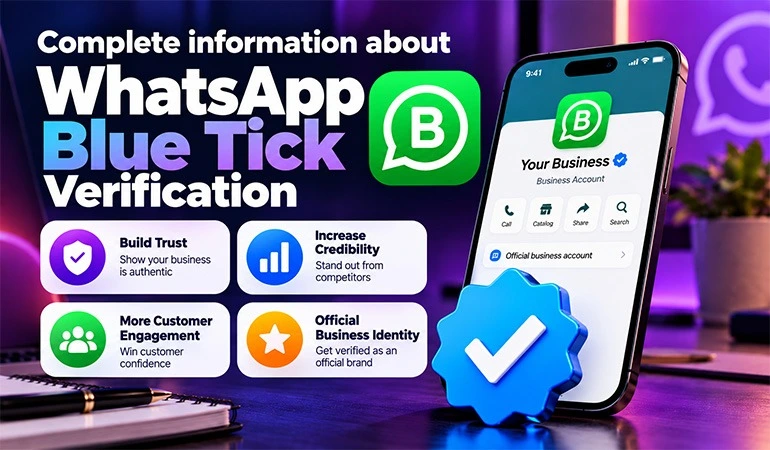
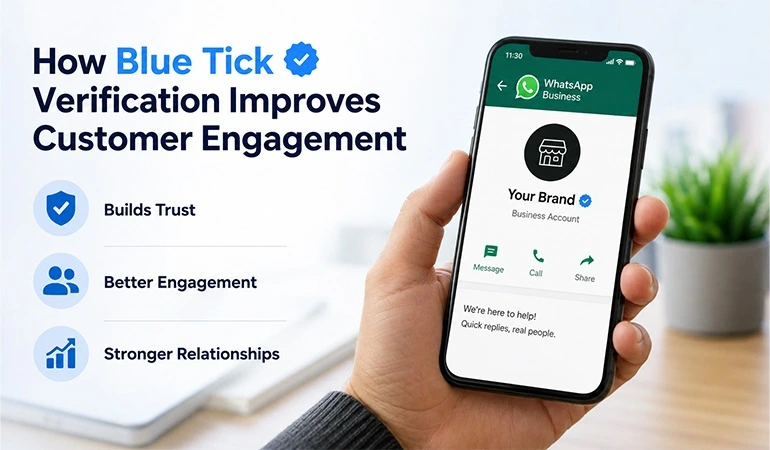
Verification is not just a formality; it strengthens your business's credibility.
Its key benefits include:
• Increased customer trust.
• Reduced risk of fake accounts being created.
• Access to the WhatsApp Business API.
• Easier customer communication at scale.
• Secure and official business communication.
Common Mistakes During WhatsApp Verification
Many businesses rush the application process, leading to rejection due to minor errors.
Let's look at these one by one.
1. Creating an Incomplete Business Profile
Providing accurate information in your Business Profile is the primary requirement.
If details such as your:
• Business Name
• Category
• Address
• Website
• Business Description
...are incomplete or incorrect, the verification process may be affected.
Always keep all information up to date.
2. Website Lacking Professionalism
Meta also reviews your website. If your website:
• Lacks contact details
• Does not have a privacy policy
• Lacks an "About Us" page
• Does not clearly display business information
...then you may face issues during verification.
Your website represents your business identity.
3. Inconsistency in Business Name
This is a very common mistake.
For instance, suppose your website lists the company name as "ABC Technologies Pvt Ltd," but Facebook Business Manager lists it as "ABC Tech."
In such cases, verification might be rejected.
The business name must be identical across all platforms.
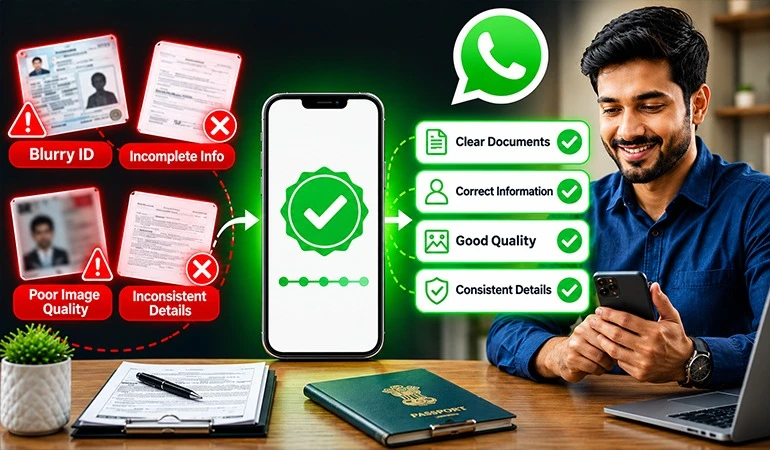
4. Uploading Incorrect Documents
Many people upload:
• Blurry photos
• Expired documents
• Edited PDFs
• Proof documents with incomplete information
Always upload clear, valid & up-to-date documents.
5. Not Verifying Facebook Business Manager
Proper setup of the Meta Business Account is essential before proceeding with WhatsApp verification.
If the Business Manager is not verified, the subsequent process may be affected.
6. Using the Wrong Phone Number
Perform WhatsApp verification using the number you intend to use regularly.
Keep in mind:
• The number must be active.
• It must be capable of receiving OTPs.
• It should not be improperly linked to another WhatsApp account.
7. Not Having a Privacy Policy
A privacy policy is considered essential for almost every professional business website today.
If your website lacks a privacy policy, Meta may question the credibility of your business.
8. Not Using a Business Email
Use a domain-based email address instead of generic ones like Gmail or Yahoo.
Example:
• info@yourcompany.com
Such email addresses are considered more professional.
9. Repeatedly Applying in Haste
Many people re-apply immediately after a rejection without making any improvements.
This can prolong the process.
First, understand the reason for rejection, rectify all shortcomings & then apply.
10. Not Reading Meta's Policies
The WhatsApp Business Platform has its own set of policies.
If your business falls into a restricted category or fails to comply with the rules, verification will not be possible.
Read all policies carefully before applying.
What to Check Before WhatsApp Verification?
Be sure to review this checklist before starting the verification process.
• Ensure the business name is consistent everywhere.
• The website should be fully ready.
• A contact page must be available.
• An "About Us" page should exist.
• A privacy policy must be in place.
• The business email should be active.
• All documents must be up-to-date.
• Facebook Business Manager should be set up correctly.
• An active mobile number must be available.
Documents Required for WhatsApp Verification
Required documents may vary depending on the type of business.
Generally, the following documents are useful:
• GST Certificate
• Business Registration Certificate
• PAN Card
• Utility Bill
• Company Address Proof
• Domain-based Email
• Official Website
Best Practices for Successful WhatsApp Verification
If you are applying for the first time, pay special attention to these points:
• Keep all information authentic.
• Maintain a professional website.
• Ensure consistent brand identity across all platforms.
• Keep business documents updated.
• Never provide fake information.
• Exercise patience during the verification process.
• Follow only the official procedure.
• Regularly update your business profile.
Use Case 1: E-commerce Company
An online clothing company used to handle hundreds of orders daily.
After completing verification, the company began sending order confirmations, shipping updates & delivery notifications directly to customers via WhatsApp. This improved the customer experience and significantly reduced support calls.
Use Case 2: Healthcare Clinic
A multispecialty clinic wanted to send appointment reminders and test report notifications.
After completing verification, the clinic started providing appointment confirmations, follow-up reminders & patient support via WhatsApp. This reduced the no-show rate and increased patient satisfaction.
Case Study 1: New Startup Gets Verified on the First Attempt
A Delhi-based SaaS startup prepared thoroughly before applying.
They:
• Updated their website
• Added a privacy policy
• Created a domain-based email address
• Uploaded all documents in the correct format
• Maintained a consistent business name across all platforms
As a result, their verification was successfully completed without any requests for additional documentation.
Case Study 2: Success After Application Rejection
A retail company had its verification rejected twice.
An investigation revealed that:
• The website was incomplete.
• Contact information was inconsistent.
• The business name appeared differently on various platforms.
• A privacy policy was missing.
After rectifying these issues, the company reapplied & this time, the verification was successful.
FAQs
How long does WhatsApp verification take?
+Typically, verification can be completed within a few days, though the timeframe may vary based on document review and the business assessment process.
What should I do if my verification is rejected?
+First, understand the reason for the rejection, address the shortcomings & then reapply.
Is WhatsApp verification possible without a website?
+In some cases, the process can proceed, but having a professional website significantly improves the chances of successful verification.
Is it necessary for the business name to be the same everywhere?
+Yes. The business name must be consistent across the website, Meta Business Manager, registration documents & other platforms.
Do I automatically get the Green Tick after successful verification?
+No. WhatsApp verification and the Official Business Account (Green Tick) are two separate processes. The Green Tick has its own distinct eligibility criteria and review process.