Get WhatsApp Blue Tick Verified with 10% off
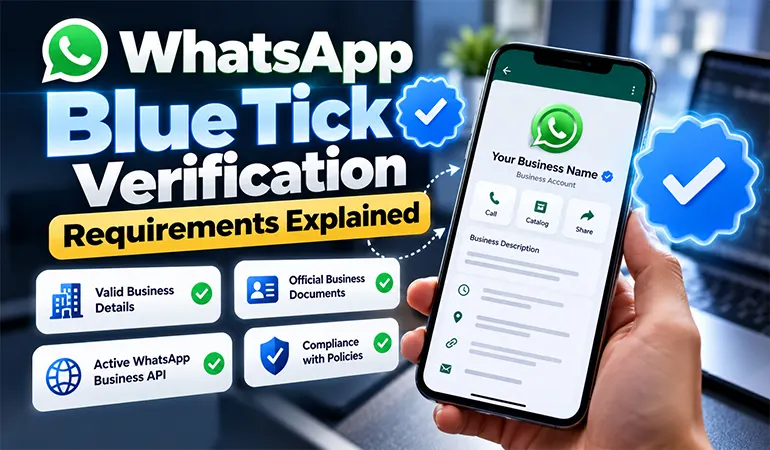
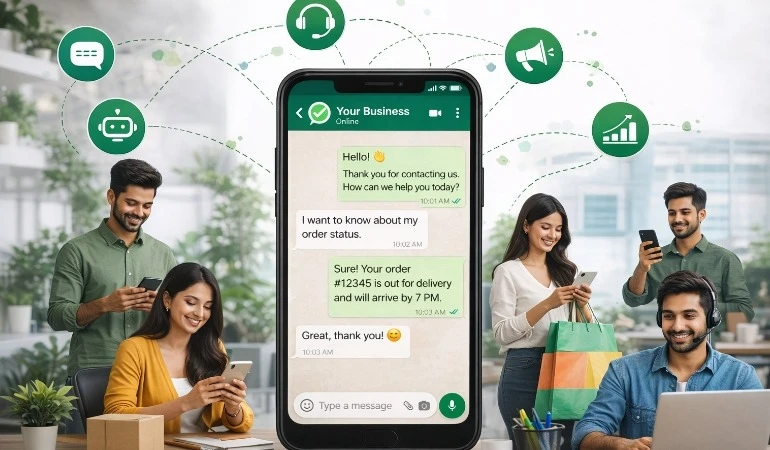
WhatsApp has become an important communication channel for businesses that want to connect with customers, answer enquiries, share updates, and provide support. As more companies use WhatsApp for business communication, customers also need a reliable way to identify genuine business accounts.
This is where WhatsApp Blue Tick Verification becomes useful. A verified badge can help customers recognise an authenticated business and feel more confident when communicating with it. For companies that depend on WhatsApp for sales and customer service, verification can support a more credible online presence.
However, getting a blue tick is not automatic. The eligibility criteria depend on the verification option available to the business, the accuracy of its information, and Meta's applicable requirements.
What Is WhatsApp Blue Tick Verification?
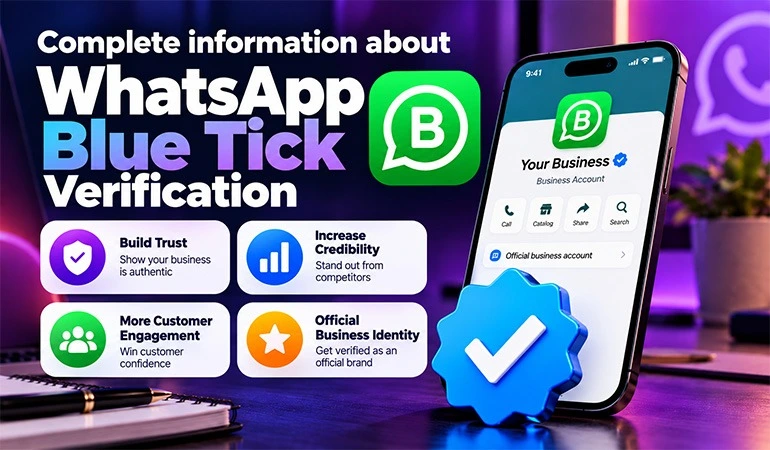
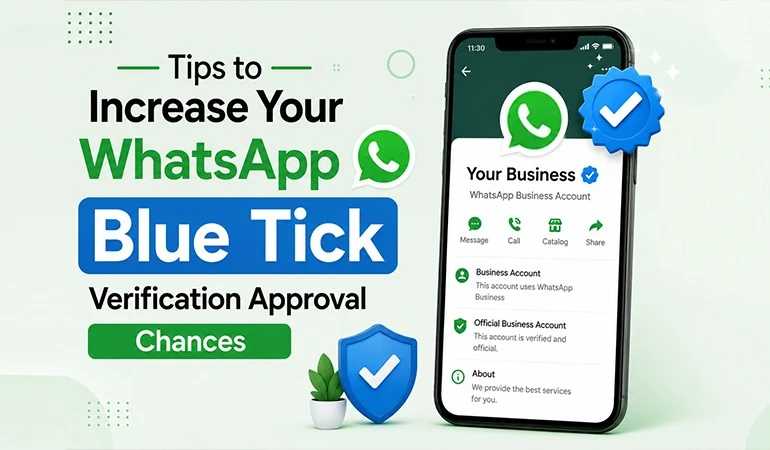
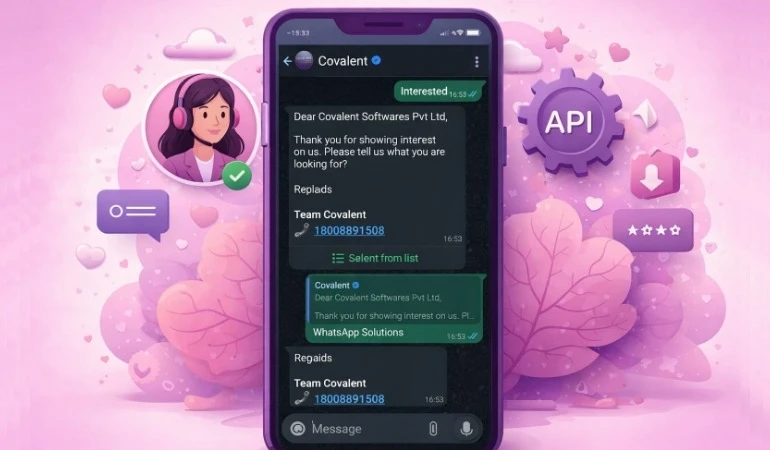
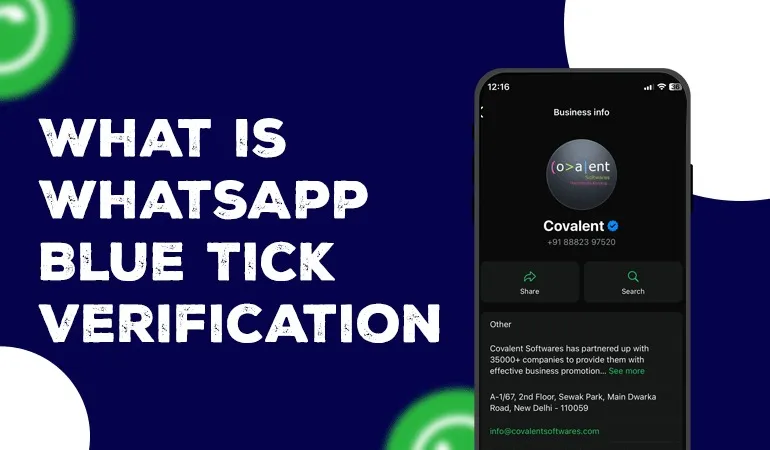
WhatsApp Blue Tick Verification is a verified badge associated with an eligible business account. It helps customers recognise that Meta has verified the account through an applicable process involving business information, documents, or account activity.
The exact verification route matters. Meta Verified is a subscription-based option available to eligible businesses in supported markets, while Official Business Account status has separate eligibility criteria for businesses using the WhatsApp Business Platform.
These options should not be treated as identical. Before applying, businesses should check which verification route is available for their account and whether they meet its requirements.
Why Is WhatsApp Blue Tick Verification Important?
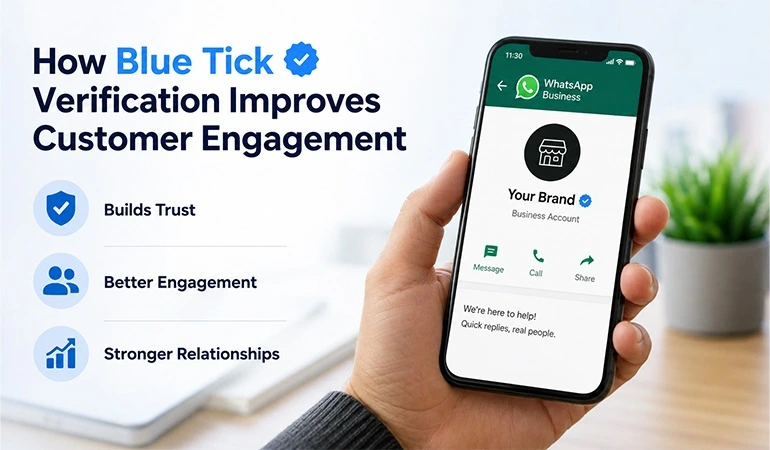
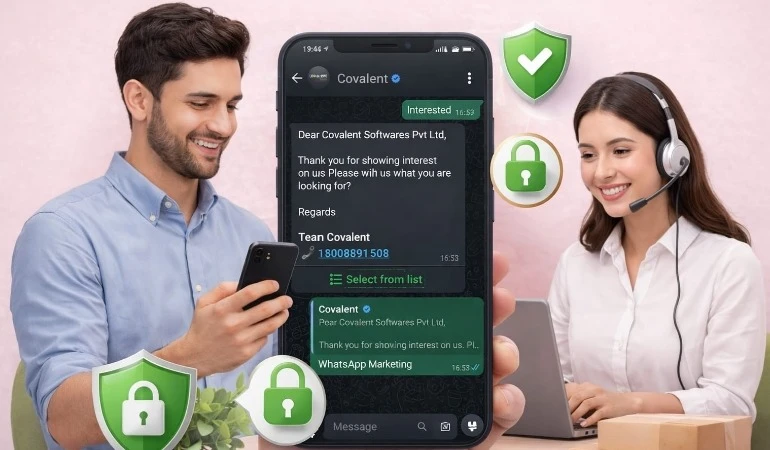
A verified business profile can support customer confidence, especially when people receive messages from brands they have not contacted before.
Some key benefits include:
• Greater brand credibility: Customers can more easily recognise an authenticated business account.
• Better brand recognition: A verified badge helps distinguish an eligible account from similar-looking profiles.
• More confidence in communication: Customers may feel more comfortable starting a conversation with a recognised business.
• Professional business presence: Verification can support a consistent identity across customer interactions.
• Additional account features: Depending on the subscription or verification option, businesses may receive account support and impersonation protection.
Verification does not guarantee sales, higher message-open rates, or complete protection against fraud. Businesses still need clear communication, good customer service, and responsible messaging practices.
What is required for WhatsApp Blue Tick Verification
Before applying, businesses should review the requirements for their specific verification option. The following checklist covers important areas to prepare.
1. A Genuine and Verifiable Business
Your business should have a legitimate identity that can be supported with accurate information. Meta may review the details provided during the verification process to establish the connection between the account and the business.
Keep your legal business name, contact information, and registration details accurate. Avoid using misleading names or information that cannot be supported by official records.
2. Business Verification and Supporting Documents
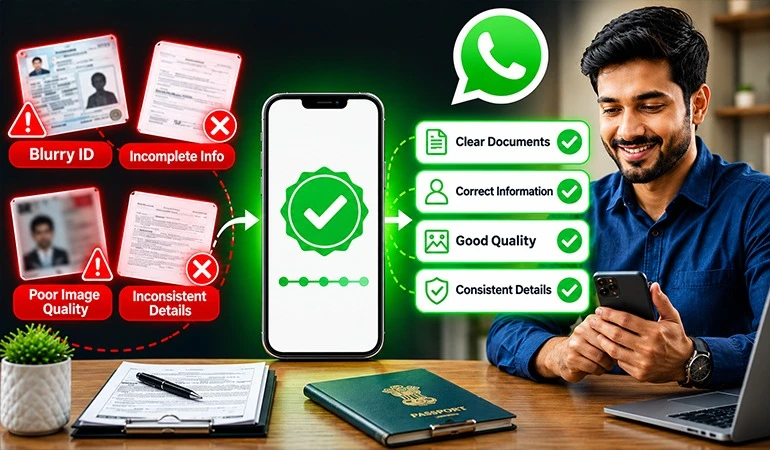
Depending on the verification route, Meta may ask for documents to confirm your business identity. Common examples include:
• Certificate of incorporation or business registration.
• GST registration certificate, where applicable.
• Other accepted tax or official business records.
• Proof of business contact details, if requested.
Document acceptance depends on the applicable process and country. Do not assume that every document listed above will be accepted for every verification option. Follow the document instructions shown in your Meta account.
3. An Official Website and Consistent Business Details
An official website helps customers understand who you are and what your company offers. It also gives your business a place to present its identity and contact information clearly.
Check that your website includes:
• A clear company name and business description.
• Accurate contact details and business information.
• Information about your products or services.
• A privacy policy and other relevant business policies.
Keep your business name consistent across your website, official social media profiles, supporting documents, and WhatsApp Business profile. Differences in names or contact details may create verification problems.
4. An Eligible WhatsApp Business Account
Your account must qualify for the verification option you want to use. For Meta Verified, availability, subscription requirements, and account eligibility depend on the current offering.
Businesses seeking Official Business Account status through the WhatsApp Business Platform must meet that route's separate criteria. Having a WhatsApp Business account alone does not guarantee a blue tick.
Check your account's available settings and Meta's current guidance before starting the application.
5. Compliance With WhatsApp Business Policies
Your business must follow the policies that apply to its account and messaging activities. This includes using WhatsApp responsibly and ensuring that customer communication complies with applicable rules.
Before applying, review the following:
• Your products and services comply with WhatsApp's applicable policies.
• Your messages follow the relevant consent and messaging rules.
• Your business does not use misleading claims or deceptive practices.
• Your account is not being used for prohibited spam or abusive communication.
Policy compliance is important for maintaining a reliable business presence, regardless of whether you receive a verification badge.
6. A Recognisable and Consistent Brand Identity
For businesses pursuing Official Business Account status, brand notability is an important consideration. Meta's assessment may consider whether the business is a well-known and frequently searched brand, along with other eligibility criteria.
A professional website, active business profiles, and genuine public coverage can help establish a clearer online identity. However, these factors do not guarantee approval.
Businesses should focus on building a real public presence rather than purchasing artificial mentions or creating misleading publicity.
How to Apply for WhatsApp Blue Tick Verification
The process varies according to the verification route available to your business. These steps provide a practical starting point.
Step 1: Review Your Business Information
Check your business name, profile details, website, contact information, and supporting records. Correct any inconsistencies before submitting your application.
Step 2: Complete the Required Business Checks
Complete the business verification steps requested by Meta, where applicable. Submit valid documents and provide information that accurately represents your company.
Step 3: Check Your Verification Option
Open the relevant WhatsApp Business settings or Meta business tools and check which verification option is available. Some businesses may be offered a Meta Verified subscription, while other verification routes have different eligibility rules.
Step 4: Submit the Application
Follow the instructions for your selected route. Review the details carefully before submission and respond to any additional verification requests.
Step 5: Monitor the Application
Check for status updates and requests for further information. If the application is rejected, review the stated reason and address the problem before considering another application.
Approval is determined by Meta. Hello All can help businesses prepare their WhatsApp communication setup, but no service provider can guarantee that Meta will grant a verification badge.
Common Reasons for WhatsApp Blue Tick Verification Rejection
Even businesses with complete profiles may not qualify for verification. Understanding common issues can help you prepare a stronger application.
• Incorrect business information: Details do not match official records or other business profiles.
• Invalid documents: Submitted documents are outdated, unclear, incomplete, or unsupported.
• Profile name mismatch: The WhatsApp business name does not clearly match the business identity.
• Eligibility issues: The account does not meet the requirements of the selected verification option.
• Insufficient public recognition: A business applying for Official Business Account status may not meet the applicable notability criteria.
• Policy violations: The account's activities do not comply with the relevant WhatsApp policies.
Review the rejection notice carefully. Correct the specific issue and consult the applicable Meta guidance before applying again.
Use Cases of WhatsApp Blue Tick Verification
Use Case 1: E-commerce and Online Retail
An online clothing store receives customer enquiries about product sizes, payment methods, order confirmations, and deliveries through WhatsApp.
A verified business identity can help customers recognise the store's account when they need assistance. When combined with organised customer support and timely order notifications, it can contribute to a more dependable shopping experience.
Businesses can use a WhatsApp communication solution such as Hello All to organise customer interactions and manage messaging workflows.
Use Case 2: Education and Training Institutes
An education institute uses WhatsApp to answer admission enquiries, share course information, send class reminders, and communicate with enrolled students.
A consistent business identity can make it easier for students and parents to recognise the institute's official account. The institute can then support its communication process with structured enquiries, follow-ups, and student notifications.
Verification eligibility still depends on Meta's requirements, and the badge does not replace the need for accurate information and responsible communication.
Case Studies: Preparing Businesses for Verification
The following are illustrative scenarios showing how businesses can improve their readiness. They are not verified customer results or guarantees of approval.
Case Study 1: A Financial Services Company
A financial services company wanted to strengthen customer confidence in its WhatsApp communication. Its website used a shortened brand name, while its business documents displayed the full registered name.
The company reviewed its business identity, corrected inconsistencies across its online profiles, and organised the documents required for its selected verification process.
Key learning: Consistent business information and accurate supporting documents make it easier to establish a clear business identity.
Case Study 2: An Online Learning Platform
An online learning platform used WhatsApp to answer course enquiries and send admission updates. Before applying for verification, the team reviewed its website, contact details, profile name, and business information.
It also checked its account eligibility and messaging practices against the applicable requirements.
Key learning: Preparing the account and checking eligibility before applying can help prevent avoidable errors during verification.
How Hello All Can Help Your Business
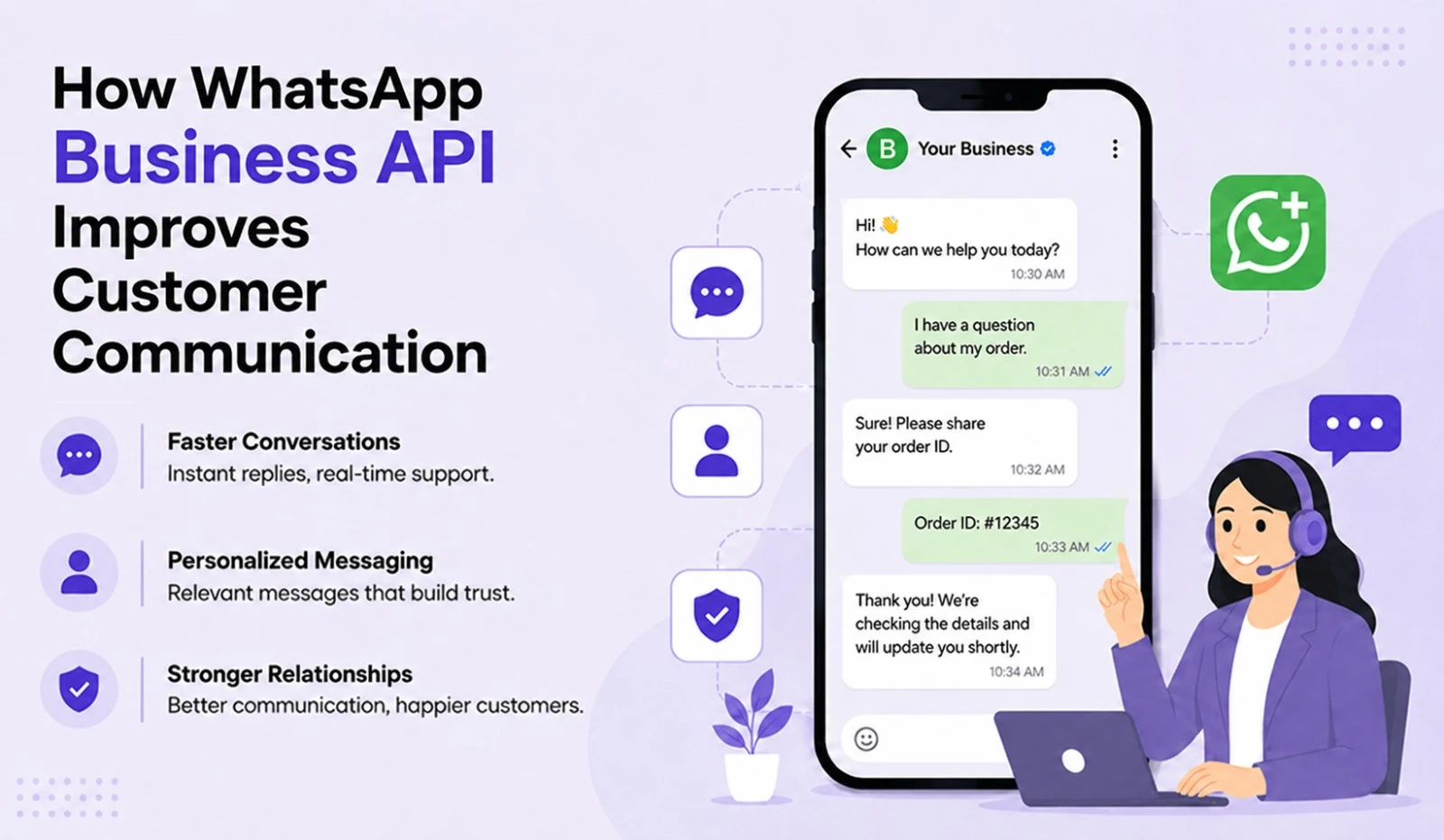
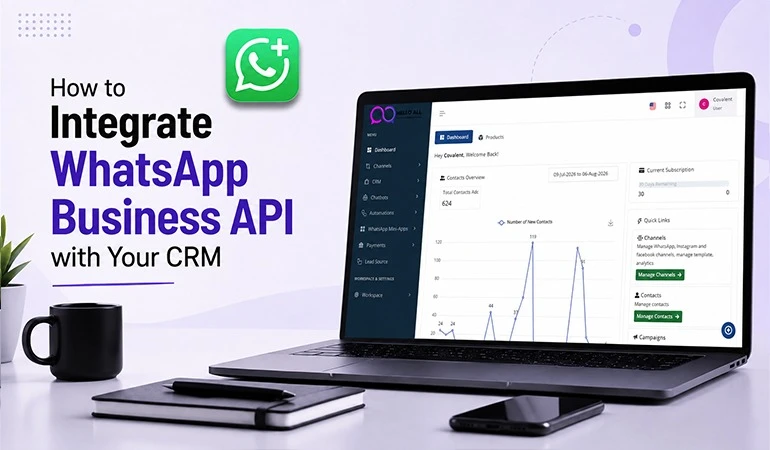
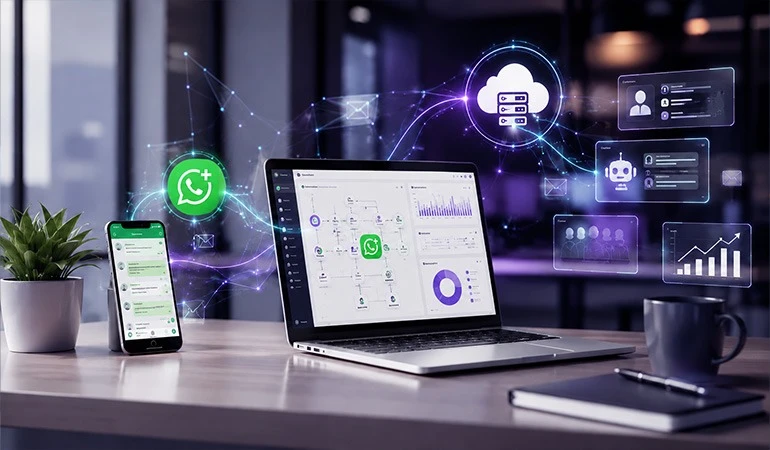
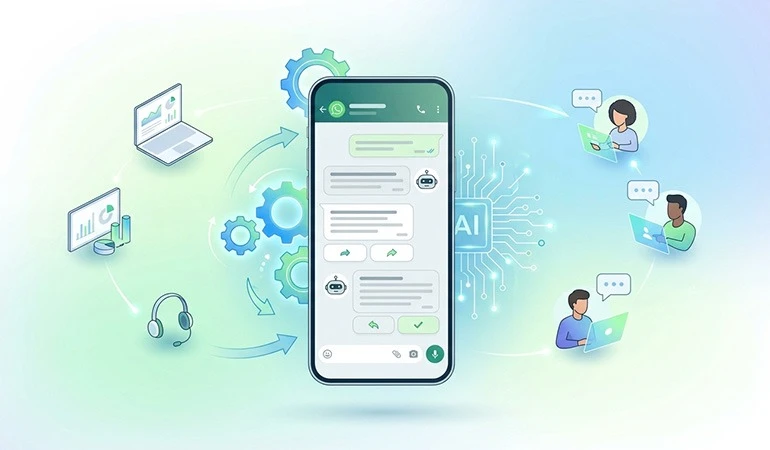
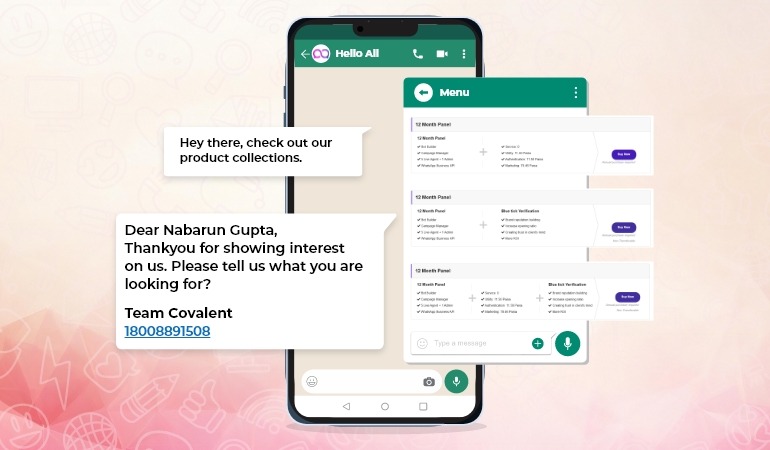
Hello All offers WhatsApp Business API solutions that help businesses organise customer communication, manage messaging workflows, and support customer engagement.
Businesses preparing for verification can use Hello All to explore suitable WhatsApp Business Platform options and build a more structured communication process.
Visit the Hello All WhatsApp Business API page to learn more about its services. Remember that verification decisions remain with Meta.
Frequently Asked Questions (FAQs)
Is WhatsApp Blue Tick Verification free?
+Not every verification option is free. Meta Verified is subscription-based where available, while Official Business Account status follows a different process. Check the current terms for your account.
Is a website compulsory for WhatsApp Blue Tick Verification?
+Requirements vary by verification route. An official website can help establish your business identity, but you should check Meta's current eligibility rules to confirm what is required.
Can a small business apply for a blue tick?
+Yes, eligible small businesses may have access to Meta Verified in supported markets. Approval depends on the applicable account requirements and verification process.
Does WhatsApp Business API automatically provide a blue tick?
+No. Using the WhatsApp Business Platform does not automatically grant a verified badge. The business must qualify for and complete the relevant verification process.
Can Hello All guarantee WhatsApp Blue Tick Verification?
+No. Hello All can help businesses explore WhatsApp Business API solutions and organise their communication processes. Meta makes the final verification decision based on its applicable requirements.