Get WhatsApp Blue Tick Verified with 10% off
How to Choose the Right WhatsApp Business API Provider
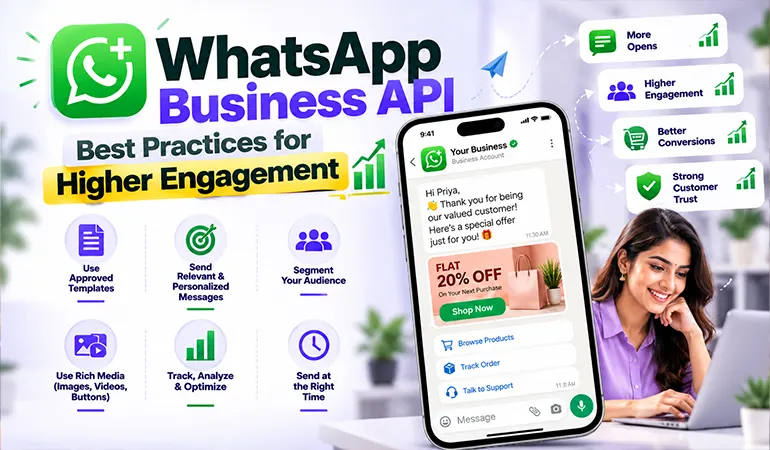
WhatsApp has become an important communication channel for businesses that want to connect with customers quickly. From answering product queries to sending order updates, businesses now use WhatsApp for sales, support, marketing & customer service.
However, choosing the right WhatsApp Business API provider can be difficult. Providers may offer similar features, but their pricing, support, automation capabilities, integrations, message delivery & compliance standards can vary considerably.
For businesses considering HelloAll, the right approach is to evaluate the provider based on business requirements rather than simply choosing the cheapest plan.
Why Choosing the Right Provider Matters
Your WhatsApp API provider directly affects how efficiently your business communicates with customers.
A poor provider can lead to complicated setup, limited integrations, delayed support, unclear pricing, or difficulties managing conversations.
The right provider should make WhatsApp communication easier to operate as your business grows.
1. Check Official WhatsApp Support
One of the first things to verify is whether the provider works through the official WhatsApp Business Platform.
This matters because businesses need to follow WhatsApp's messaging policies, templates, customer consent requirements & other rules.
Ask the provider about the onboarding process and how business verification and WhatsApp number setup are handled.
2. Evaluate Automation Features
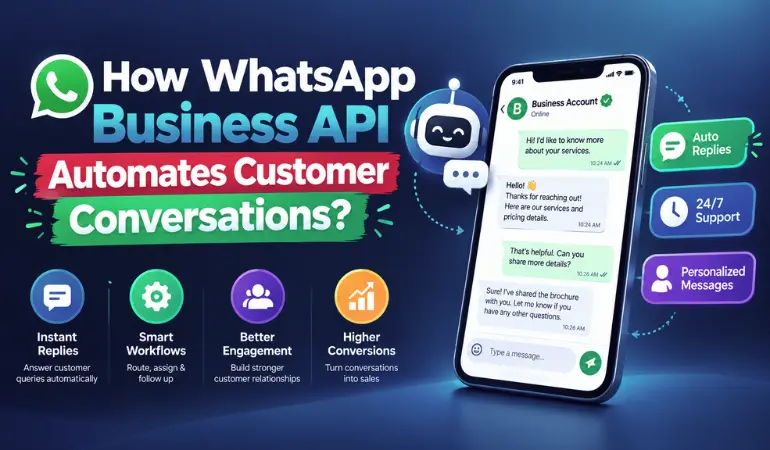
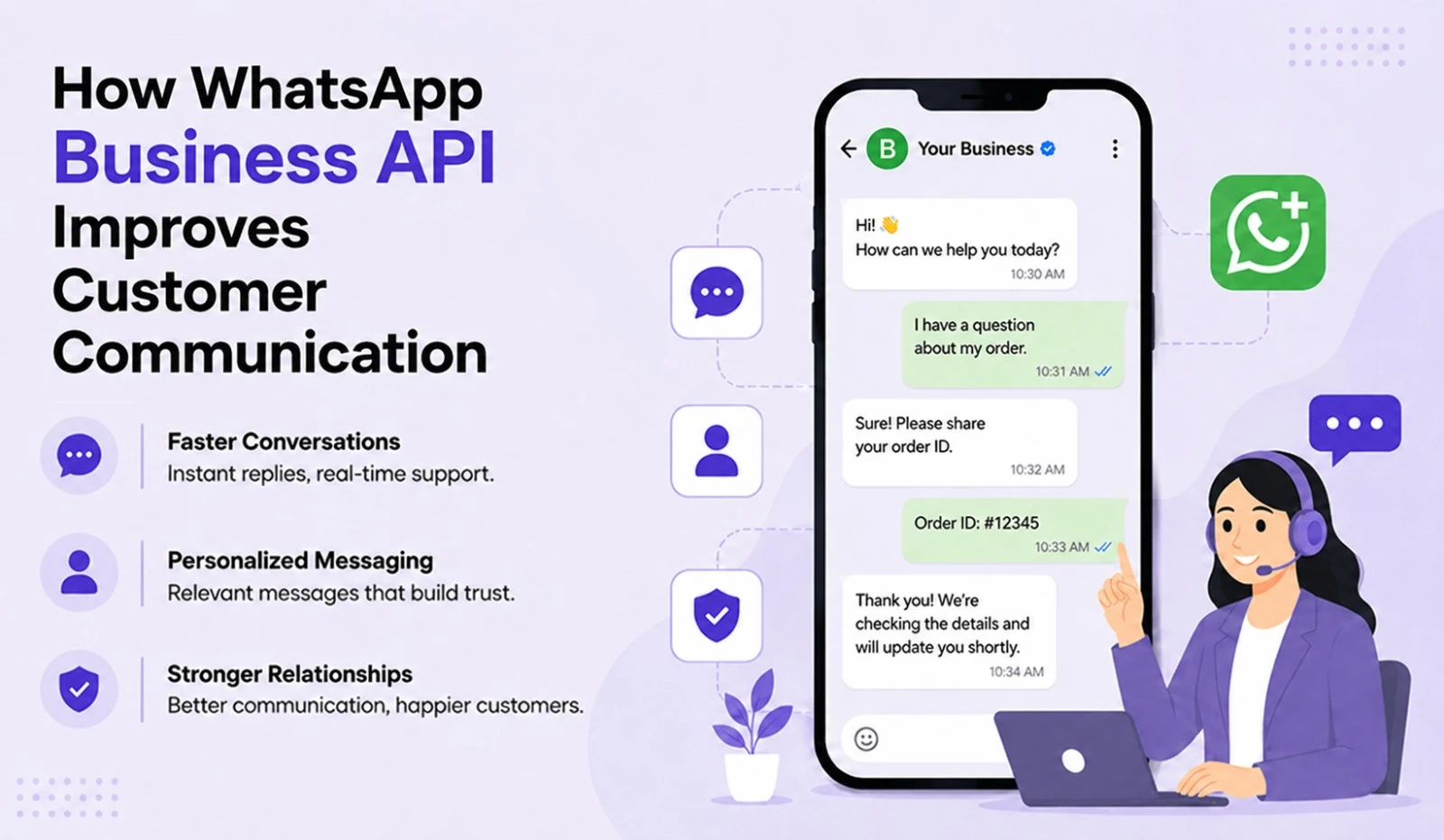
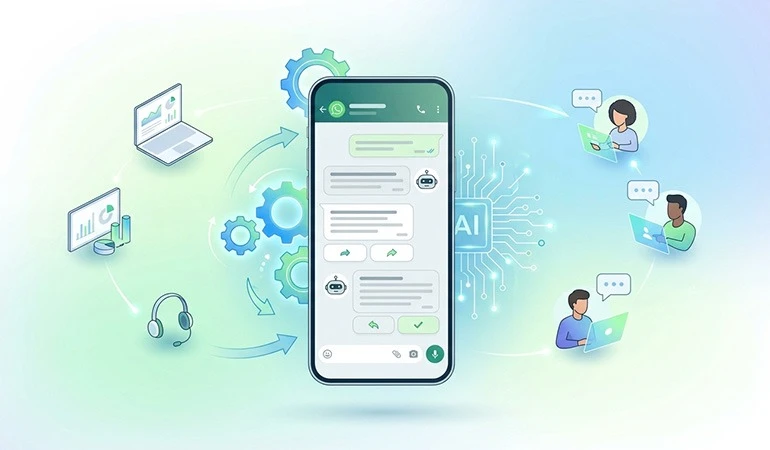
Automation is one of the biggest advantages of using the WhatsApp Business API.
Look for features such as:
Automated replies
Chatbots
Welcome messages
Lead qualification
FAQ automation
Appointment reminders
Customer follow-ups
Human handover when required
HelloAll can be considered when your business needs WhatsApp communication combined with automation and customer engagement workflows.
3. Look at CRM and Software Integrations
A WhatsApp API provider becomes more useful when it can connect with your existing systems.
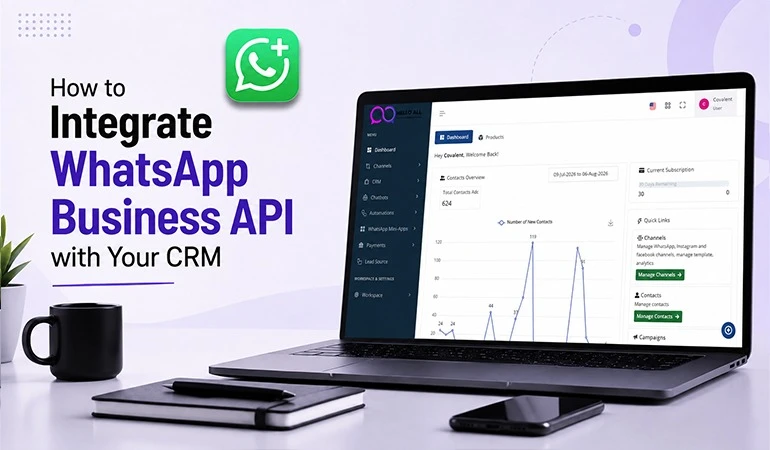
For example, integrating WhatsApp with a CRM can allow sales teams to track conversations and follow up with leads from a central system.
Before selecting a provider, check whether it supports the platforms your business already uses.
Use Case 1: Lead Generation and Sales
Imagine a real estate company running advertisements that direct potential buyers to WhatsApp.
When someone sends a message, an automated workflow can ask about:
Preferred location
Property type
Budget
Buying timeline
The qualified enquiry can then be transferred to a salesperson.
This reduces repetitive work and gives the sales team useful information before the conversation begins.
Use Case 2: Customer Notifications
An e-commerce company can use WhatsApp to keep customers informed about their orders.
Messages can include:
Order confirmation
Payment confirmation
Shipping updates
Delivery notifications
Customer support information
Such communication can reduce uncertainty after a purchase and give customers an easy channel for assistance.
Case Study 1: Improving Lead Follow-Up
Consider a digital services company receiving leads from online advertising.
Previously, the sales team manually contacted every enquiry. Some leads were contacted late, while others were forgotten during busy periods.
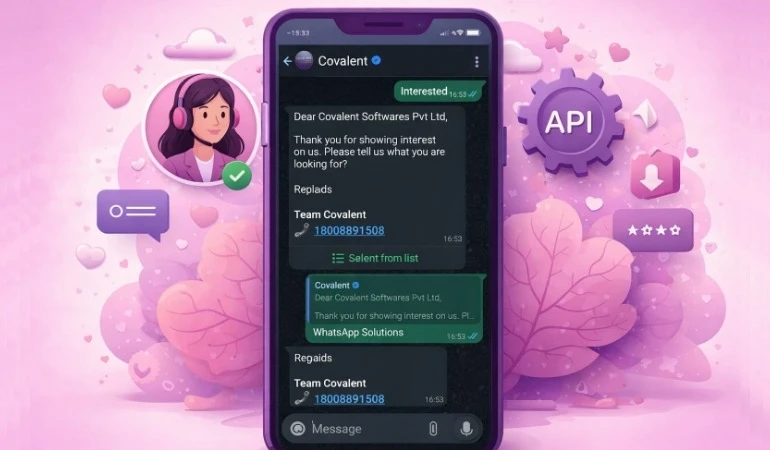
After connecting WhatsApp with an automated workflow, new enquiries could receive an immediate response. Basic information was collected automatically before qualified leads were assigned to the sales team.
The key improvement came from faster response and better lead organization.
Case Study 2: Streamlining Customer Support
Consider an online retailer handling hundreds of routine customer questions every week.
Many enquiries concerned delivery status, return policies, payment confirmation & product information.
A WhatsApp automation system could answer common questions automatically while forwarding complex issues to support staff.
This allows employees to spend more time on cases that actually require human attention.
Compare Pricing Carefully
Pricing should never be judged only by the monthly subscription.
Ask about:
WhatsApp messaging charges
Platform fees
Setup costs
Automation charges
Additional user charges
Integration costs
Support fees
Minimum commitments
A provider with a low entry price may become expensive if important features are charged separately.
Check Customer Support
Technical support becomes particularly important when WhatsApp is being used for sales or customer service.
Before signing up, find out:
How support requests are handled
Whether support is available during business hours
How quickly technical problems are addressed
Whether onboarding assistance is included
Whether documentation and training are available
For businesses that rely heavily on WhatsApp, responsive support can prevent communication disruptions.
Review Scalability
Your provider should be able to support your business as message volumes increase.
A small company may initially need basic automation, while a growing organization may eventually require multiple users, CRM integration, advanced workflows & larger messaging volumes.
Choose a platform that can grow with your requirements.
Check Analytics and Reporting
Analytics can help you understand how customers interact with your WhatsApp communication.
Useful reporting features may include:
Message delivery
Read status
Response activity
Campaign performance
Customer conversations
Lead activity
These insights can help businesses identify which communication workflows need improvement.
Consider Security and Data Handling
Customer conversations may contain names, phone numbers, order details & other business information.
Therefore, security should be part of your provider evaluation.
Ask about data handling, access controls, account security & how customer information is managed.
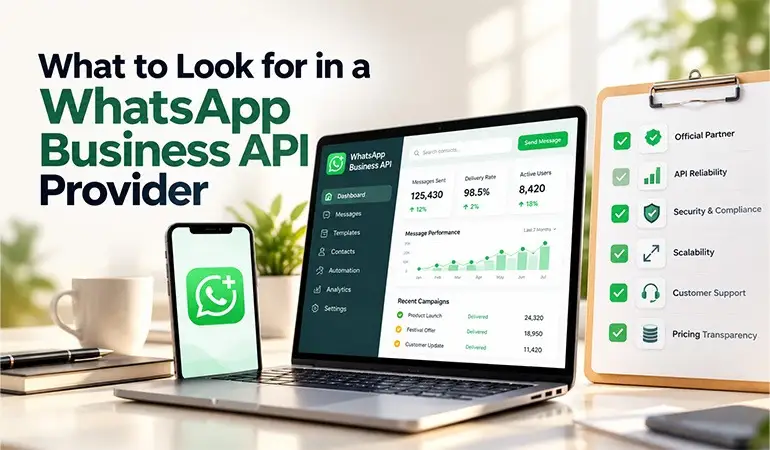
WhatsApp API Provider Selection Checklist
Before making a decision, ask yourself:
Is the provider using the official WhatsApp Business Platform?
Does it offer the automation features we need?
Can it integrate with our CRM or software?
Is pricing clearly explained?
Can multiple team members manage conversations?
Does it provide useful analytics?
Is customer support reliable?
Can the platform handle future growth?
Does the provider understand WhatsApp compliance?
If the answers are positive, the provider is more likely to be a suitable long-term choice.
Why Consider HelloAll?
Businesses looking for a WhatsApp communication solution can evaluate HelloAll based on their specific requirements.
The important consideration is how well the platform fits your sales, marketing, support & automation needs.
Instead of choosing a provider only because of its price, assess the complete experience from onboarding and integration to daily communication and customer support
FAQs
Costs depend on WhatsApp's applicable messaging charges and the provider's own platform or service fees. Always request a complete pricing breakdown before selecting a provider.
Yes. Depending on the provider, WhatsApp API can be integrated with CRM platforms and other business systems. This can help sales and support teams manage customer conversations more efficiently.
Yes. Small businesses can use WhatsApp API when they need automation, multiple-user access, lead management, notifications, or integrations that go beyond the standard WhatsApp Business application.
Compare official platform support, features, integrations, pricing, automation, analytics, security, scalability & customer support. The best provider is the one that matches your actual business workflow and future requirements.
HelloAll can be evaluated by businesses looking for WhatsApp-based communication, automation, customer engagement & business messaging capabilities. The right choice depends on the features and integrations required for your particular workflow.