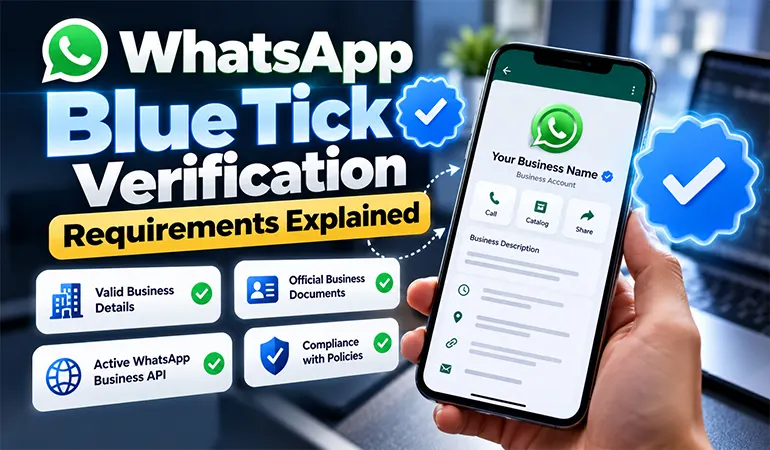
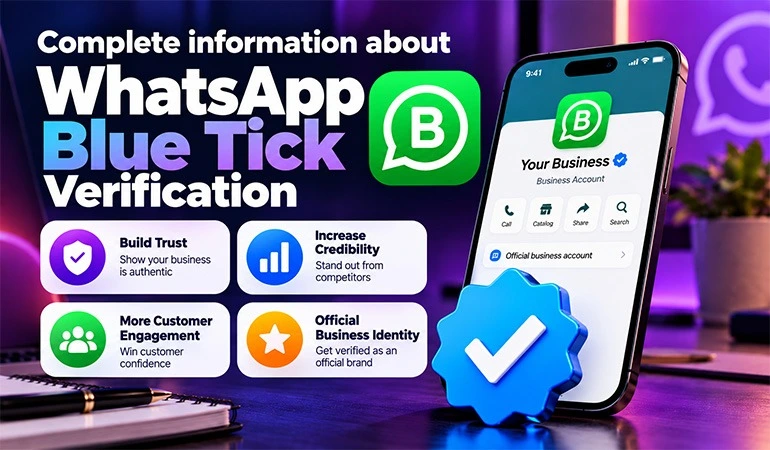
Get WhatsApp Blue Tick Verified with 10% off
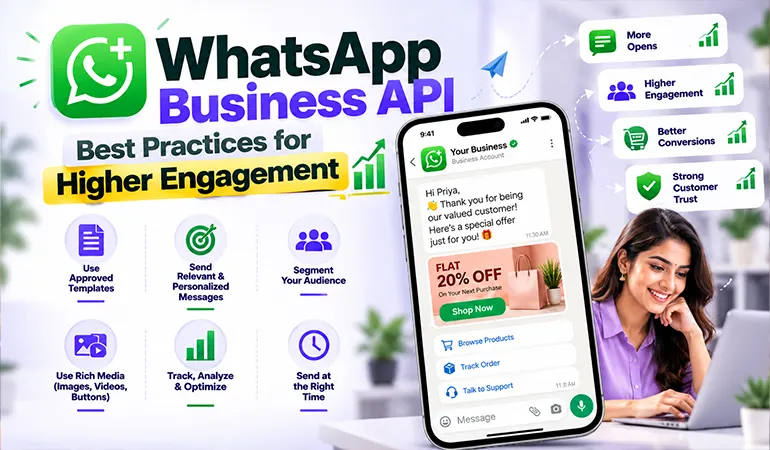
Customers expect quick replies, useful updates, and simple ways to communicate with businesses. WhatsApp has become an important channel for these interactions, allowing companies to answer questions, share order updates, send reminders, and support customers throughout their buying journey.
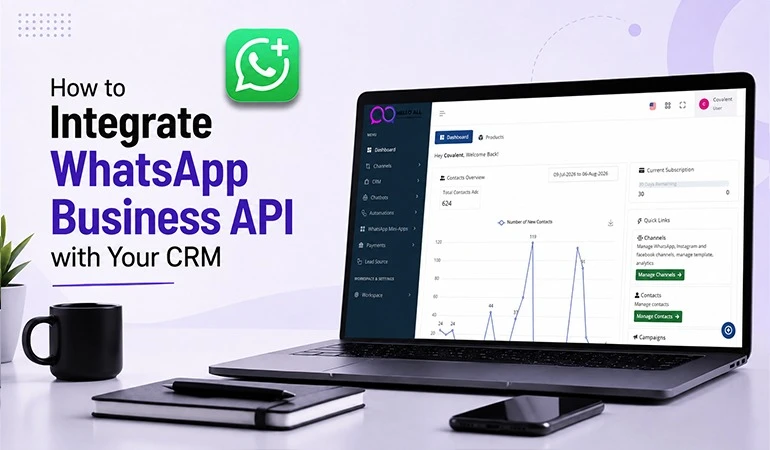
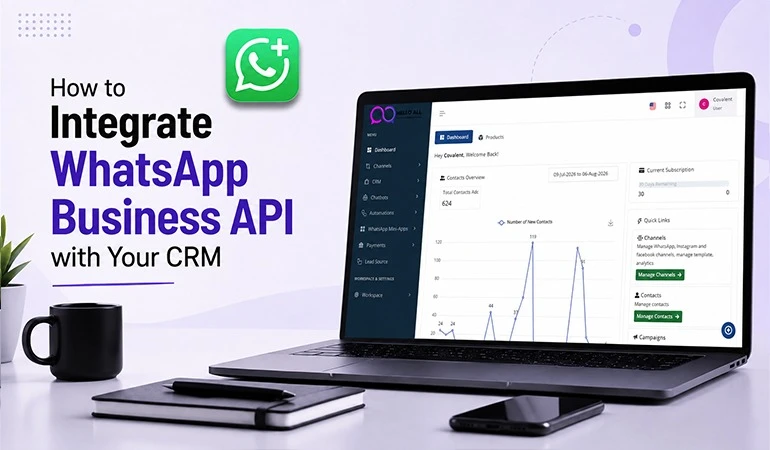
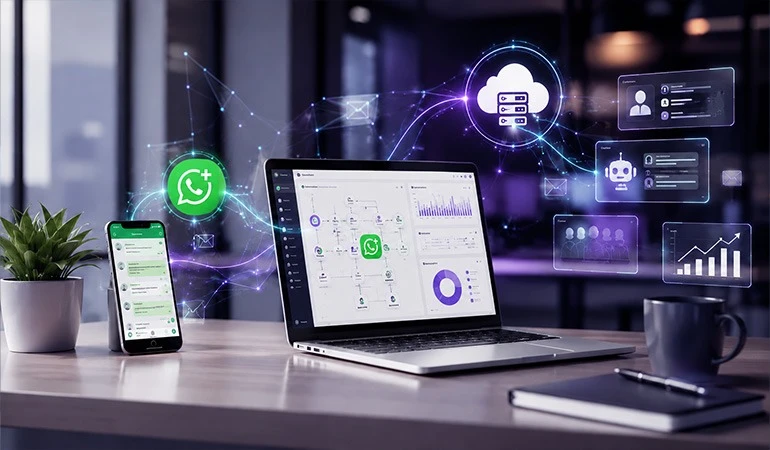
The WhatsApp Business API, also known as the WhatsApp Business Platform, helps businesses manage customer conversations at scale. It supports integrations with customer relationship management (CRM) systems, chatbots, shared team inboxes and automated messaging workflows.
However, simply sending more messages does not guarantee better engagement. Businesses need relevant content, timely communication, personalisation and a clear understanding of customer preferences.
Hello All helps businesses explore WhatsApp Business API solutions for customer communication, business messaging and more organised conversation management.
What Is the WhatsApp Business API?
The WhatsApp Business API enables businesses to communicate with customers through supported business messaging platforms and integrations. Unlike the standard WhatsApp Business app, the platform is designed to support larger communication operations and more advanced workflows.
Businesses can use it to:
• Send approved message templates for permitted business-initiated conversations.
• Respond to customer enquiries within the applicable messaging window.
• Automate common questions and routine notifications.
• Connect conversations with CRM and support systems.
• Manage customer interactions through team inboxes.
• Send order updates, appointment reminders and service notifications.
Access is generally provided through Meta or an authorised business solution provider. Features, pricing and integration options depend on the provider and setup.
Why WhatsApp Business API Engagement Matters
Engagement means more than sending a message successfully. It includes whether customers read, respond to, act on, or find value in the communication.
A well-planned WhatsApp strategy can help businesses improve customer service, reduce delays and make important information easier to access.
Higher engagement can support several business goals:
• Faster responses to customer enquiries.
• Better communication during the buying process.
• More convenient order and appointment updates.
• Relevant product recommendations.
• Stronger customer relationships.
• Improved visibility into messaging performance.
The key is to make every message useful to its recipient.
Best Practices for Higher WhatsApp Business API Engagement
1. Obtain Customer Consent Before Sending Messages
Customer permission is the foundation of responsible WhatsApp marketing. Businesses should obtain valid opt-in before sending business-initiated messages and explain the type of communication customers can expect.
Consent can be collected through suitable website forms, checkout processes, or other permitted customer touchpoints.
Best practices include:
• Clearly state that the customer is agreeing to receive WhatsApp messages.
• Explain the purpose of the communication.
• Keep a record of consent where appropriate.
• Honour opt-out requests promptly.
• Avoid purchasing or using unverified contact lists.
Sending unwanted messages can lead to blocks, complaints and reduced trust.
2. Segment Your Audience
Sending the same message to every contact often produces weak results. Customers have different needs, interests, purchase histories and stages in the buying process.
Audience segmentation helps businesses send more relevant messages to specific groups.
Useful segments include:
• New enquiries.
• Existing customers.
• Recent purchasers.
• Customers with abandoned carts.
• Customers due for a renewal.
• People interested in a particular product or service.
For example, an online clothing store can share new arrivals with customers who have expressed interest in that category instead of sending every product announcement to its entire contact list.
3. Write Short and Clear Messages
WhatsApp is commonly used for quick conversations. Long promotional messages can make it difficult for customers to identify the main point.
Keep each message focused on one purpose and use simple language.
A strong message should include:
• A clear opening.
• The main information or benefit.
• Relevant details.
• One suitable call to action.
For example, instead of writing a lengthy promotional paragraph, a retailer can announce a limited-period offer, state the applicable dates and provide a button or link to view the collection.
4. Personalise Messages Carefully
Personalisation helps make communication relevant to individual customers. It can include using a customer's name, referring to a recent order, or sharing information related to an expressed interest.
For example:
"Hello Priya, your order has been shipped. You can check the latest delivery status using the tracking link below."
Personalisation should rely on accurate information and appropriate data use. Incorrect names, outdated order details, or irrelevant recommendations can damage customer confidence.
5. Use WhatsApp Message Templates Properly
Business-initiated conversations generally require approved message templates when they fall outside the customer service window. Templates may support utility, authentication, or marketing purposes, subject to Meta's current rules.
To improve template performance:
• Use wording that clearly matches the message purpose.
• Avoid misleading claims.
• Keep placeholders meaningful and accurate.
• Make promotional intent clear.
• Review templates before submission.
• Monitor quality feedback and template status.
A template should provide genuine value rather than simply encourage customers to click.
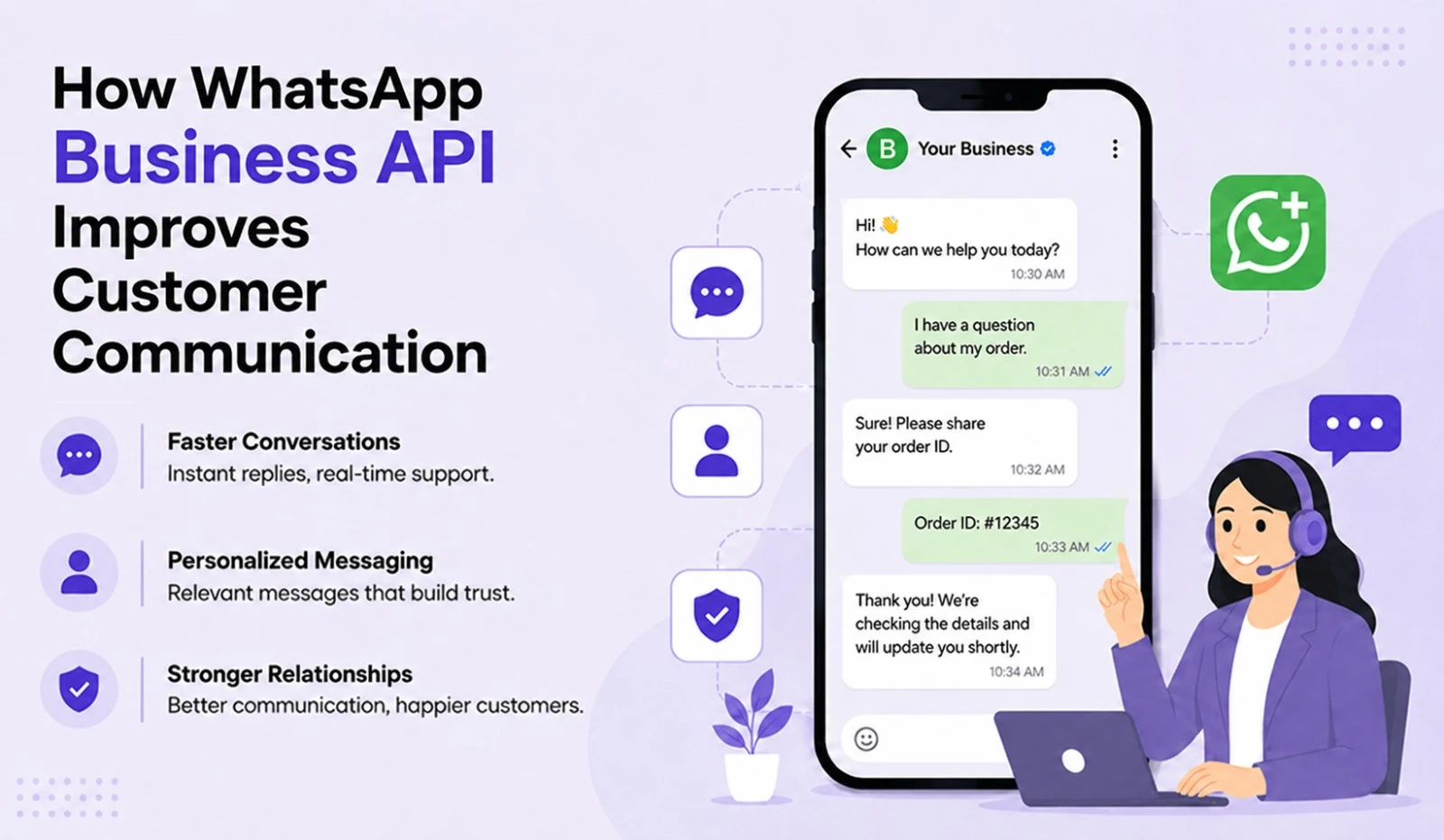
6. Respond Quickly to Customer Enquiries
When a customer asks a question about pricing, availability, delivery, or a service, a delayed response can affect the buying decision.
Businesses can improve response times by setting up a shared inbox, assigning conversations to the appropriate team and using automated acknowledgements.
Useful practices include:
• Set clear response-time targets.
• Route enquiries to the right department.
• Provide immediate answers to common questions.
• Escalate complex issues to a human agent.
• Track unanswered and overdue conversations.
Automation should make support easier to access. Customers should have a clear way to reach a person when necessary.
7. Use Automation Without Losing the Human Touch
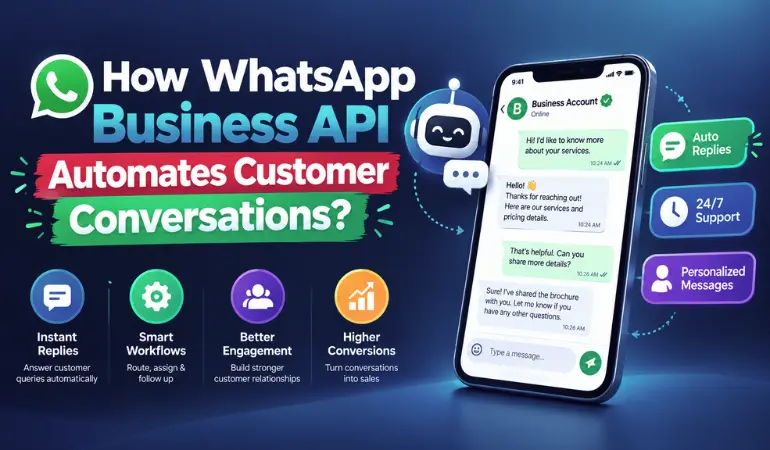
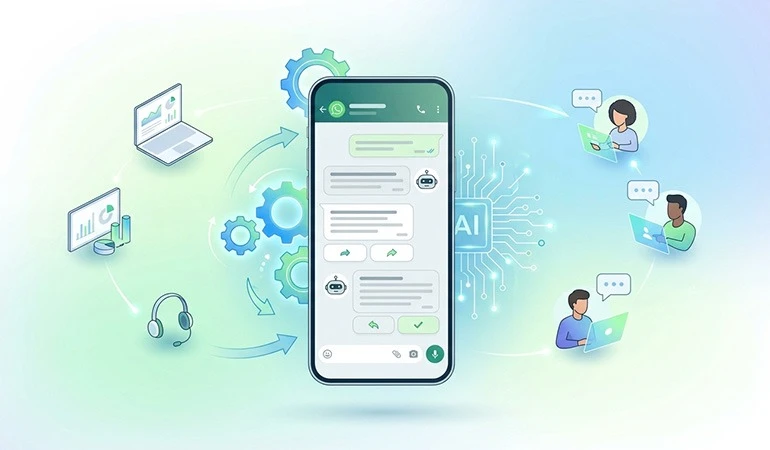
Automation can handle repetitive tasks such as frequently asked questions, appointment confirmations, order notifications and initial enquiry collection.
However, complicated complaints and sensitive customer concerns often require human attention.
A practical workflow may include:
• A greeting that explains available options.
• Automated answers to common questions.
• Basic information collection.
• Routing to a suitable support representative.
• Follow-up messages when appropriate.
Businesses should test automated responses regularly to ensure they remain accurate and useful.
8. Choose Interactive Messages Carefully
Depending on platform support and the message type, WhatsApp can offer buttons, list messages, product catalogues and other interactive features.
These options can help customers complete simple tasks without typing lengthy replies.
Examples include:
• "Track My Order"
• "View Products"
• "Book an Appointment"
• "Talk to Support"
Keep the number of options manageable. Each button should lead to a clear next step and work correctly across supported devices.
9. Send Messages at Appropriate Times
Message timing affects whether communication feels helpful or intrusive. A reminder sent before an appointment may be useful, while repeated promotional messages can irritate customers.
Consider the customer's time zone, preferences and the purpose of the message.
Businesses should:
• Avoid unnecessary late-night promotions.
• Schedule reminders with enough notice.
• Limit repetitive campaign messages.
• Review customer responses and opt-out patterns.
• Adjust frequency according to campaign performance.
There is no universal best time for every audience. Testing and monitoring can help identify suitable sending windows.
10. Track Engagement and Improve Campaigns
WhatsApp messaging should be measured against business objectives. Delivery alone does not establish whether a campaign has produced meaningful results.
Depending on the platform and integration, useful metrics may include:
• Delivery and read rates where available.
• Customer reply rates.
• Link clicks.
• Qualified enquiries.
• Orders or bookings.
• Resolution time.
• Opt-outs and negative feedback.
Compare similar campaigns and change one major variable at a time, such as the message wording, audience segment, or call to action. This makes it easier to understand what influences performance.
Use Cases of WhatsApp Business API
Use Case 1: E-commerce Order Updates
An online store receives frequent customer questions about order confirmation, dispatch and delivery.
By integrating WhatsApp Business API with its order management system, the store can send appropriate transactional updates and provide a tracking link. Customers can also be directed to support if a delivery problem occurs.
Expected benefit: Fewer repetitive status enquiries, easier access to order information and a more convenient customer experience.
Use Case 2: Education and Training Enquiries
A training institute receives enquiries about course fees, schedules, eligibility and upcoming batches.
A WhatsApp workflow can answer common questions, share course details and route interested learners to an admissions counsellor. Follow-up messages should be based on valid permission and the customer's stated interest.
Expected benefit: Better enquiry management, quicker responses and a clearer path from initial interest to enrolment.
Case Studies of WhatsApp Business API Engagement
The following examples are illustrative scenarios. They demonstrate possible strategies and should not be treated as verified client results.
Case Study 1: Improving Engagement for an Online Retailer
Challenge: A retailer sends the same promotional message to its entire customer database. Many recipients show little interest, while support staff receive repeated questions about products and orders.
Strategy: The retailer divides its audience by product interest and purchase history. It prepares separate promotional messages and introduces automated order updates.
Implementation: The team uses clear calls to action, reviews message frequency and tracks clicks, enquiries, orders and opt-outs.
Expected outcome: More relevant customer communication and a better understanding of which messages contribute to purchases.
The retailer should compare results with earlier campaigns before claiming any improvement in engagement or revenue.
Case Study 2: Faster Enquiry Management for a Training Institute
Challenge: An institute receives course enquiries through several channels. Staff members struggle to respond consistently and some prospective students do not receive timely follow-ups.
Strategy: The institute introduces a shared WhatsApp inbox, automated answers to common questions and conversation assignment for admissions counsellors.
Implementation: Enquiries are categorised by course interest. Counsellors handle detailed questions, while permitted reminders help interested students keep track of application dates.
Expected outcome: Better enquiry organisation, fewer missed conversations and improved visibility into the admissions process.
The institute can evaluate the approach through response times, qualified enquiries, counsellor follow-ups and confirmed enrolments.
How Hello All Can Support WhatsApp Business Communication
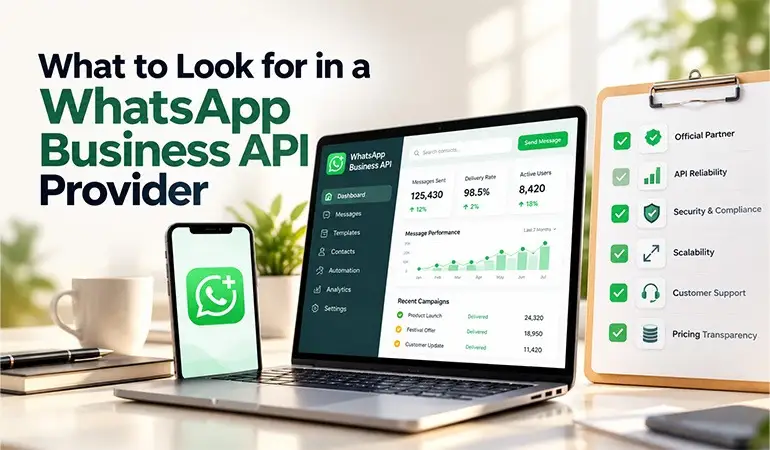
Hello All provides a relevant starting point for businesses exploring WhatsApp Business API solutions and customer messaging workflows.
Before choosing a solution, businesses should assess their communication needs, expected message volume, CRM requirements, support processes and available budget.
Important points to consider include:
• Business onboarding and account setup.
• Message template management.
• CRM and website integration.
• Automated replies and workflow configuration.
• Shared inbox and team access.
• Campaign reporting and performance tracking.
• Customer consent and opt-out management.
A suitable setup should help the business manage conversations consistently while following applicable Meta policies and data protection requirements.
Frequently Asked Questions
What is the WhatsApp Business API?
+It is a business messaging platform that supports customer communication, automation, integrations and team-based conversation management.
How can I improve WhatsApp engagement?
+Use relevant audience segments, concise messages, personalisation, timely replies and clear calls to action.
Do I need customer consent?
+Yes. Businesses should obtain the required opt-in before sending business-initiated messages and honour opt-out requests.
Can WhatsApp messages be automated?
+Yes. Businesses can automate supported notifications, common answers and workflows while allowing customers to reach a human agent.
What are WhatsApp message templates?
+Templates are pre-approved message formats used for eligible business-initiated conversations, subject to Meta's messaging rules.
How can Hello All help businesses?
+Hello All can help businesses explore WhatsApp Business API solutions for customer communication, automation and conversation management. Available features depend on the chosen service and setup.