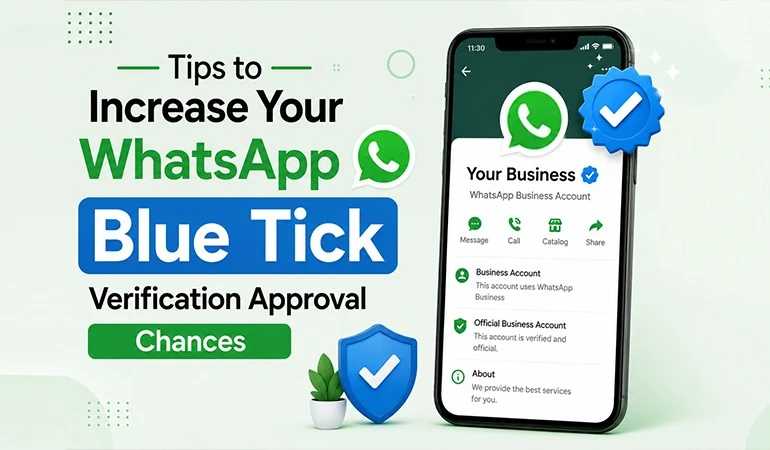
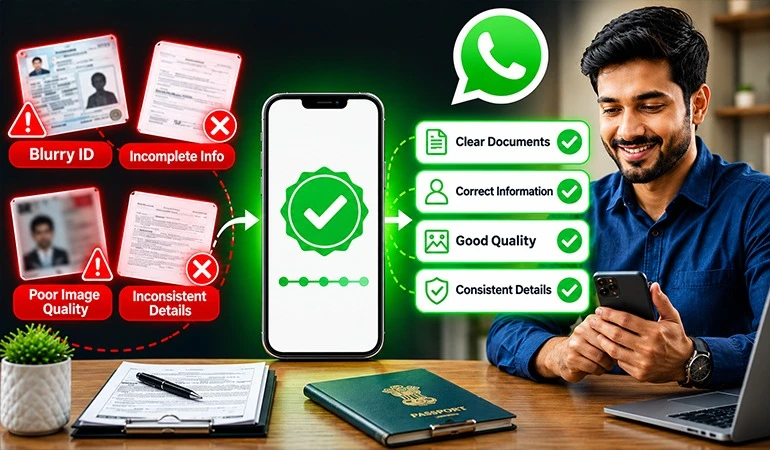
Get WhatsApp Blue Tick Verified with 10% off
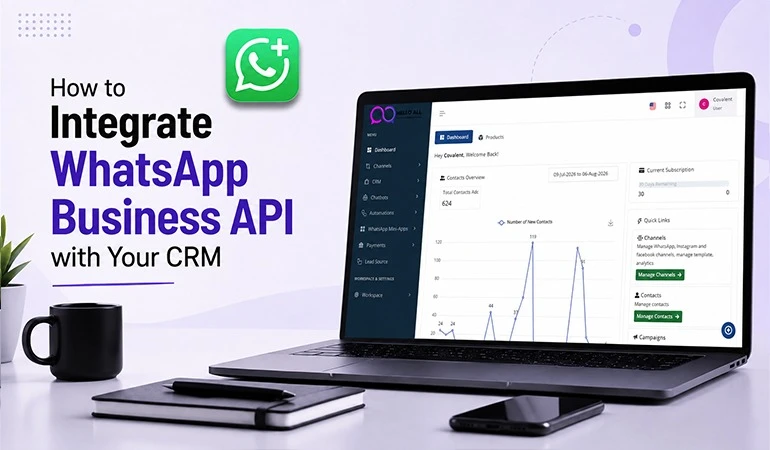
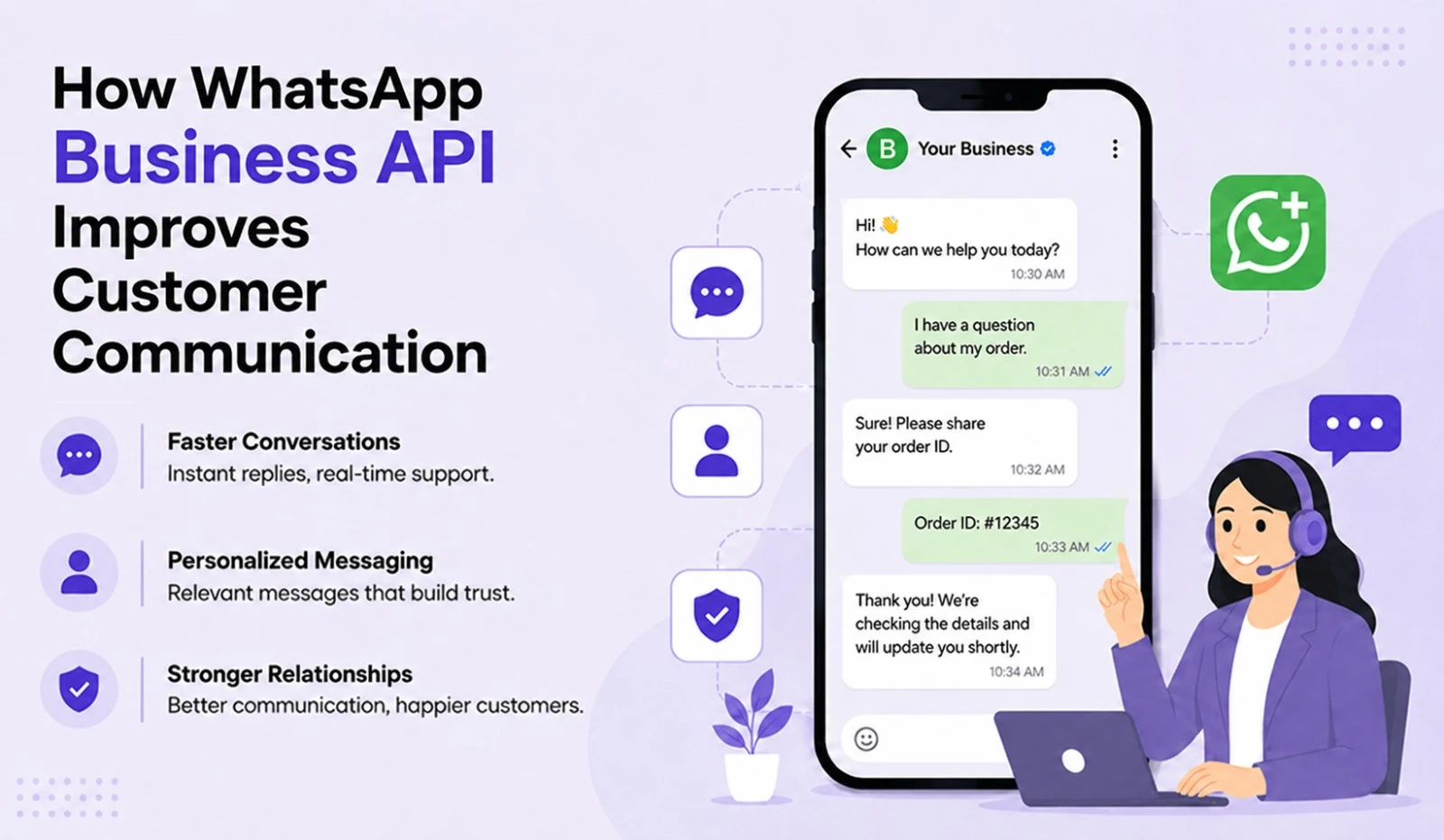
Today, customers want more than just a good product or service; they expect fast, easy & personalized communication. Consequently, combining the WhatsApp Business API with a CRM has become a powerful solution for any business.
If your sales team works on one system, your support team uses another platform & your marketing team holds separate data, delivering a superior customer experience becomes difficult. That is why thousands of companies are now integrating their CRM with the WhatsApp Business API.
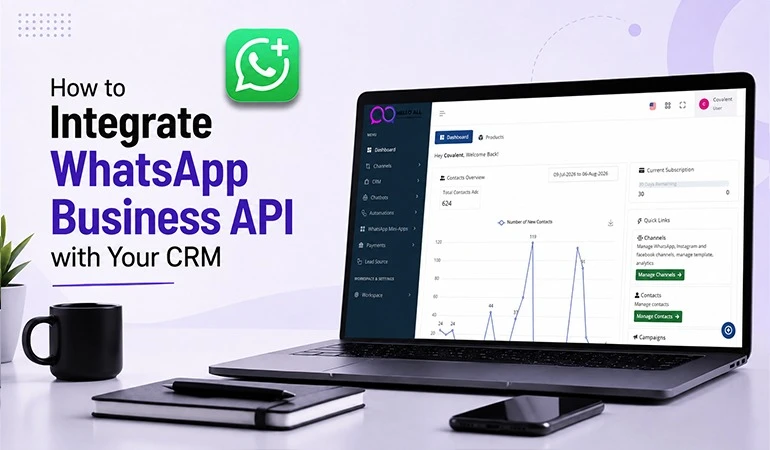
HelloAll enables businesses to easily integrate their CRM with the WhatsApp Business API, keeping all customer interactions organized on a single platform. This boosts team productivity, enhances the customer experience & helps drive sales.
What is the WhatsApp Business API?
The WhatsApp Business API is an official solution designed for medium and large businesses. It allows companies to communicate with a large number of customers securely, quickly & professionally.
Through this API, you can:
• Send order updates.
• Send OTPs and notifications.
• Provide customer support.
• Run marketing campaigns.
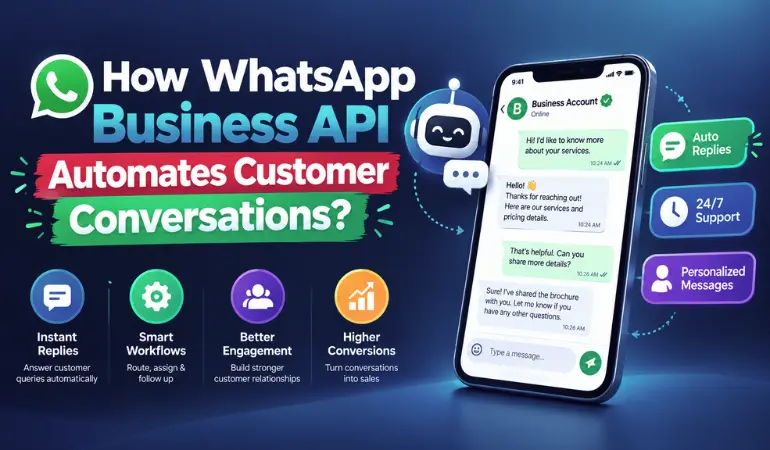
• Send automated replies via chatbots.
• Leverage customer data by integrating with your CRM.
What is a CRM?
CRM (Customer Relationship Management) is software that securely stores all information related to customers.
It typically includes:
• Customer name
• Mobile number
• Purchase history
• Past conversations
• Lead status
• Follow-up records
• Support history
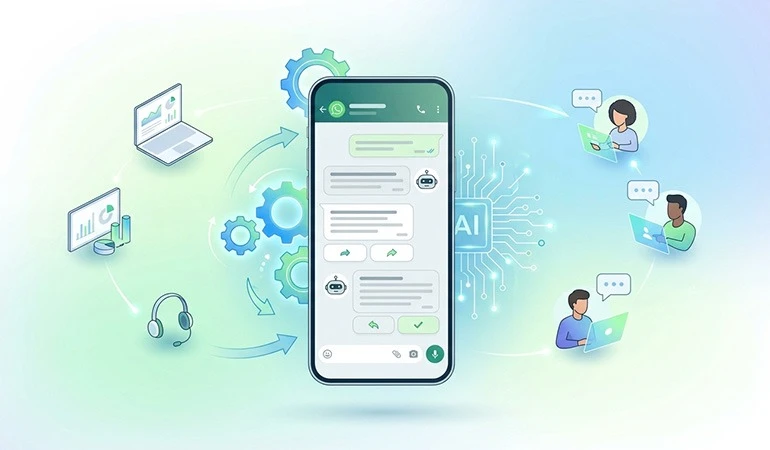
When a CRM and the WhatsApp Business API work together, your entire team can view customer information and conversation history from a single location.
Why is it important to integrate the WhatsApp Business API with your CRM?
If your company communicates with dozens or thousands of customers daily, the standard WhatsApp app is simply not enough.
With CRM integration:
• All chats are visible in one place. Access the customer's complete history instantly.
• Automate follow-ups.
• Improve team coordination.
• Ensure no leads are missed.
• Provide faster responses to customers.
How to integrate WhatsApp Business API with CRM using HelloAll?
Step 1: Set up your WhatsApp Business API account
First, set up your official WhatsApp Business API account through HelloAll.
During this process, steps such as:
• Business Verification
• WhatsApp Number Verification
• Display Name Approval
• API Configuration
...are completed.
Step 2: Choose your CRM
HelloAll supports integration with many popular CRM platforms.
Even if you have a custom-built CRM, it can still be connected via API.
Step 3: Perform API Integration
Next, the CRM is connected to the WhatsApp API.
Technical configurations such as:
• API Keys
• Authentication
• Webhooks
• Customer Data Mapping
...are handled during this stage.
The HelloAll team helps simplify the entire process.
Step 4: Set up Chat Automation
You can now create various automations.
Examples:
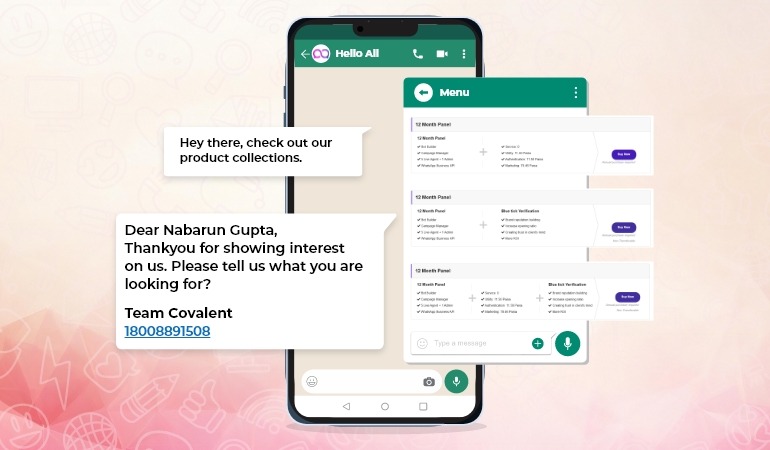
• Welcome message upon receiving a lead
• Payment reminders
• Appointment confirmations
• Delivery updates
• Feedback requests
• Customer support bots
Step 5: Testing
Once integration is complete, everything is tested, including:
• Message delivery
• CRM data sync
• Chat history
• Auto-replies
• Agent assignment
Step 6: Go Live
After successful testing, your CRM and WhatsApp Business API go live.
Your team can now communicate with customers from a single dashboard.
Key benefits of CRM integration
1. Complete customer information in one place
Whenever a customer sends a message on WhatsApp, the CRM instantly displays their full profile.
This eliminates the need for agents to switch between different systems.
2. Faster customer support
Customers do not need to repeat their information.
Agents can view the customer's full history beforehand.
3. Better Lead Management
As soon as a new lead arrives:
• The lead can be assigned.
• A follow-up can be scheduled.
• A reminder can be set.
• The sales pipeline can be updated.
4. Automated Notifications
You can automatically send:
• Invoices
• Order confirmations
• Shipping updates
• Appointment reminders
• Renewal reminders
• Payment reminders
5. Personalized Communication
Personalized messages can be sent to each customer based on data stored in the CRM.
This boosts both engagement and conversions.
6. Increased Team Productivity
Reducing manual tasks allows the team to handle a larger number of customers.
Why Choose HelloAll CRM Integration?
HelloAll makes the WhatsApp Business API easy to use and effective for businesses.
Key Features:
• Easy API Integration
• Multi-Agent Dashboard
• Shared Team Inbox
• Chat Automation
• Chatbot Support
• Broadcast Messaging
• CRM Integration Support
• Real-time Analytics
• Secure Messaging
• Template Message Management
What to Consider During CRM Integration?
Choose the Right CRM
Select a CRM that supports API-based integration.
Keep Customer Data Clean
Incorrect or duplicate data can negatively impact automation.
Adhere to WhatsApp Policy
Send messages only to customers who have opted in.
Monitor Regularly
Use analytics to continuously improve automation and campaigns.
Use Case 1: Real Estate Company
A real estate company receives hundreds of leads daily from its website and advertisements.
After integrating the CRM with the HelloAll WhatsApp Business API:
• A welcome message was sent immediately upon receiving a new lead.
• The lead was instantly assigned to a sales executive.
• Site visit reminders were sent automatically.
• Follow-ups were automated.
• The entire conversation was logged in the CRM.
As a result, the team handled more leads in less time & response times improved significantly.
Use Case 2: Healthcare Clinic
A multi-specialty clinic was struggling to manage patient appointments and follow-ups.
After integration:
• Appointment confirmations were sent automatically.
• Reminders were sent on time.
• Lab report notifications were delivered via WhatsApp.
• Feedback requests were sent automatically.
• Patient history remained accessible within the CRM.
This reduced patient no-shows and improved the overall service experience.
Case Study 1: Education Institute
An online education institute used to receive approximately 4,000 new inquiries every month. Due to messages arriving from various channels, many leads would go uncontacted or be missed.
The WhatsApp Business API was integrated with the CRM via HelloAll. A welcome message was sent as soon as a new lead was generated, the lead was automatically assigned to a counselor & all conversations were logged within the CRM.
In a short time, the institute reduced response times, streamlined the follow-up process & successfully guided more prospective students through the admission process.
Case Study 2: E-commerce Brand
An e-commerce company was using multiple disparate tools for order updates and customer support. Consequently, customers were not receiving timely information.
After CRM integration with HelloAll:
• Order confirmations were sent instantly.
• Shipping and delivery updates were provided automatically.
• The customer support team could view the full order history before responding.
• Queries related to returns and refunds were resolved much faster.
This shift boosted customer satisfaction, increased the number of repeat customers & made the support team's workflow more organized.
How is CRM Integration beneficial for small and large businesses?
Small Businesses
• Can handle more customers with a limited team.
• Reduces the need for manual follow-ups.
• Maintains regular contact with customers.
Medium-sized Businesses
• Sales and support teams work with better coordination.
• Lead tracking becomes easier.
• Provides a clear view of the customer journey.
Large Businesses
• Interactions with thousands of customers can be managed from a single platform.
• Multiple agents can work simultaneously.
• Automation saves both time and costs.
FAQs
Are the WhatsApp Business App and WhatsApp Business API the same?
+No. The WhatsApp Business App is designed for small businesses, whereas the WhatsApp Business API is built for large-scale customer communication, automation & CRM integration.
Does HelloAll support integration with any CRM?
+Yes. HelloAll supports integration with popular CRM platforms. If you have a custom-developed CRM, it can also be connected via API.
How long does CRM integration take?
+The timeframe depends on your CRM, technical requirements & setup. Under normal circumstances, the process can be completed within a few days.
Can messages be sent automatically after CRM integration?
+Yes. Welcome messages, order updates, appointment reminders, payment reminders & other automated messages can be sent based on predefined rules.
Is the WhatsApp Business API secure?
+Yes. The official WhatsApp Business API provides secure communication. Customer information can be kept secure through proper configuration, authorized access & effective data management.