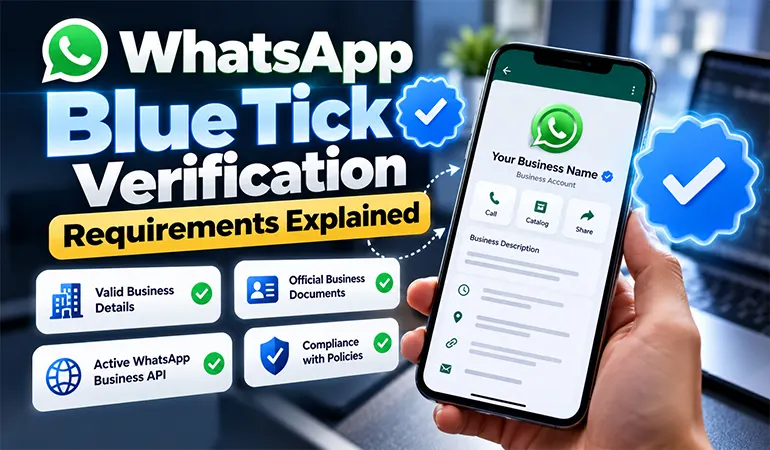
Get WhatsApp Blue Tick Verified with 10% off
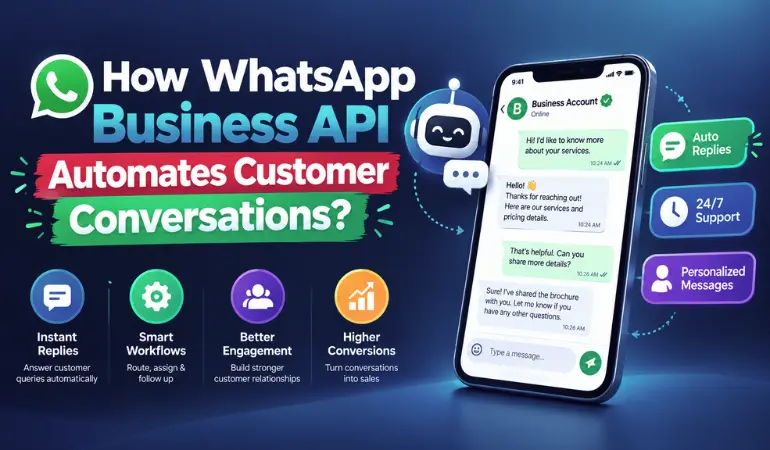
Customers expect quick responses from any business. If a customer sends a question on WhatsApp regarding a product price booking order or service they don't like waiting for a long reply.
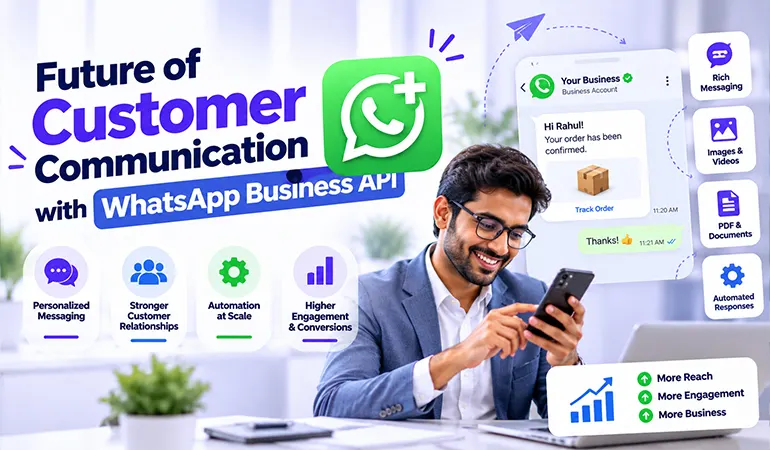
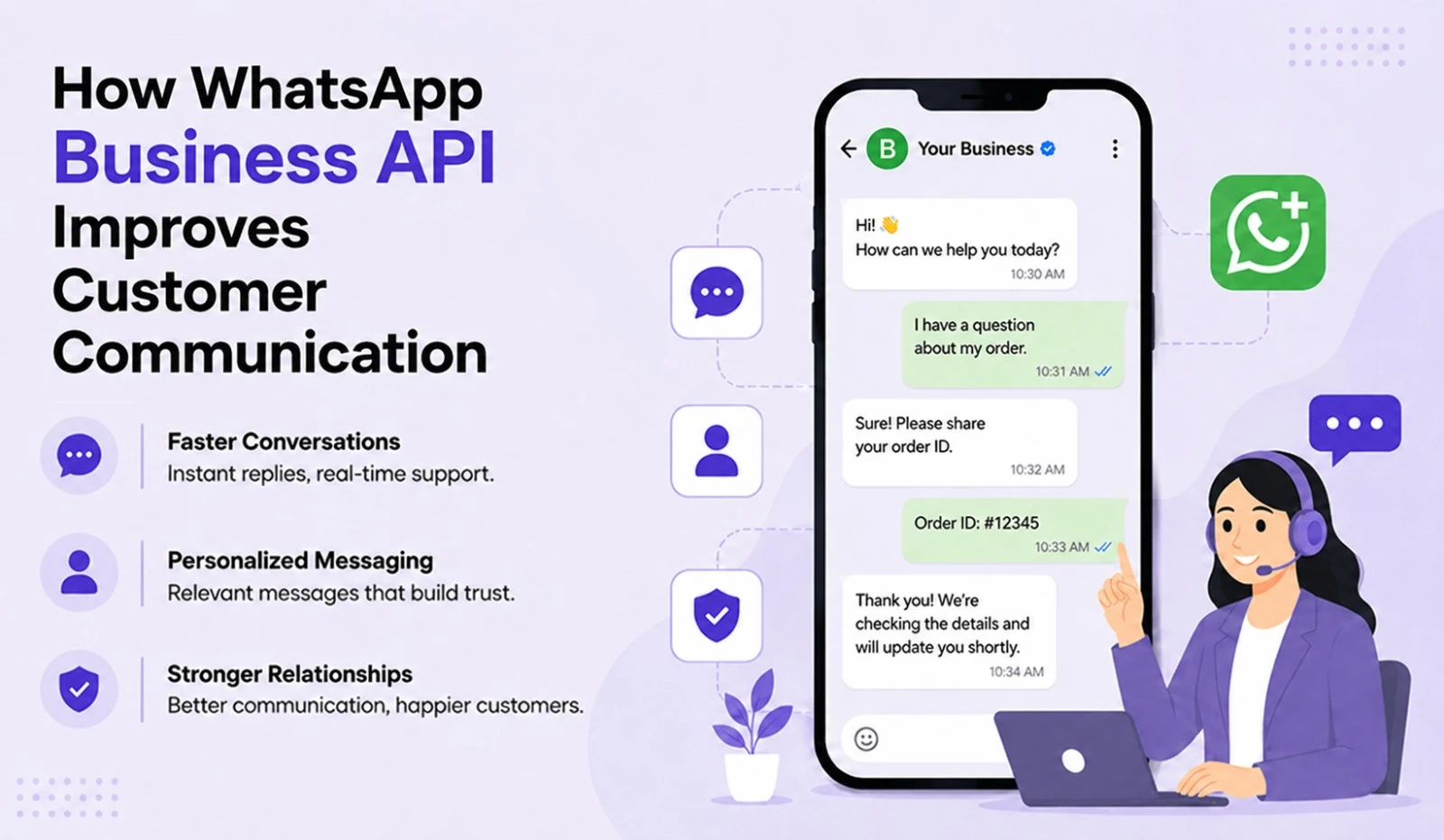
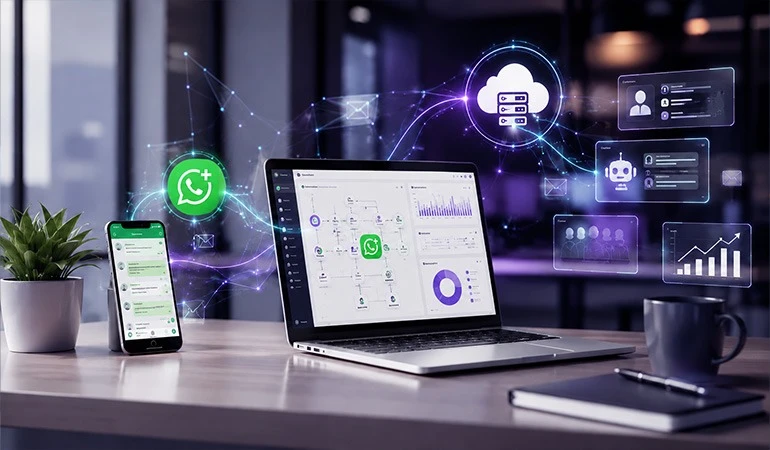
This is why businesses no longer rely solely on manual replies for WhatsApp chats. The WhatsApp Business API allows them to automate customer conversations, making it easier to manage inquiries, notifications follow-ups and systematically support messages.
HelloAll helps businesses streamline WhatsApp-based communication, allowing customers to receive the right information at the right time and business teams to handle repetitive conversations through automation.
How does automation work in customer conversations?
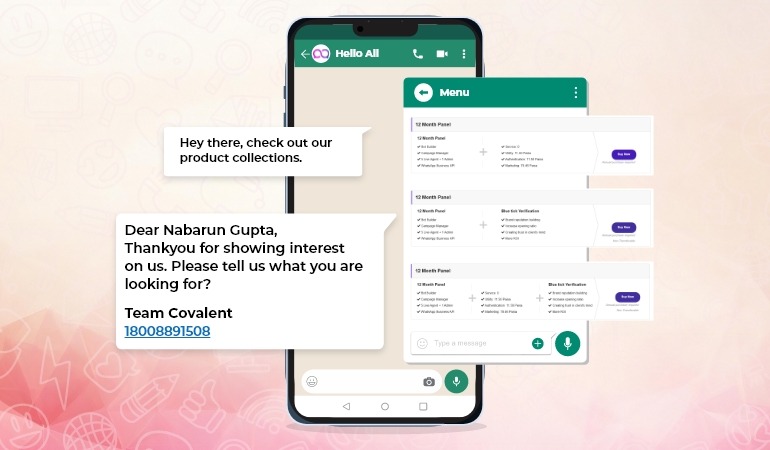
Let's say a customer wrote on WhatsApp, "What's the price of this product?"
A manual process would require an employee to view the message, extract the information and then reply. If hundreds of messages arrive daily, this could be time-consuming.
Predefined workflows and chatbot integration in the WhatsApp Business API allow automated responses to such common questions.
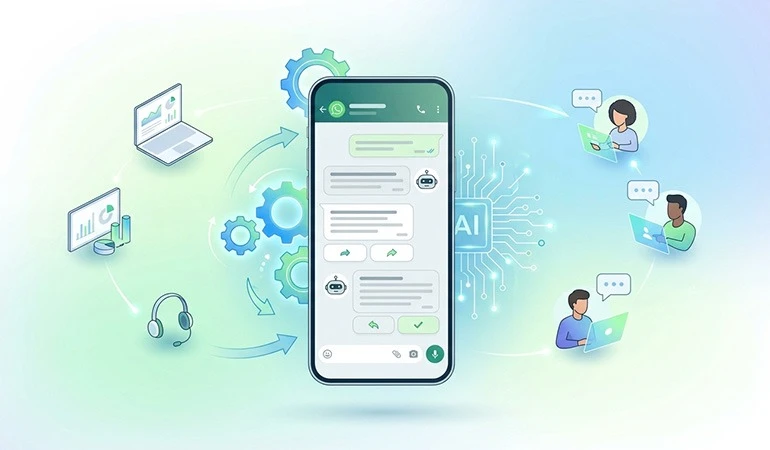
The basic flow of automation might be as follows:
* The customer sends a message on WhatsApp.
* The system recognizes the customer's query.
* An automated response or chatbot replies.
* The customer is provided with relevant options if needed.
* Complex queries are escalated to a human agent.
* Conversation data can be recorded in a CRM.
This way, customers don't have to wait for an employee to come online for basic information.
Which conversations can be automated with the WhatsApp Business API?
Not every customer conversation needs to be handled manually. Many everyday questions and updates can be easily managed through automation.
Frequently Asked Questions
Customers often ask similar questions, such as:
* How much does a product cost?
* What are office hours?
* When will delivery be?
* What payment options are available?
* How to start a service?
* How to make a booking?
Automated replies to these questions can provide customers with basic information immediately.
Lead Qualification
When a potential customer inquires on WhatsApp, a chatbot can ask them some initial questions.
For example, a customer can be asked about their budget, requirements, location, or preferred service. Qualified leads can then be routed to the sales team.
This reduces the need for the sales team to manually initiate each inquiry.
Appointment and Booking Updates
Clinics, salons, educational institutes, service providers and other appointment-based businesses can use WhatsApp automation.
Booking confirmations, appointment reminders and rescheduling information can be automatically sent to customers.
Order and Delivery Notifications
Order-related communication is crucial for e-commerce and retail businesses.
Messages such as order confirmations, payment updates, dispatch notifications and delivery status can be sent to customers via WhatsApp.
Customer Support
If a customer needs help with a problem, a chatbot can initially help them select the correct category.
Once a customer selects “Payment Issue,” “Order Issue,” or “Technical Support,” they can be provided with relevant information or connected to the appropriate support executive.
How does HelloAll make WhatsApp Automation easier for businesses?
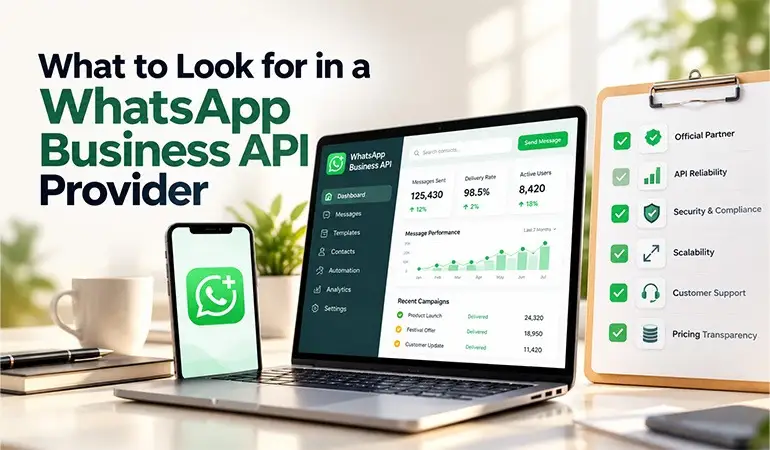
HelloAll helps simplify automation and structured messaging for businesses using the WhatsApp Business API for customer communication.
Businesses can create automated workflows tailored to their needs. This allows customers to quickly get answers to frequently asked questions, freeing employees to focus on more important conversations.
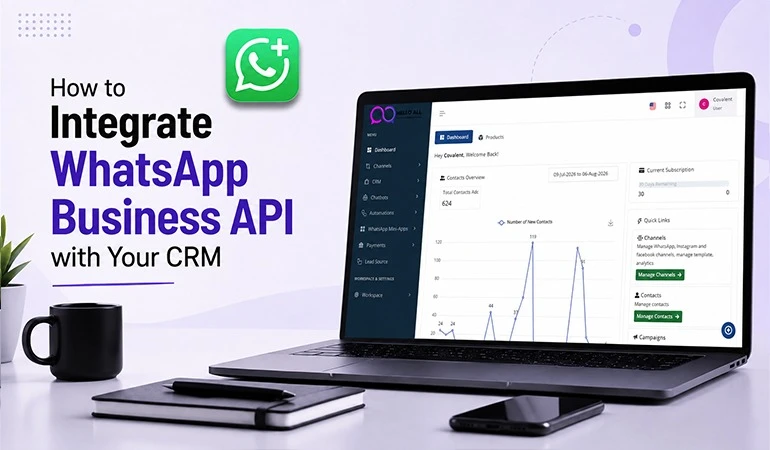
Connecting WhatsApp communications with a CRM or other business systems can also make it easier to manage customer conversations and lead information in one place.
Benefits of WhatsApp Business API Automation
Faster Customer Response
Customers can receive instant responses to basic queries. This reduces response delays and can also reduce the likelihood of customers dropping out during an inquiry.
24/7 Communication
Automation allows customers to receive basic information even outside of business hours.
If a customer inquires at night, they can get an initial response without waiting for an employee's reply the next day.
Reduced Repetitive Work
Sales and support teams don't have to spend time answering the same question over and over again.
Automation can handle routine conversations, while employees can focus on complicated queries and important customers.
Improved Lead Management
Important details can be collected from customers during WhatsApp conversations.
This information can be used by the sales team to understand, categorize leads and further follow-up.
Use Case 1: Enquiry Automation at an Education Institute
Suppose a digital marketing institute receives inquiries daily on WhatsApp regarding course fees, duration, syllabus and the admission process.
WhatsApp automation could ask the customer which course they are looking for. Details such as course duration, basic fee information and syllabus can then be automatically shared.
If a student is interested in admission or counseling, the conversation can be transferred to a counselor.
This reduces the need for the institute to manually respond to each inquiry.
Use Case 2: Order Communication in an E-commerce Business
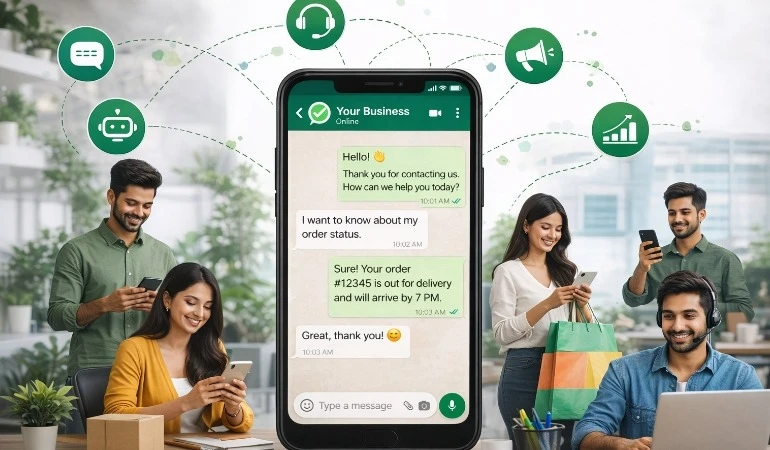
An online store may receive messages daily regarding order statuses from multiple customers.
Automation can collect the customer's order number and provide the available status information. A confirmation message can be sent upon order confirmation and a dispatch notification upon shipment.
If a customer's issue isn't resolved through the automated flow, it can be escalated to a support executive.
Case Study 1: Real Estate Lead Follow-up
A real estate business received frequent property inquiries on WhatsApp from its website and advertising campaigns. It was difficult for the sales team to contact each lead promptly.
Following an inquiry via WhatsApp Business API automation, customers were asked for initial details such as property type, preferred location and budget.
Interested customers were routed to sales executives, while general property information was provided via automated messages.
This approach allowed the sales team to dedicate more time to qualified inquiries and streamlined the follow-up process.
Case Study 2: Healthcare Appointment Management
Patients at a clinic used WhatsApp for appointment booking and confirmation. Staff had to manually confirm each appointment.
After receiving a booking request via WhatsApp automation, available appointment options were shared. Upon confirmation, a confirmation message was sent to the patient and a reminder was sent before the appointment.
This reduced staff's repetitive workload and ensured patients received appointment-related information in a timely manner.
Why is human support needed in WhatsApp automation?
Automation doesn't mean that every customer should be answered by a chatbot. Some conversations require human support.
For example, in case of a payment dispute, complicated product issue, complaint, or customized requirement, a customer may need to speak with a support executive.
Therefore, a good WhatsApp workflow automates simple queries and routes complex conversations to the right team member.
What should be considered before adopting the WhatsApp Business API?
Businesses should first understand which conversations are truly suitable for automation.
Following this can then create FAQs, lead questions, support categories and notification workflows.
A few key points:
* Define the customer journey first.
* Identify frequently asked questions.
* Prepare appropriate automated responses.
* Provide the option for human handover.
* Understand the need for CRM integration.
* Handle customer data securely.
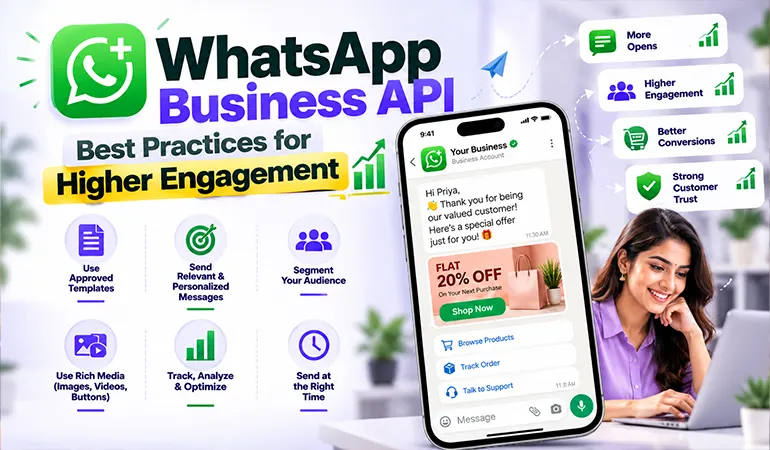
* Follow applicable WhatsApp policies for promotional and transactional communication.
Which businesses is the WhatsApp Business API useful for?
WhatsApp automation can be useful for a variety of businesses, especially those with a high volume of customer inquiries and follow-ups.
These include:
* E-commerce businesses
* Real estate companies
* Educational institutes
* Clinics and healthcare services
* Travel agencies
* Retail businesses
* Financial service companies
* Restaurants and food businesses
* Service-based companies
* Digital marketing agencies
If a business has to handle a large number of WhatsApp inquiries, customer questions, notifications, or follow-ups daily, automation can streamline the communication process.
The Next Step in Customer Communication with WhatsApp Business API and HelloAll
Customers today don't just choose a communication channel; they also look for convenience and a timely response. WhatsApp has already become a key medium for customer communication for many businesses.
By using the WhatsApp Business API with HelloAll, businesses can access FAQs, lead qualification notifications, appointment updates and automate workflows like customer support.
With the right automation strategy, WhatsApp goes beyond just sending messages. It can become a useful channel for managing business communication, from customer inquiries to support and follow-ups.
FAQs
The WhatsApp Business API can automate many routine conversations, such as FAQs, order updates, appointment reminders and initial lead qualification. For complex queries, it's best to transfer the conversation to a human agent.
Yes. If small businesses have to manage customer inquiries, bookings, order updates, or follow-ups daily, automation can help save time and streamline communication.
HelloAll helps businesses manage and automate customer communication through the WhatsApp Business API. Businesses can create automated conversations, notifications and customer communication workflows tailored to their needs.
No. Automation can handle routine queries, but human assistance is necessary for complex complaints, customized requirements and sensitive support issues. In the right setup, the chatbot and support team work together.
WhatsApp automation can qualify leads by collecting initial information from the customer. Qualified leads can be routed to the sales team by collecting details such as requirements, budget, location, or service preference. This can streamline the follow-up process.