Get WhatsApp Blue Tick Verified with 10% off
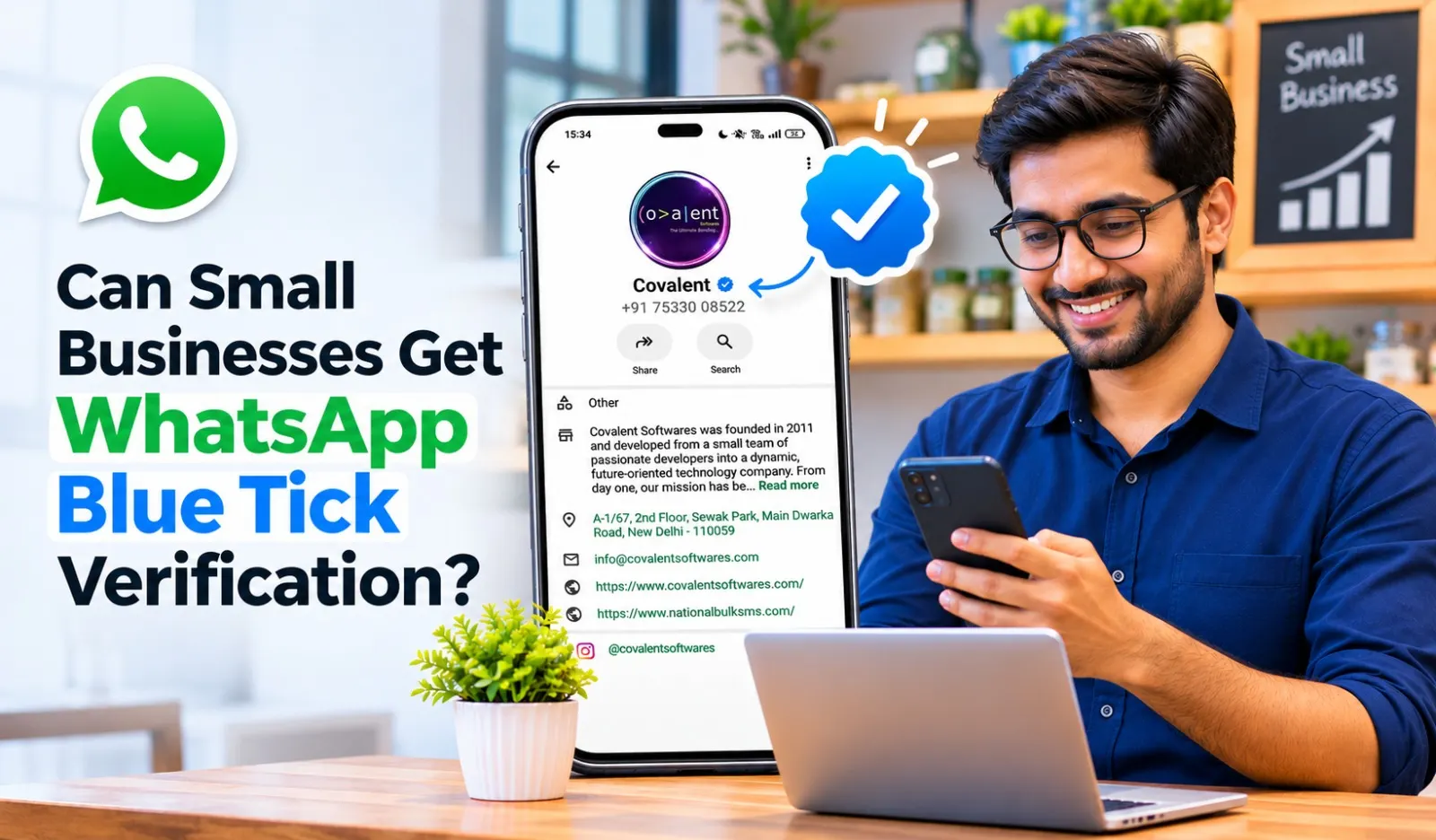
WhatsApp has become an important communication channel for businesses of every size. From local shops and online stores to service providers and educational institutes, companies use WhatsApp to answer enquiries, share updates and stay connected with customers.
However, many small business owners still believe that WhatsApp Blue Tick Verification is available only to large companies, famous brands, or organisations with thousands of customers.
This is a common misconception. Small businesses can also explore WhatsApp Blue Tick Verification if they meet Meta's applicable eligibility requirements.
A verified badge can help customers identify an authenticated business account and recognise the official communication channel of a company. For smaller businesses trying to establish their identity in a competitive market, this can be a useful addition.
Hello All helps businesses understand WhatsApp Business solutions, including Blue Tick Verification, WhatsApp Business API and automation services.
What Is WhatsApp Blue Tick Verification?
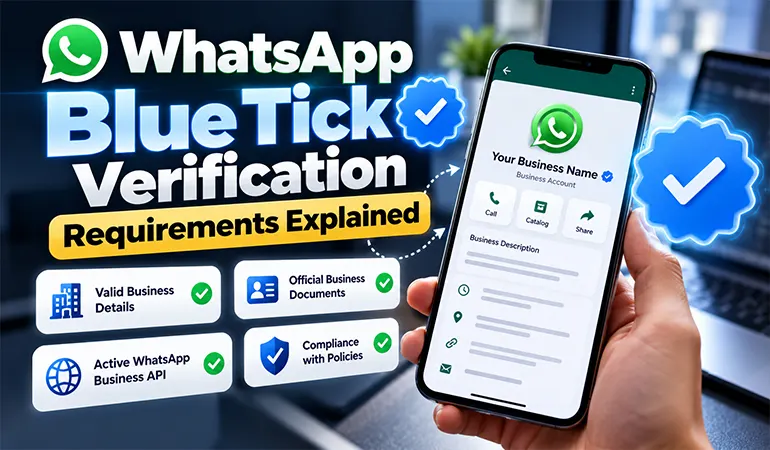
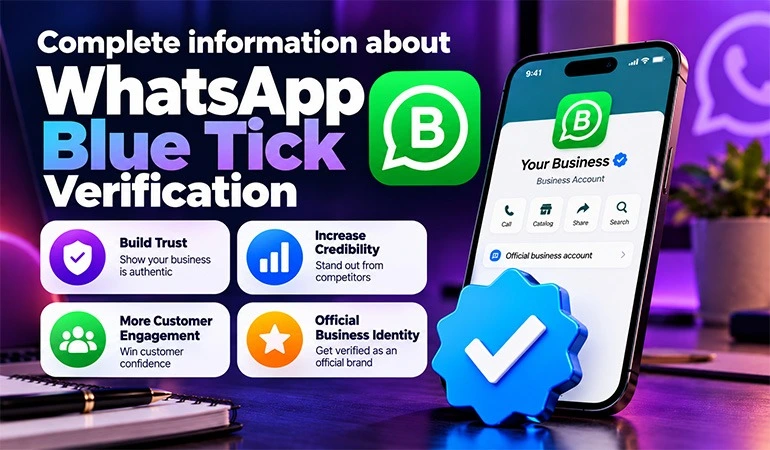
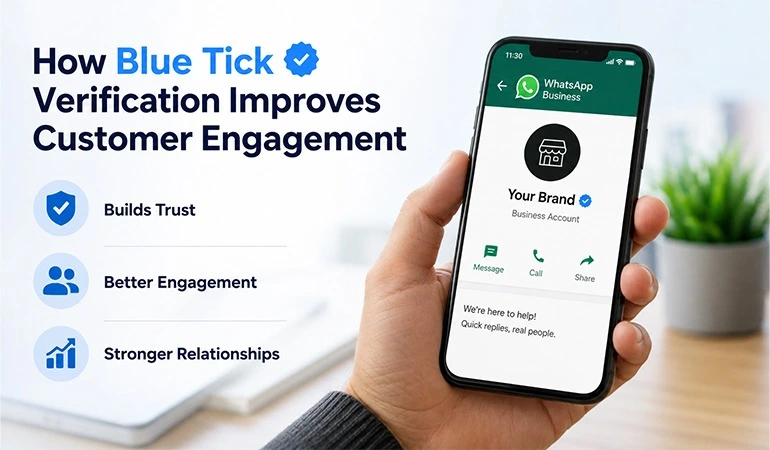
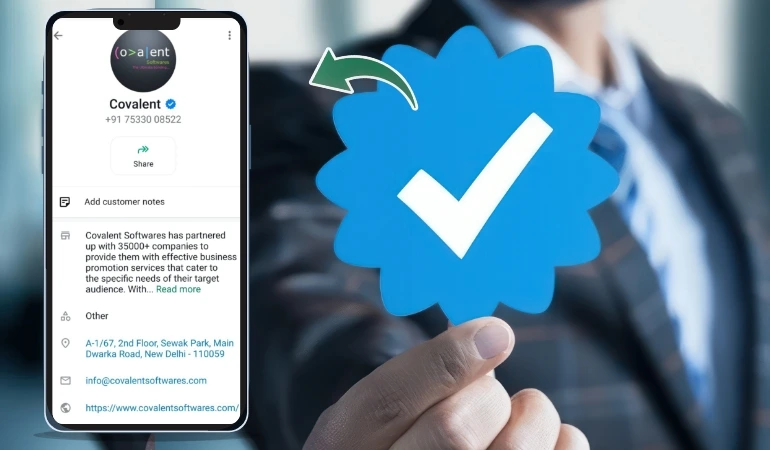
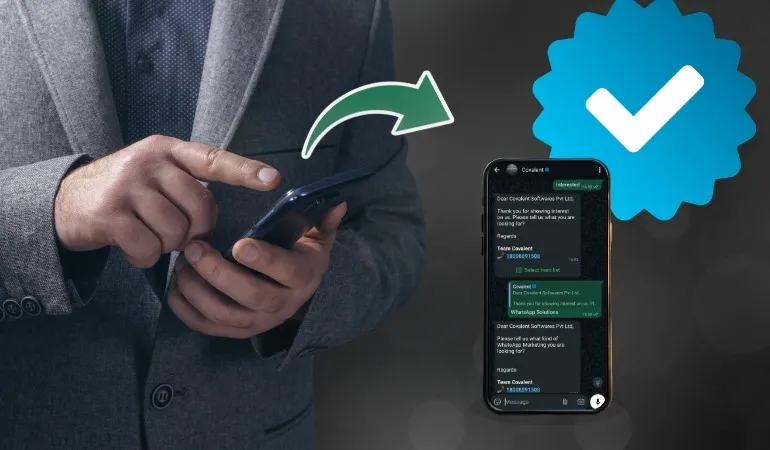
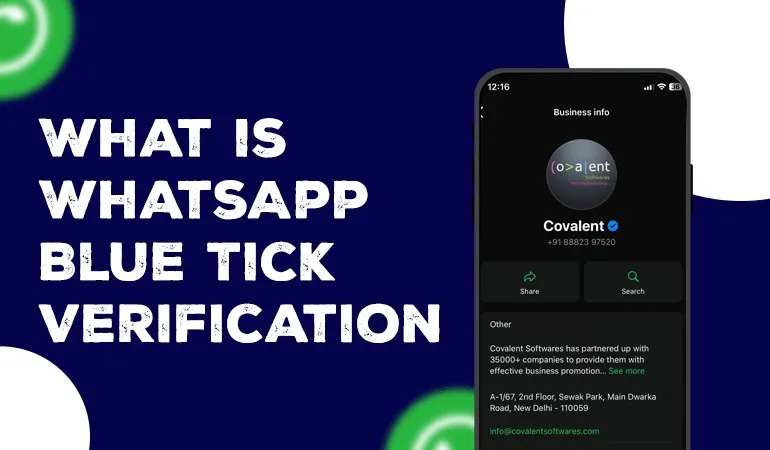
WhatsApp Blue Tick Verification is a badge that helps customers identify an authenticated business account.
It indicates that the business has completed the applicable verification process through Meta. Customers can use this badge as an additional signal when deciding whether they are communicating with the official business account.
For small businesses, verification can help establish a more recognisable business identity.
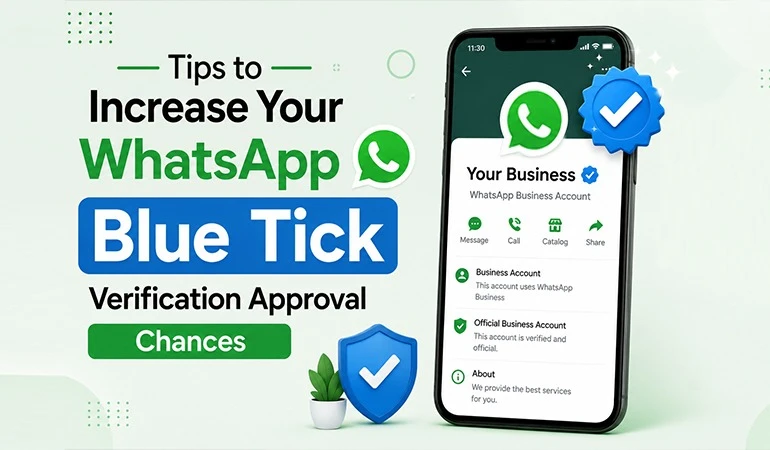
Meta Verified for businesses on WhatsApp offers features that may include:
• A verified badge on the business profile.
• Protection against business impersonation.
• Access to Meta Verified support.
• Additional business features depending on the subscription.
• Support for managing business communication across multiple devices.
The available features and eligibility requirements may vary depending on the country and subscription plan.
Can Small Businesses Get WhatsApp Blue Tick Verification?
Yes. Small businesses can apply for Meta Verified on WhatsApp if their accounts meet the applicable requirements.
Meta's verification options are not limited to multinational companies or well-known brands.
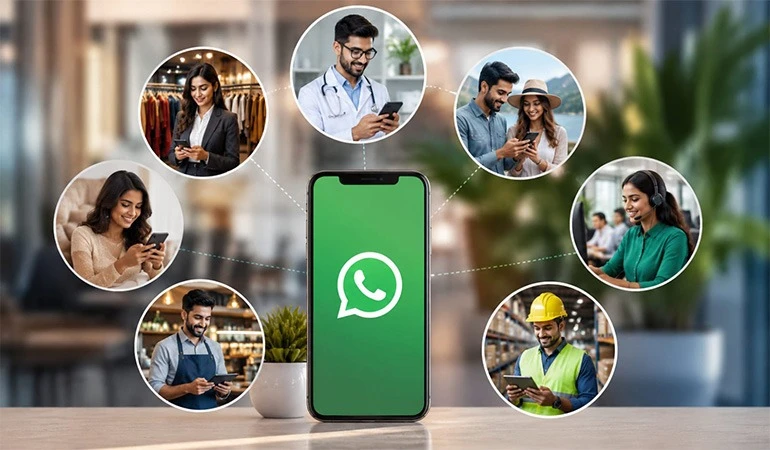
A local clothing store, digital marketing agency, coaching institute, online retailer, salon, or consultancy can explore the available verification programme.
However, simply creating a WhatsApp Business account does not guarantee a blue tick.
Businesses must meet Meta's eligibility conditions and complete the required verification process.
The final approval depends on Meta's review.
Eligibility Requirements for Small Businesses
Before applying for WhatsApp Blue Tick Verification, small businesses should understand the basic requirements.
Although the exact conditions depend on the available programme, businesses should pay attention to the following points.
1. Have an Active WhatsApp Business Account
Businesses should maintain an active WhatsApp Business account with genuine business activity.
The account should be used for professional communication rather than personal conversations.
2. Provide Accurate Business Information
Your business name, profile details and contact information should be correct.
Avoid using misleading names or incomplete information that could create confusion during verification.
3. Maintain a Complete Business Profile
A professional business profile helps customers understand your company.
Include details such as:
• Business name.
• Business category.
• Profile image or company logo.
• Business description.
• Website and contact information.
• Business address, where applicable.
4. Follow WhatsApp Business Policies
Businesses must follow WhatsApp's applicable Business Messaging, Commerce and other relevant policies.
Accounts involved in prohibited activities or repeated policy violations may face restrictions.
5. Complete the Required Verification Process
Meta may ask businesses to confirm their identity and provide supporting information.
Keep relevant business details and documents ready when requested.
Documents Small Businesses May Need
The documents required depend on the verification programme and the information Meta requests.
Businesses should keep the following details available:
• Business registration information, where applicable.
• Legal business name.
• Business address.
• Official website.
• Business email address.
• Supporting identity or business documents, when requested.
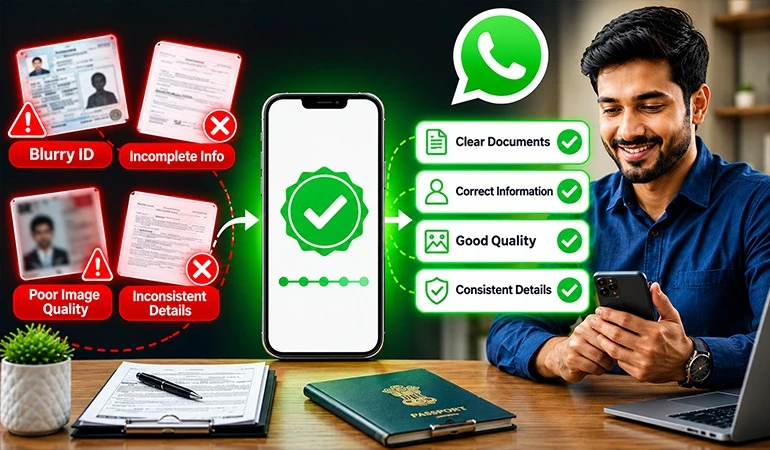
Make sure the information provided is consistent and accurate.
Submitting incomplete or incorrect details can create delays or lead to rejection.
How Can Small Businesses Apply for WhatsApp Blue Tick Verification?
Eligible businesses can explore Meta Verified directly through their WhatsApp Business settings.
The general process includes the following steps.
Step 1: Open WhatsApp Business
Open the WhatsApp Business application on your mobile device and access the business settings.
Step 2: Check Meta Verified Availability
Look for the Meta Verified option in the available business settings.
The option may not be available to every account or in every location.
Step 3: Review the Subscription Details
Check the available subscription, features, pricing and eligibility conditions before proceeding.
Step 4: Submit Business Information
Provide the requested business details and complete the applicable identity verification steps.
Step 5: Complete the Review Process
Follow the instructions provided by Meta and wait for the verification decision.
Approval is subject to Meta's review. Businesses should avoid anyone promising guaranteed approval through unofficial methods.
Benefits of WhatsApp Blue Tick for Small Businesses
Small businesses often need to establish customer confidence while competing with larger brands.
A verified WhatsApp account can support this effort in several ways.
1. Builds Business Credibility
Customers who discover a business for the first time may want to confirm its identity.
A verified badge provides an additional signal that they are communicating with an authenticated business account.
2. Helps Establish Brand Identity
Small businesses can use WhatsApp as an official communication channel.
A verified profile can help customers recognise the business and distinguish it from unofficial accounts.
3. Supports Customer Confidence
Customers may feel more comfortable starting a conversation with an account displaying a verified badge.
This can be useful for businesses that receive enquiries from online advertisements and social media.
4. Offers Additional Brand Protection
Meta Verified includes impersonation protection features for eligible subscribers.
This can help businesses address concerns about fake accounts using their business identity.
5. Supports Professional Communication
A verified profile combined with organised messaging can help businesses maintain a consistent brand image.
It also gives customers a clearer way to connect with the company.
2 Use Cases of WhatsApp Blue Tick for Small Businesses
Use Case 1: A Local Clothing Store
A small clothing store sells products through its physical outlet and Instagram page.
Customers frequently contact the store through WhatsApp to ask about product availability, sizes, prices and delivery.
The owner explores WhatsApp Blue Tick Verification and improves the business profile.
The store also uses WhatsApp to share product details, order confirmations and delivery updates.
Expected Benefits:
• Customers can identify the authenticated business account.
• New buyers receive an additional confidence signal.
• Product enquiries become easier to manage.
• Regular updates improve customer communication.
Use Case 2: A Small Digital Marketing Agency
A digital marketing agency receives enquiries from startups and local businesses looking for SEO, website development and advertising services.
Potential clients often want to confirm the agency's identity before discussing their requirements.
The agency explores Meta Verified and organises its WhatsApp communication.
It uses the account to share service information, consultation details and project updates.
Expected Benefits:
• A more recognisable business identity.
• Clearer communication with potential clients.
• Better organisation of customer enquiries.
• An additional authenticity signal for new customers.
2 Case Studies on Small Business WhatsApp Verification
The following are illustrative examples created to explain practical business applications. They are not actual Hello All client results.
Case Study 1: A Home Decor Business
Business Background:
A small home decor business sells customised products through its website and social media accounts.
Challenge:
The business received enquiries from new customers who wanted to confirm its identity before making advance payments.
Solution:
The company reviewed its WhatsApp Business profile and explored the available Meta verification option.
It also improved its customer communication by introducing:
• Clear business information.
• Product catalogues.
• Order confirmations.
• Delivery updates.
• Customer support responses.
Outcome:
The business established a clearer official communication channel. Customers could identify its authenticated account and access product information more easily.
Case Study 2: A Coaching Institute
Business Background:
A small coaching institute receives enquiries from students and parents about courses, fees, admission dates and class schedules.
Challenge:
The institute wanted to create a professional business identity and manage enquiries through a recognisable WhatsApp account.
Solution:
The institute explored WhatsApp verification and improved its business profile.
It also started using WhatsApp for admission reminders, course information, counselling schedules and student communication.
Outcome:
The institute developed a more organised communication process. The verified identity provided an additional confidence signal for students and parents contacting the institute.
Common Mistakes Small Businesses Should Avoid
While applying for WhatsApp verification, businesses should avoid these mistakes:
• Providing incorrect business information.
• Using inconsistent business names.
• Ignoring Meta's verification requirements.
• Submitting incomplete documents when requested.
• Trusting agencies that promise guaranteed approval.
• Frequently changing business profile details without checking the applicable rules.
• Assuming that verification automatically increases sales.
Businesses should also remember that a verified badge does not replace good customer service.
How Hello All Helps Small Businesses with WhatsApp Business Solutions
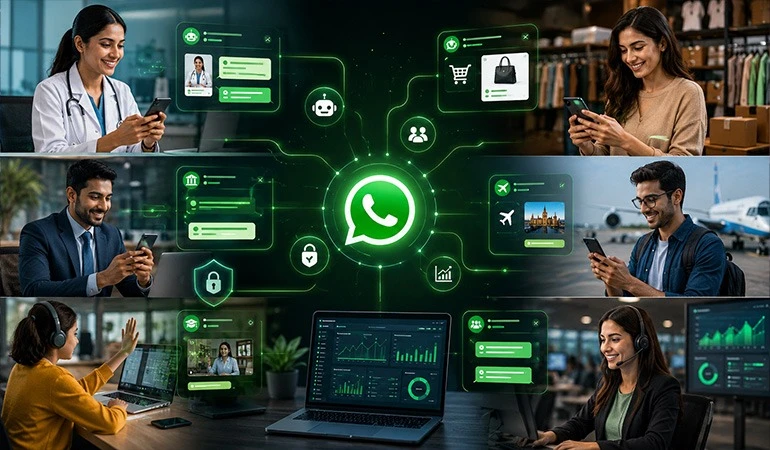
Hello All helps businesses explore WhatsApp solutions that support professional customer communication.
Small businesses may need different tools depending on their customer base, enquiry volume and daily operations.
Hello All offers solutions such as:
WhatsApp Blue Tick Verification Assistance
Get guidance on understanding eligibility requirements, preparing business information and exploring the applicable Meta verification process.
WhatsApp Business API
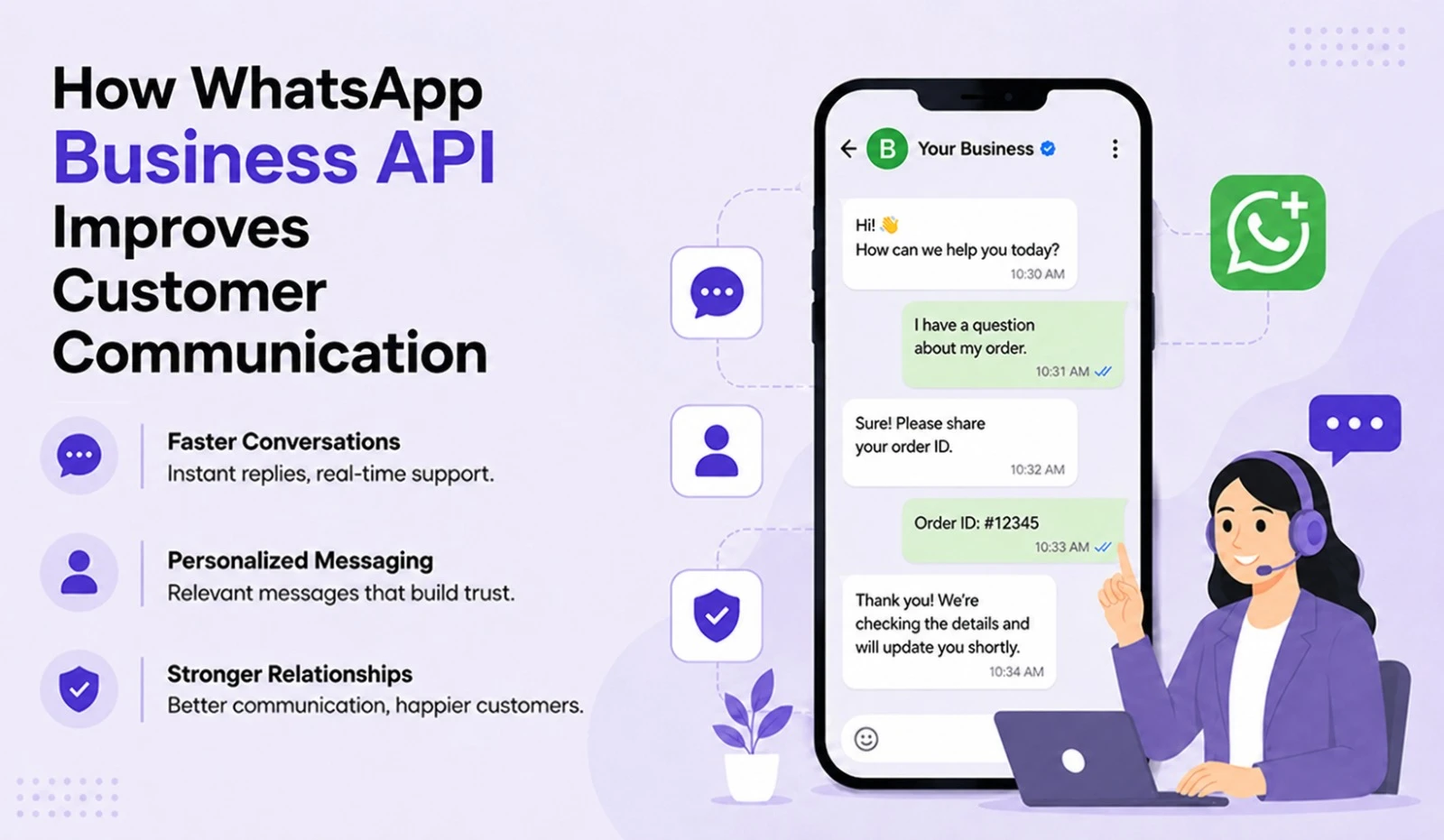
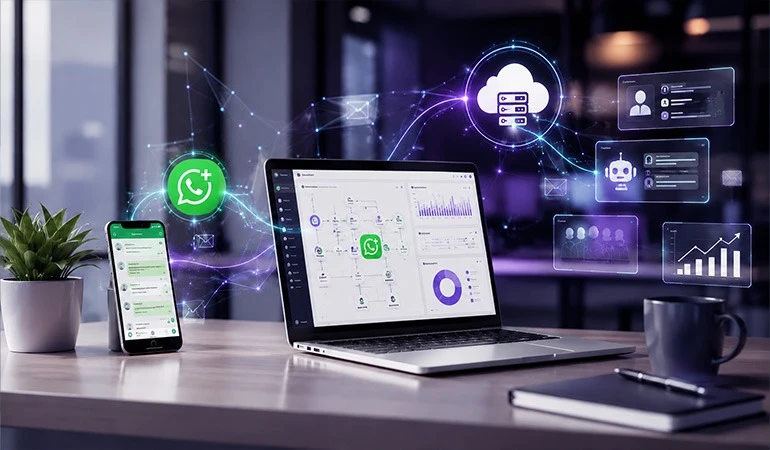
Manage customer conversations and business messaging through solutions designed for growing companies.
WhatsApp Automation
Automate routine replies, customer updates and other communication activities to reduce manual work.
WhatsApp CRM Integration
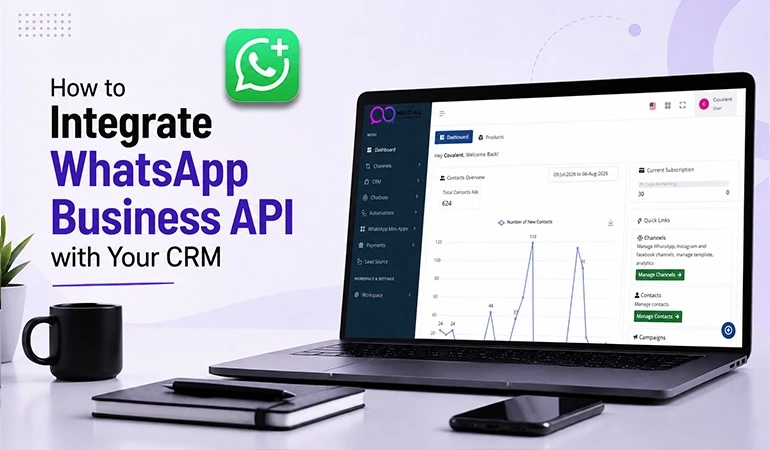
Organise customer information, track enquiries and manage follow-ups through CRM integration.
WhatsApp Business Communication
Improve customer interactions through organised messaging, business updates and support communication.
With Hello All, small businesses can explore WhatsApp Business solutions according to their requirements and communication goals.
FAQs
Can a newly started business get a WhatsApp blue tick?
+A newly started business can explore Meta Verified if its account meets the applicable eligibility requirements. Account age, business information and other conditions may affect eligibility.
Is WhatsApp Blue Tick available for small businesses in India?
+Yes. Meta Verified for businesses on WhatsApp has been introduced in India. However, availability depends on account eligibility and the current subscription options.
Does a small business need GST registration for WhatsApp Blue Tick?
+GST registration is not a universal requirement for every verification option. Meta may request different identity or business documents depending on the account and verification process.
How much does WhatsApp Blue Tick Verification cost?
+Meta Verified is a paid subscription for eligible businesses. Pricing and available plans may vary. Businesses should check the latest price displayed in their WhatsApp Business settings.
Can Hello All help small businesses with WhatsApp Blue Tick Verification?
+Yes. Hello All can guide businesses in understanding the verification requirements, preparing business information and exploring suitable WhatsApp Business solutions. Final verification approval is controlled by Meta.